Free room planning with no sign-up
AI Room Design Free
Plan your room online for free without creating an account. Arrange furniture on the canvas, test practical layouts, and export a clean, watermark-free plan. If you want to turn the layout into an AI-rendered image, you can create a free account at that step.
What you can do with free AI room design
Use the free planning canvas to explore furniture placement before you buy, move, or renovate. The core planner opens without a login and lets you move, resize, rotate, and duplicate objects. Exported layout plans do not carry a RoomAI watermark. Optional photorealistic AI rendering uses generation credits and asks you to create a free account first.
- Open the room planner without creating an account
- Arrange, resize, rotate, and duplicate furniture
- Export a clean room layout without a RoomAI watermark
- Save a guest draft locally in the current browser
How to design a room online for free
- 1
Open the planner and start with the sample room or a blank layout.
- 2
Drag furniture into place, adjust sizes, and keep doors and walking paths clear.
- 3
Export your layout for free, or sign up only if you want an AI-rendered concept.
Free room planning for different needs
Who the free room designer is for
- 01Renters planning a furniture refresh
- 02Homeowners comparing room layouts
- 03Students and first-time movers
- 04Anyone checking furniture fit before buying
Get a more useful room plan
- Use real room dimensions when you know them
- Leave enough clearance around doors and main walkways
- Test two or three layouts before choosing furniture
AI Room Design Free FAQ
The interactive room planner is free to open and use for arranging a layout. You can also export a clean layout without a RoomAI watermark. Generating a photorealistic AI image is a separate credit-based feature, and new users can create a free account to try it.
No. You can open the planner, place furniture, edit the layout, and keep a local guest draft without signing in. An account is required only for cloud projects and AI image generation.
No RoomAI watermark is added to the basic room layout export. The export shows the plan you created, so you can keep it for reference or share it with someone helping you arrange the space.
You can use your room or floor plan as a visual reference while arranging the canvas. For a photorealistic redesign generated directly from a room photo, use the optional AI rendering flow after creating a free account.
The planner stores a guest draft locally in the browser when storage is available. It does not sync across devices. Create an account if you need named cloud projects or access from another browser.
No. It is a visual planning tool for comparing furniture layouts and room ideas. Confirm measurements, building rules, electrical work, and construction decisions with qualified professionals.
More room design tools
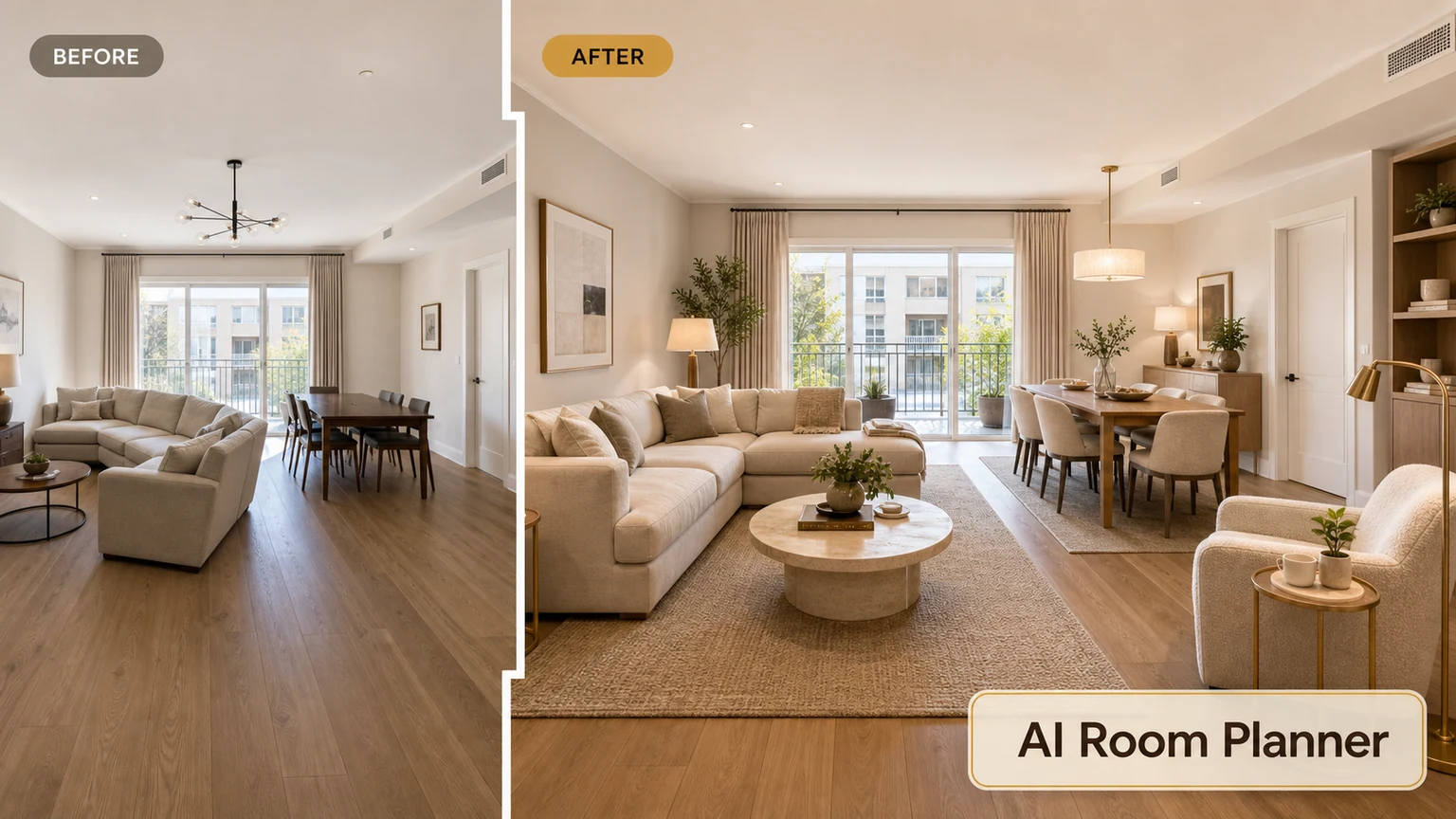
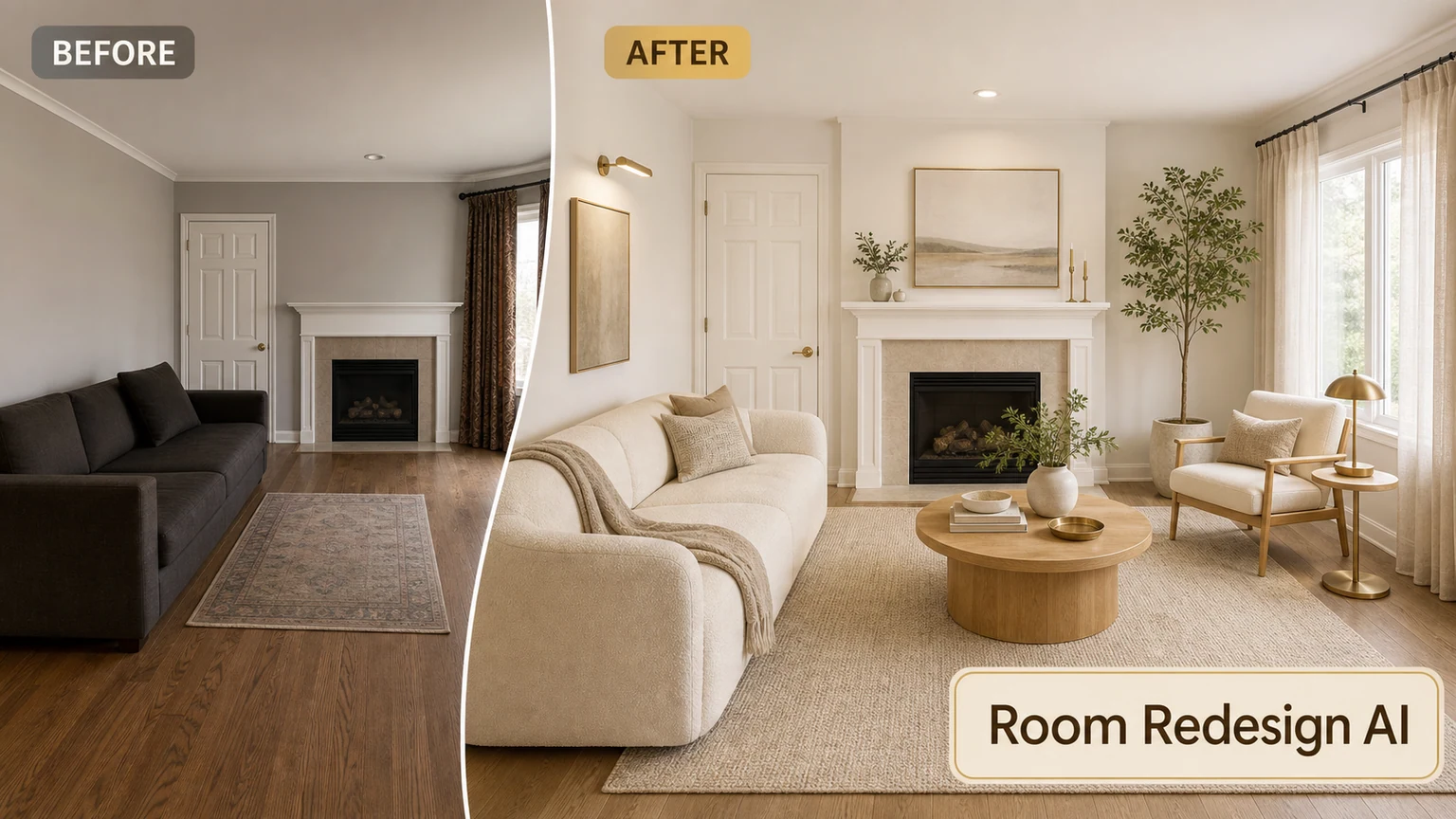
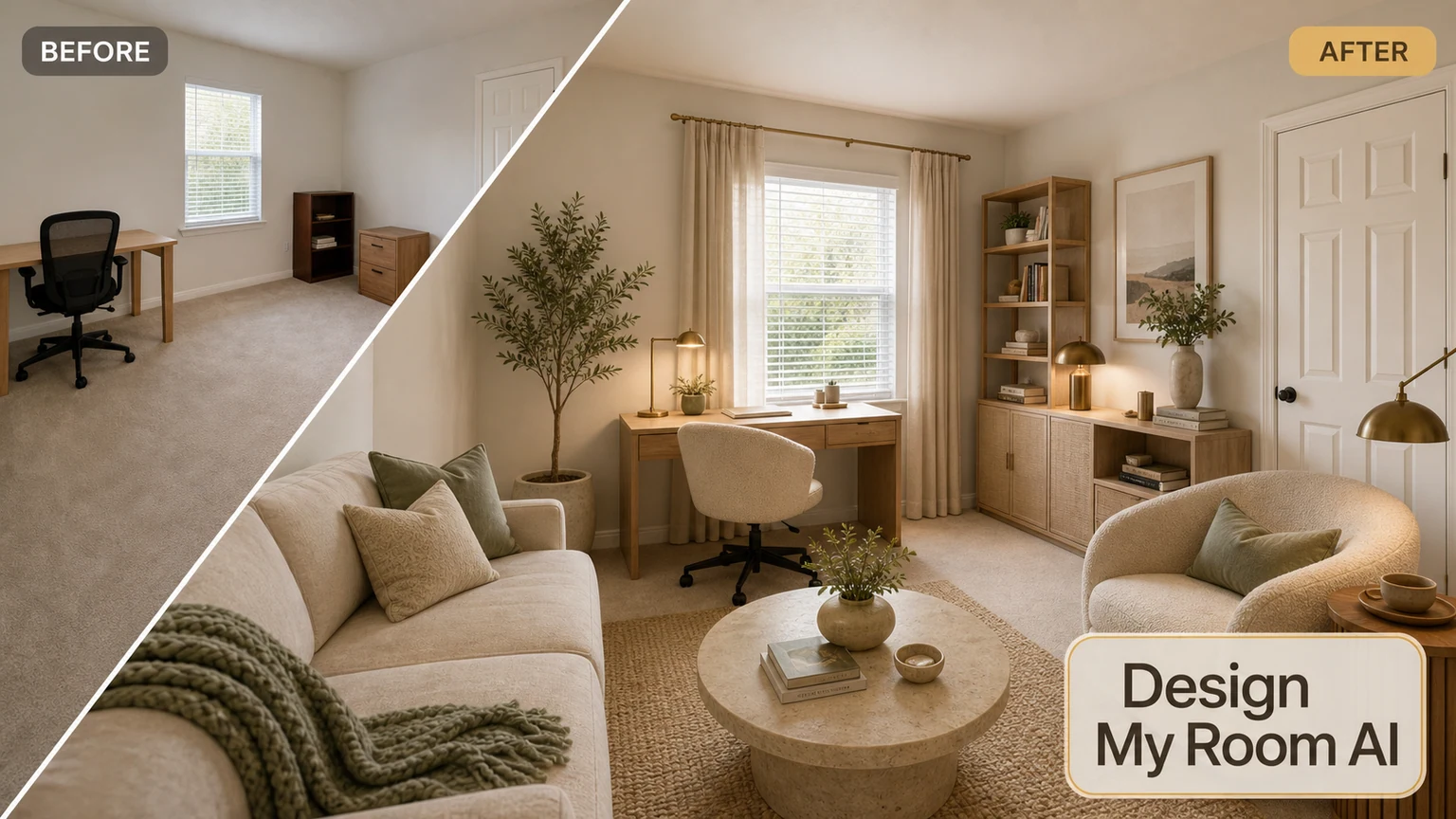
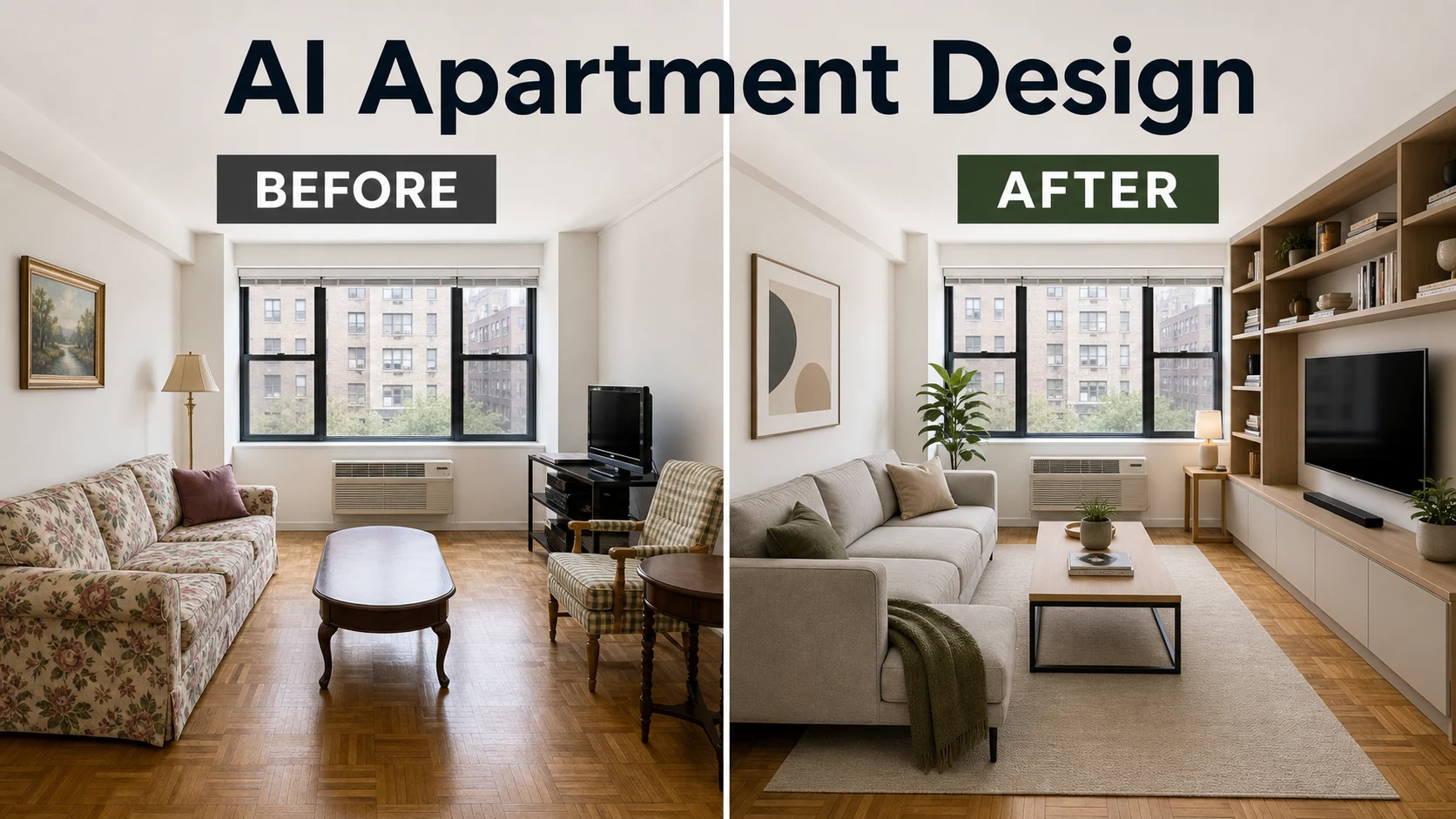
Want a photo-based redesign instead? Try our AI Apartment Design
Start your free room design
Open the planner without signing up and build a watermark-free room layout.