Outdoor Design AI
Describe patio, balcony, or terrace goals
Upload Assets
Upload a photo of the space you want to design or edit. Browse Files
Supported Formats: JPG, PNG, WEBP • 10MB
Choose outdoor use
Outdoor Design AI
Outdoor inspiration
Upload reference images to guide the AI. The model will use these as visual context for generation.
Outdoor living spaces
Outdoor Design AI
Redesign patios, balconies, and terraces with seating, plants, lighting, and materials that turn outdoor space into a livable extension of home.
Outdoor rooms, not just yards
Outdoor design focuses on seating zones, plants, weather-friendly materials, and lighting so balconies and patios feel intentional and usable.
- Patio and terrace seating layouts
- Balcony-friendly compact designs
- Planting and lighting accents
- Material and furniture style previews
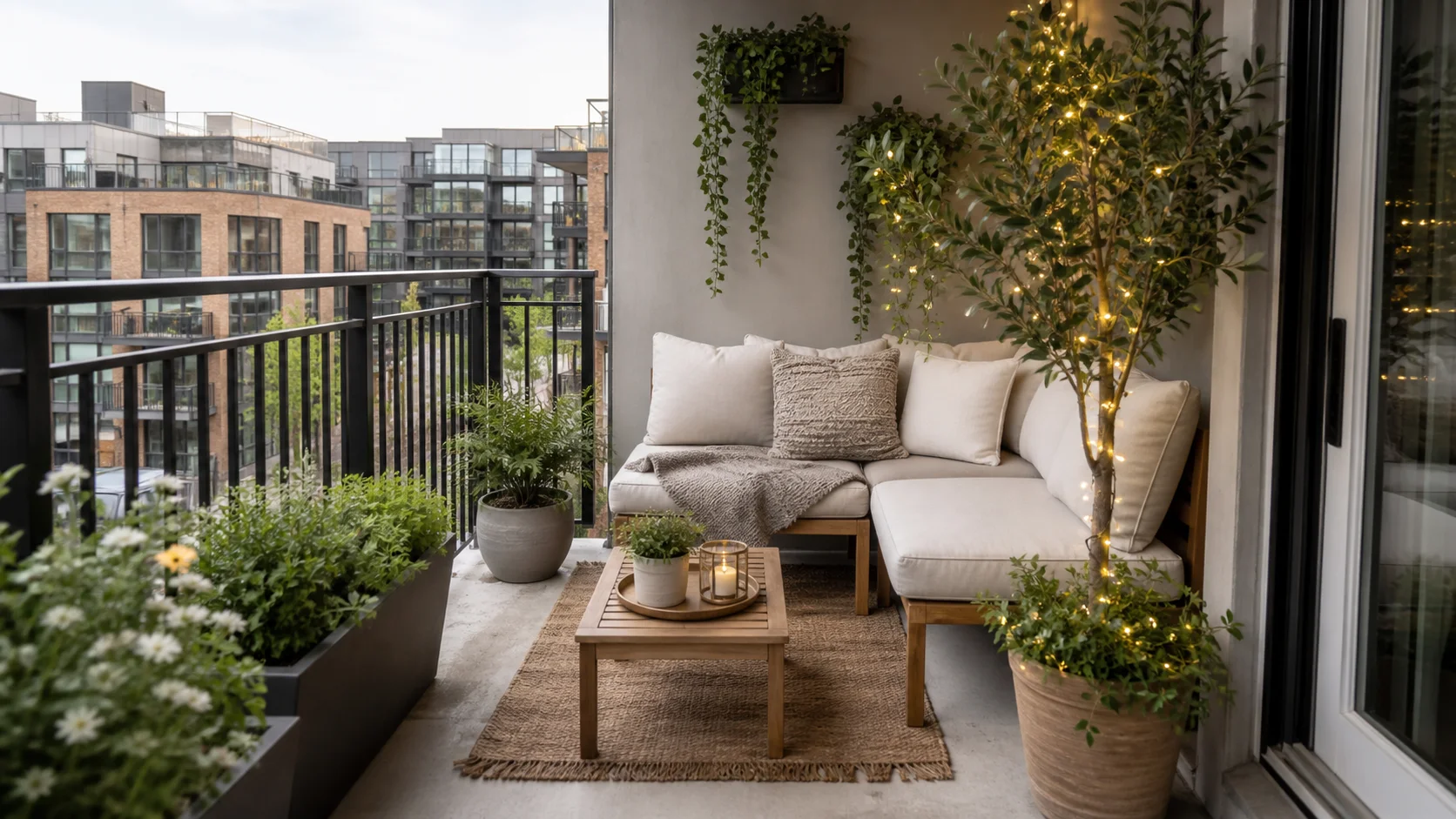
Outdoor inspiration
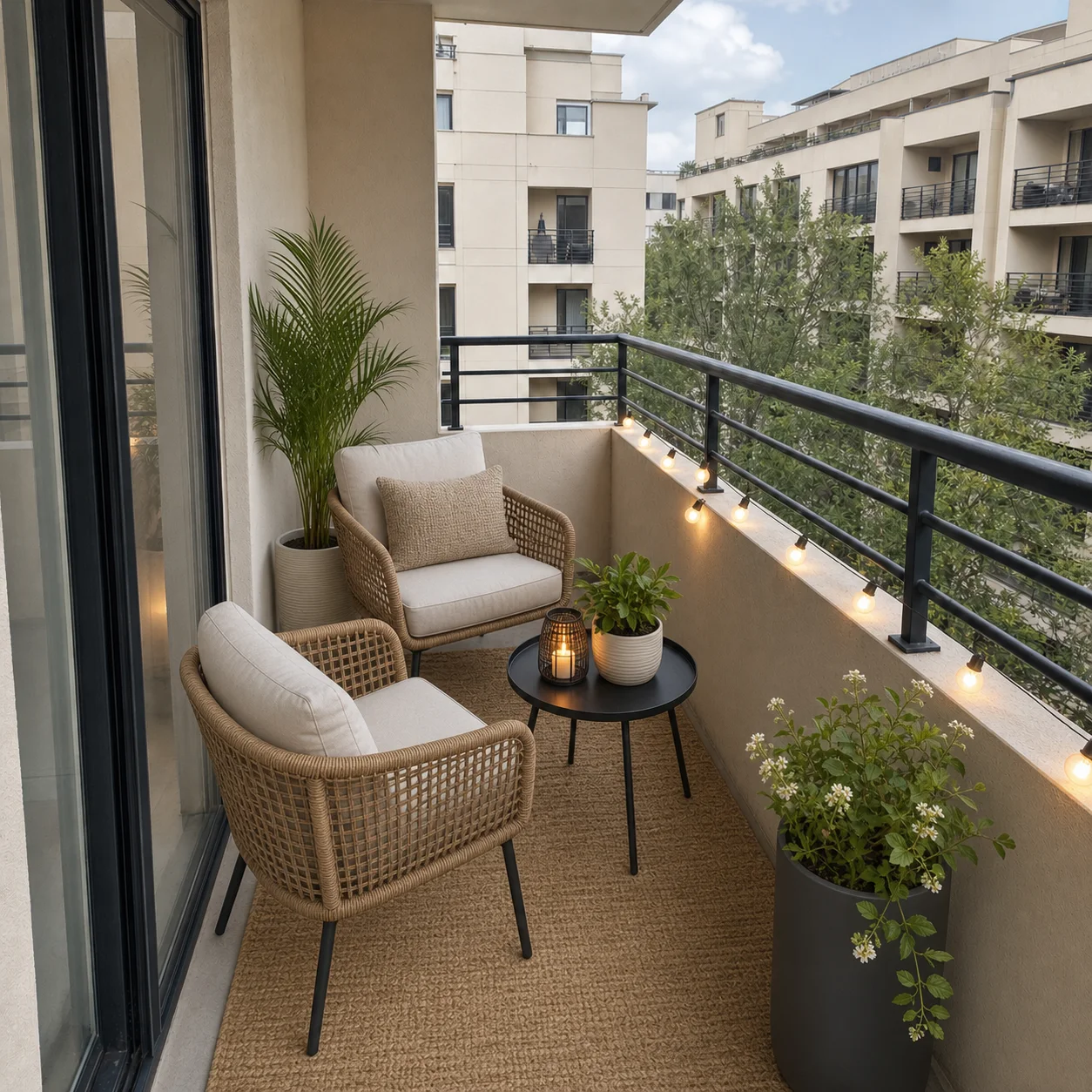
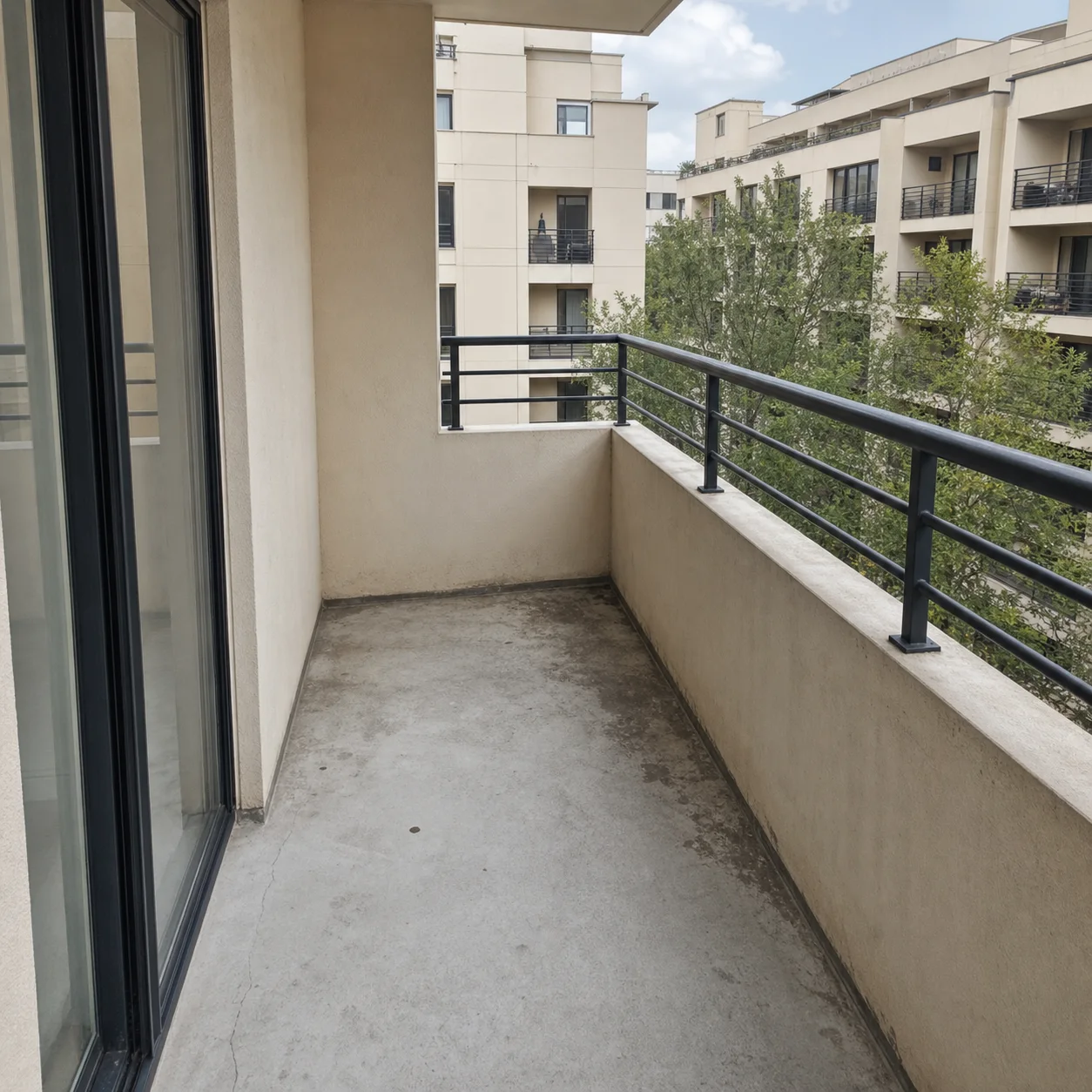
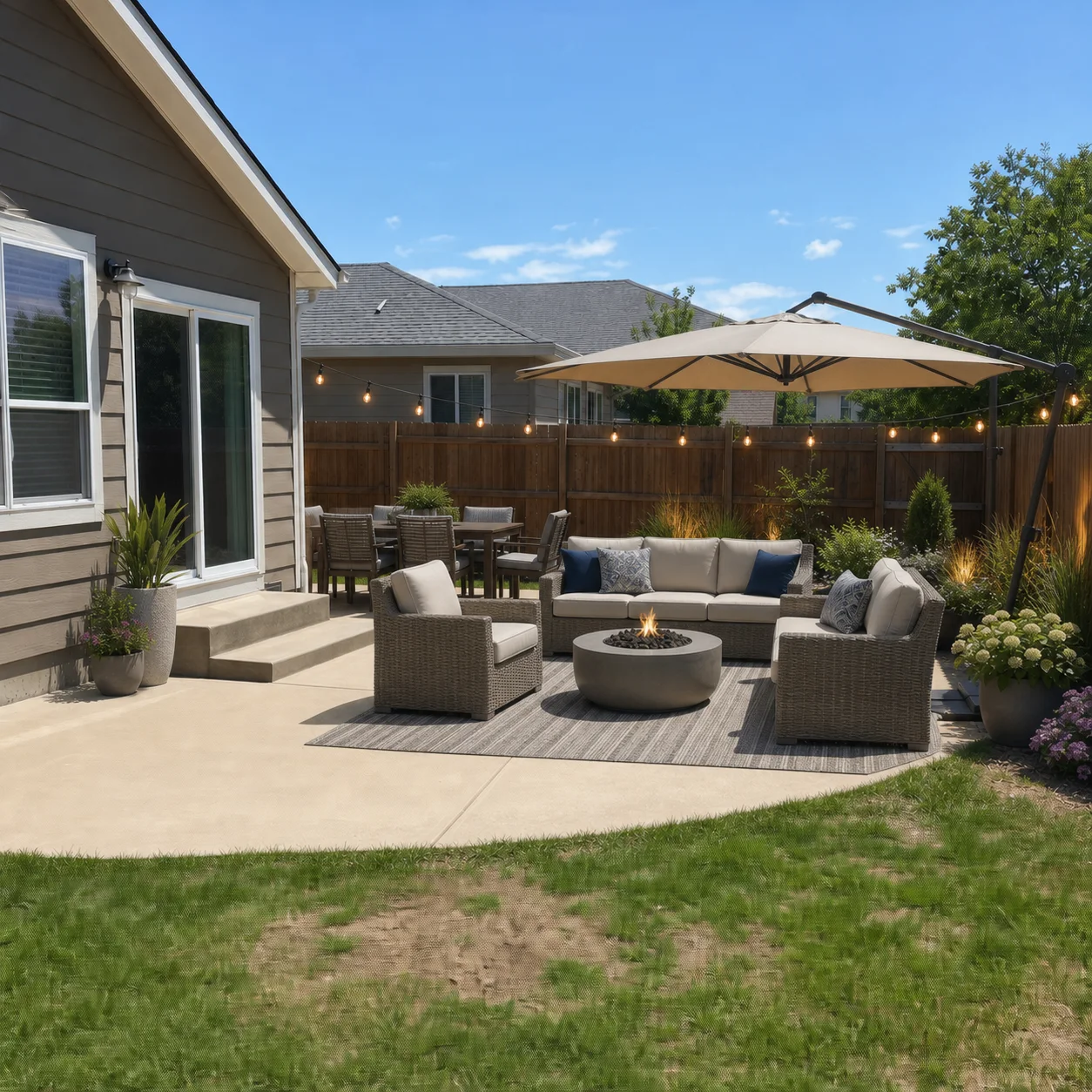
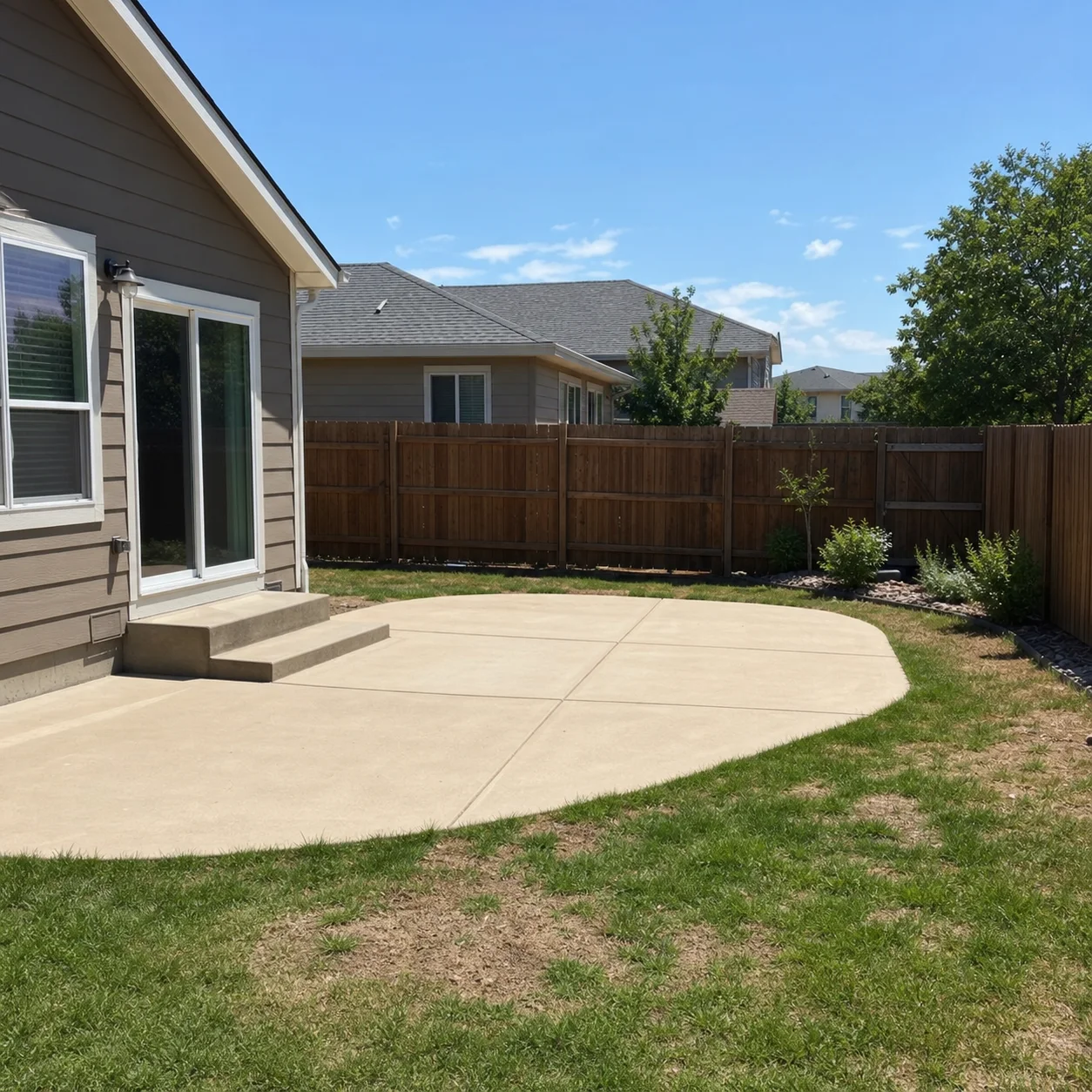
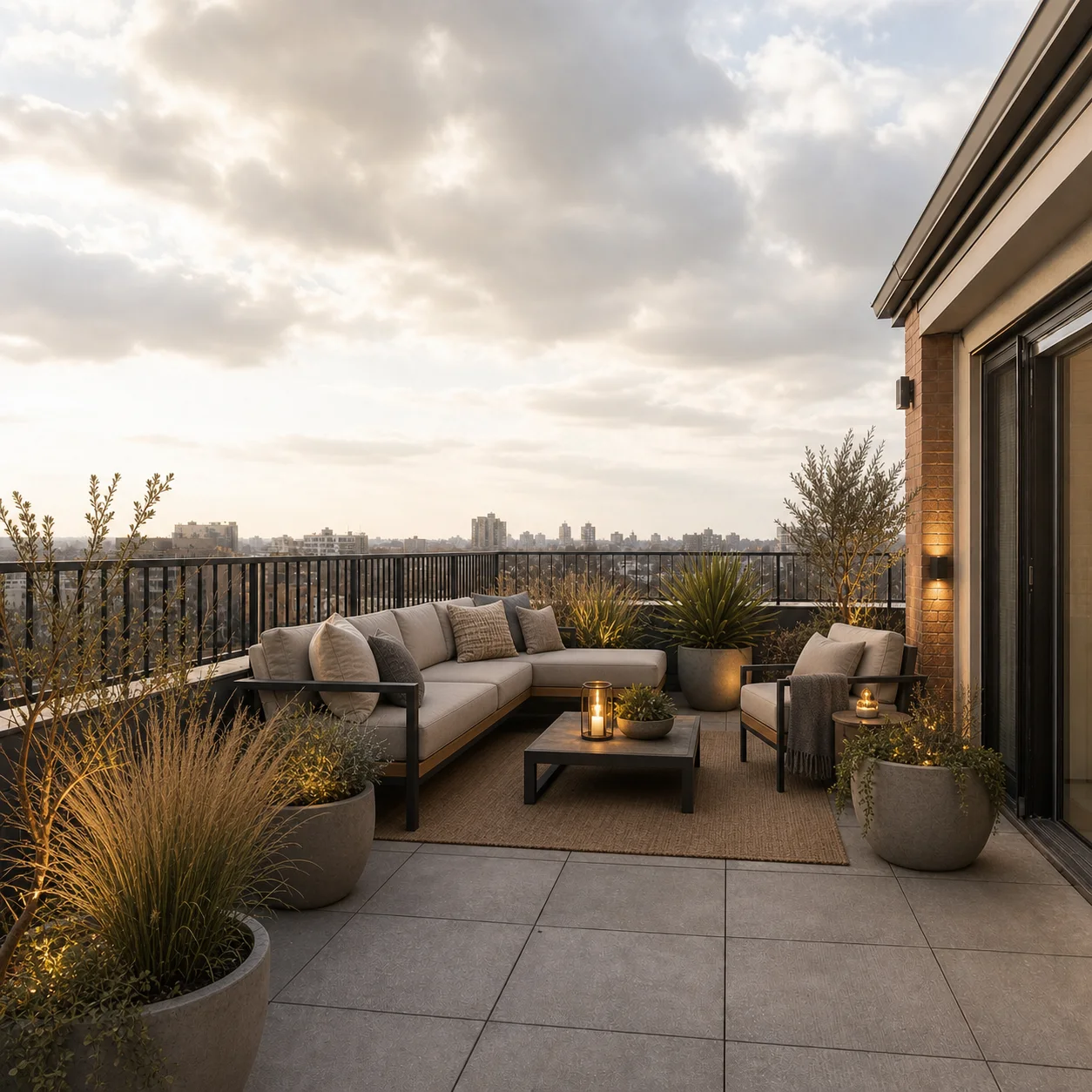
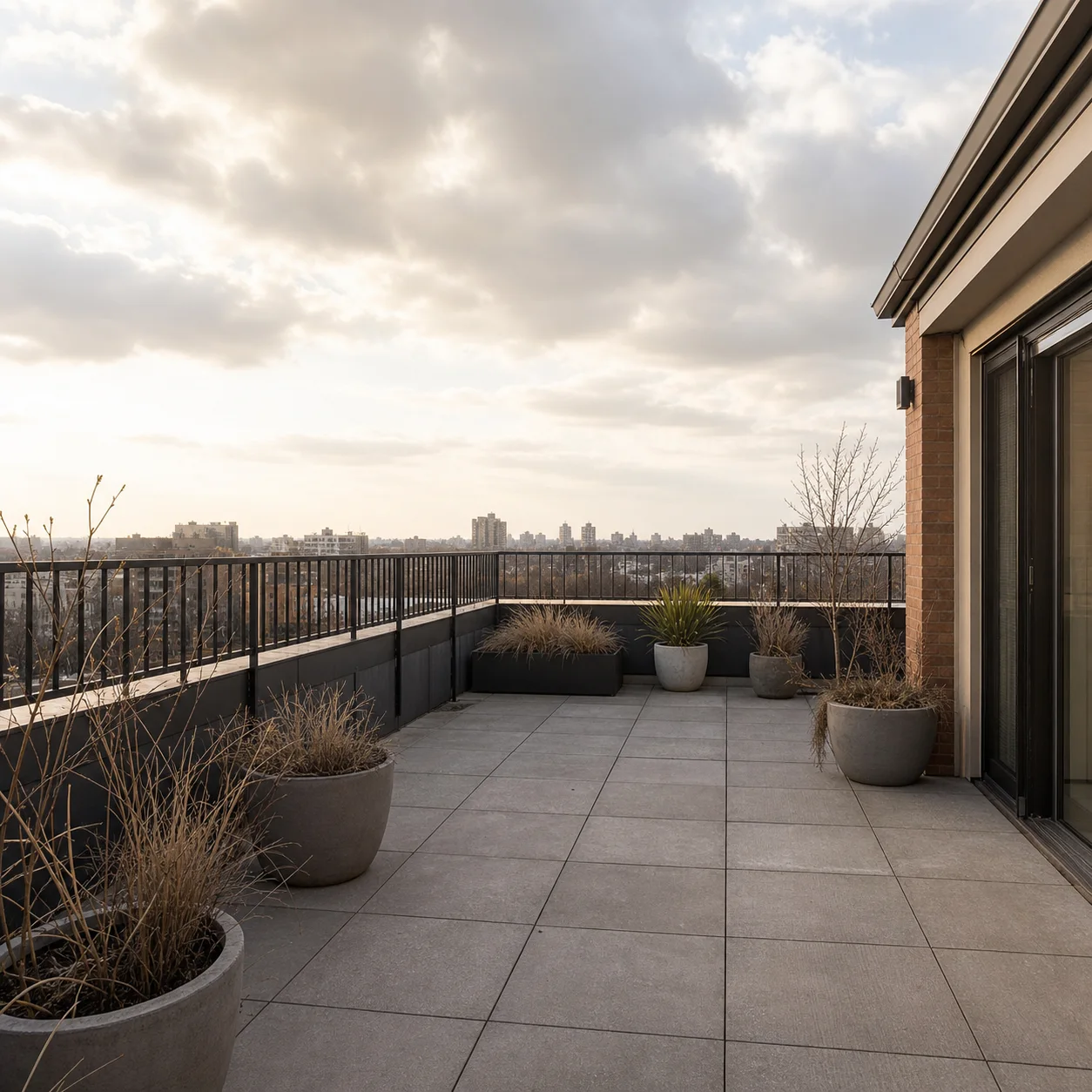
How outdoor redesign works
- 1
Upload a patio, balcony, or terrace photo
- 2
Describe seating, plants, and lighting goals
- 3
Generate outdoor living concepts
Outdoor styles
Best for
- 01Apartment balconies
- 02Backyard patios
- 03Rooftop terraces
- 04Small outdoor refresh projects
Outdoor design tips
- Mention sun exposure and privacy needs
- Note railing or size limits for balconies
- Ask for weather-resistant materials when needed
Outdoor Design AI FAQ
A well-lit photo taken from a doorway or corner that captures the full layout works best. Daytime shots with even lighting and minimal shadows help the AI accurately read railings, walls, flooring, and existing furniture for the most realistic redesign.
The AI redesigns furniture, planters, lighting, rugs, cushions, and surface finishes while permanently preserving the structural layout. Railings, columns, support beams, walls, doors, windows, and permanent flooring remain exactly as they are in your photo.
Yes, the AI can visualize potted plants, vertical gardens, planter boxes, and trees as part of your redesigned outdoor space. These are visual design suggestions only — the AI does not provide real plant species names, care instructions, or landscaping installation plans.
Yes. The AI performs well with tight spaces because it works from your actual photo and preserves the true dimensions. You can request compact seating arrangements, wall-mounted planters, foldable furniture, and layouts that maximize every square foot without feeling crowded.
Yes, you can describe the lighting mood you want — warm string lights, modern lanterns, path lighting, or recessed deck lights — and the AI will incorporate them into the design. You can also specify the time of day, such as sunset or evening, for a realistic lighting preview.
The AI creates a visually realistic scene but does not calculate real-world weather resistance, sun exposure, or material durability. Use the designs as style inspiration, then choose actual outdoor-rated materials and furniture appropriate for your climate and sun conditions.
Absolutely. Since the AI only changes movable decor, furniture, and surface finishes while keeping all structural elements like railings and walls untouched, it is ideal for visualizing rental-friendly upgrades. You can preview layouts and styles that work within your existing footprint without any permanent changes.
No. This is a visual design tool for inspiration and planning, not a construction blueprint, building permit application, or engineering plan. Always consult licensed professionals for structural modifications, building code compliance, and permits before starting any actual renovation or landscaping project.
Related outdoor tools
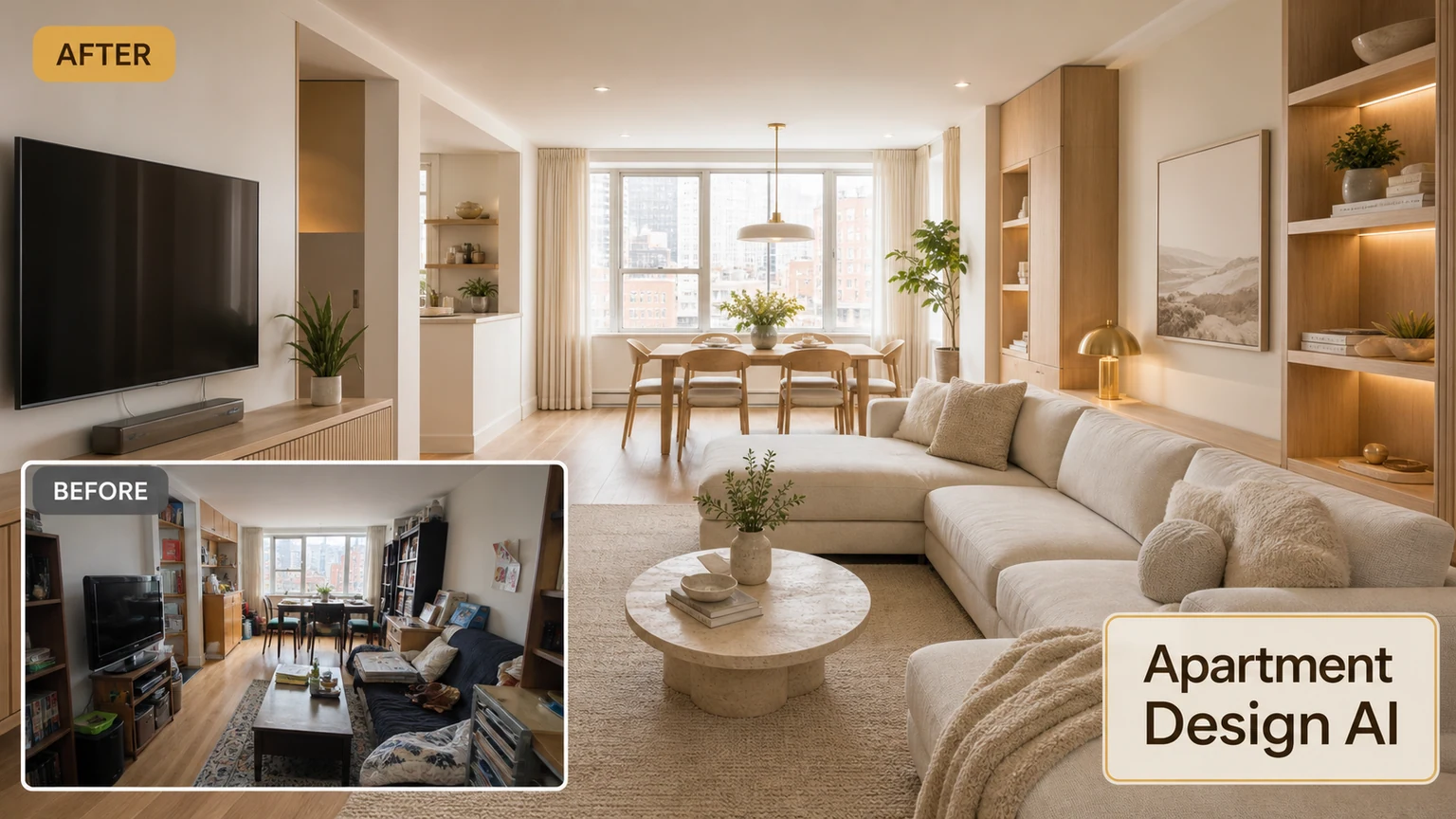
Also explore AI Apartment Design
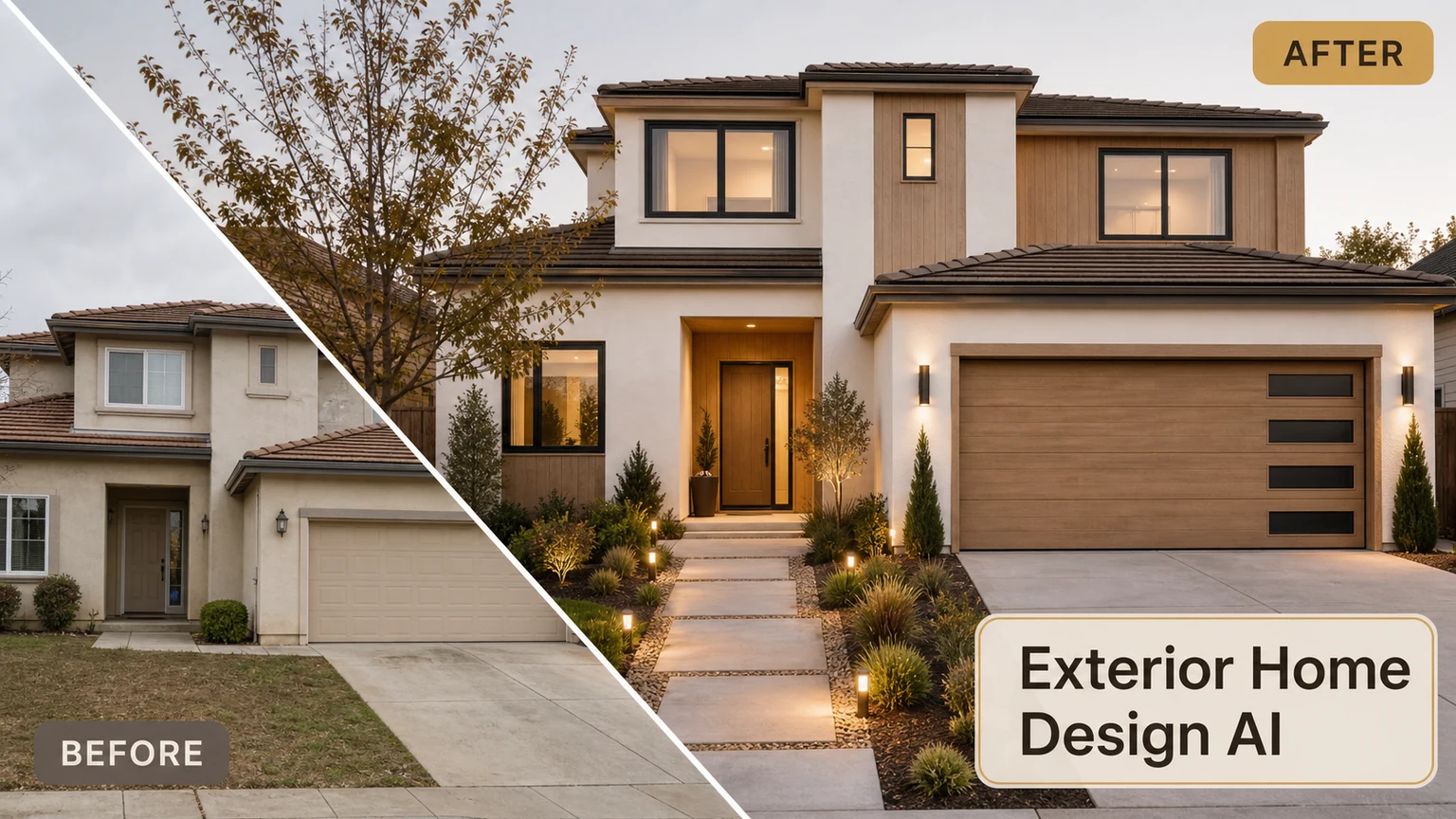
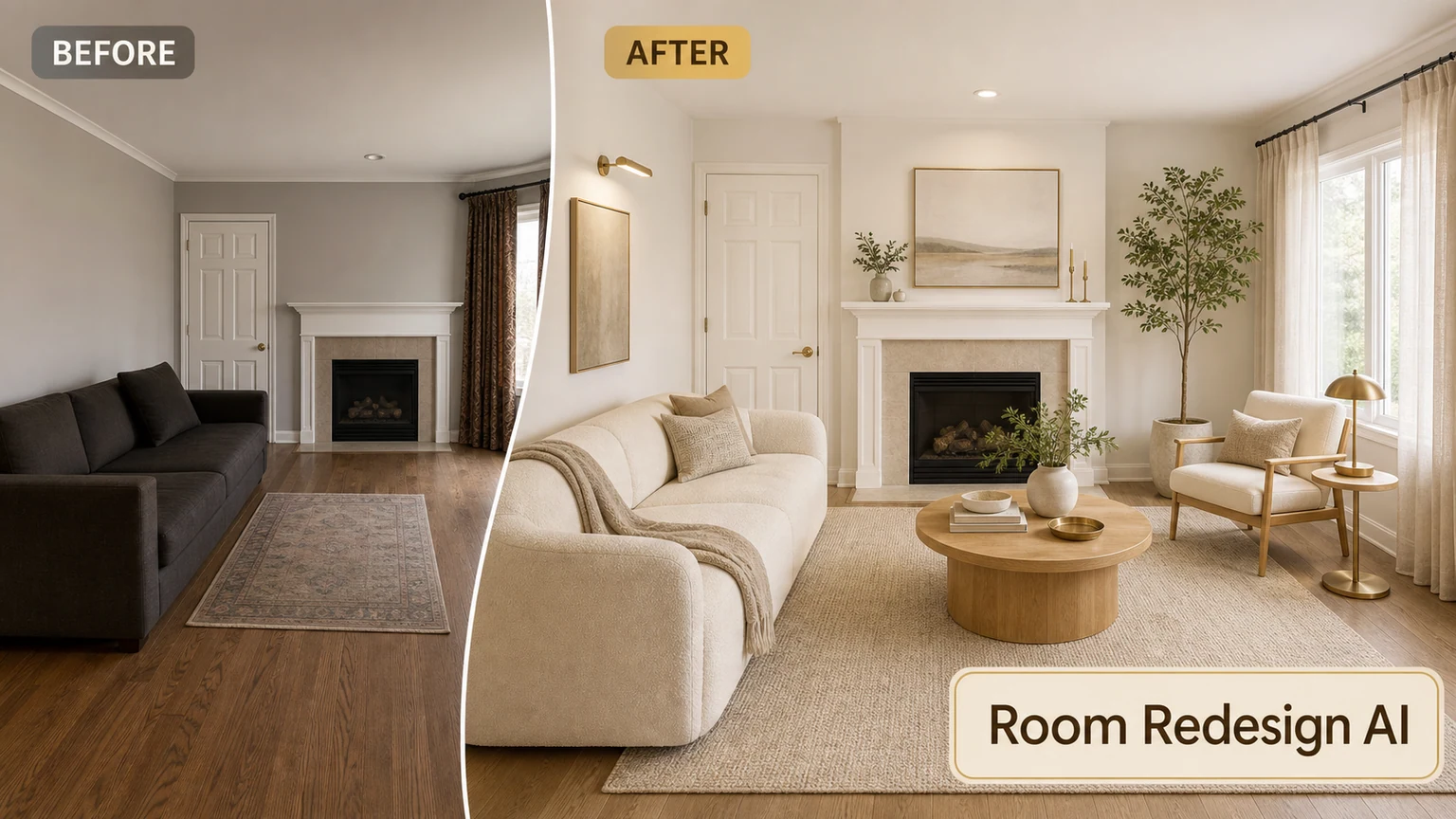
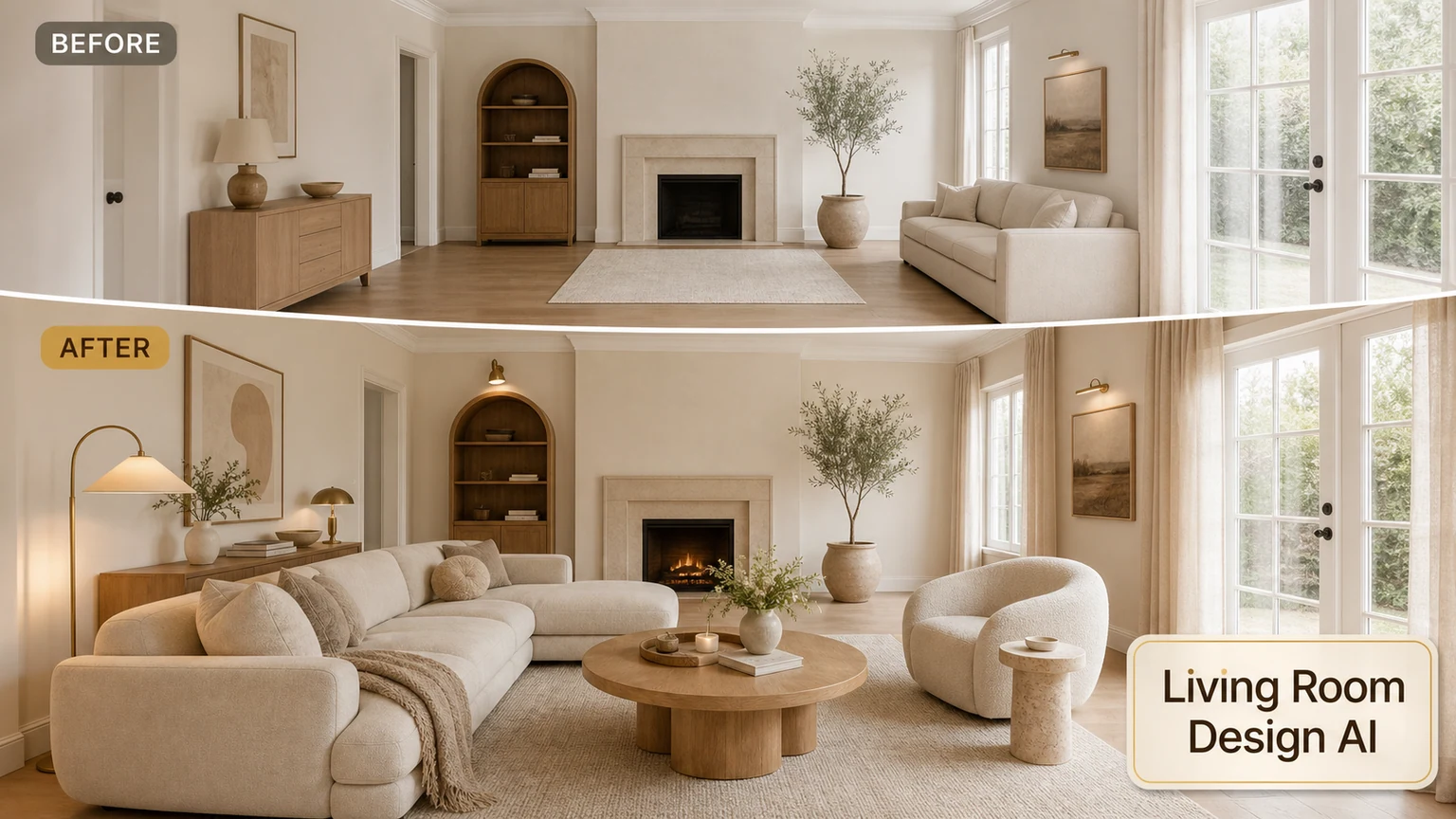
Redesign your outdoor space
Upload a patio or balcony photo and generate outdoor living ideas.