Living Room Design AI
Describe sofa layout, TV wall, and living style
Upload Assets
Upload a photo of the space you want to design or edit. Browse Files
Supported Formats: JPG, PNG, WEBP • 10MB
Choose living room priorities
Living Room Design AI
Design inspiration
Upload reference images to guide the AI. The model will use these as visual context for generation.
Sofa layout, lighting, and family space
Living Room Design AI
Redesign living rooms with sofa placement, TV wall ideas, rugs, lighting, and decor that fit how you actually use the space.
Living room priorities
Living rooms need conversation zones, clear walkways, and balanced lighting. This page focuses on those tasks instead of generic whole-home design copy.
- Sofa and seating layout ideas
- TV wall and media setup concepts
- Rug, coffee table, and lighting balance
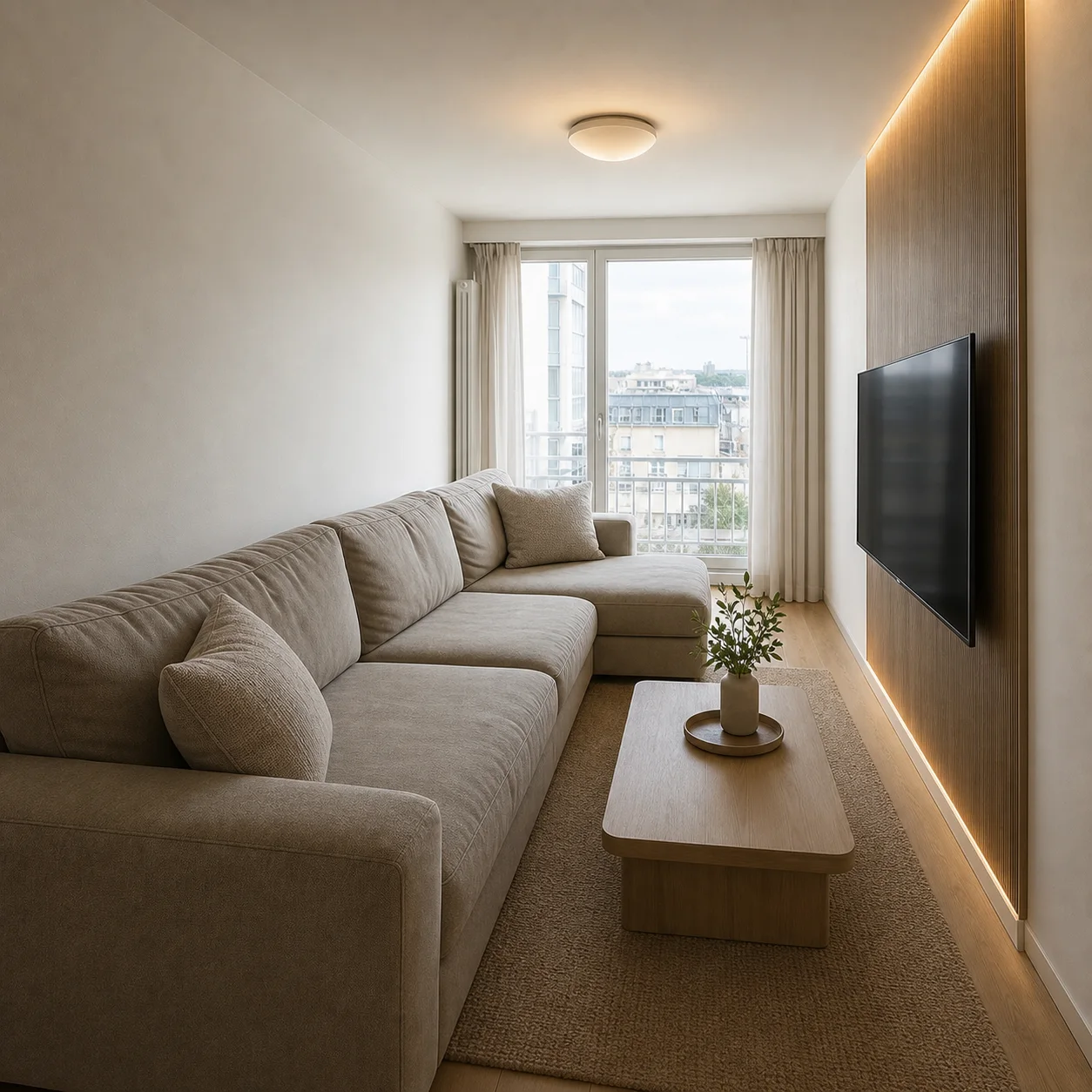
- Small living room and apartment living rooms
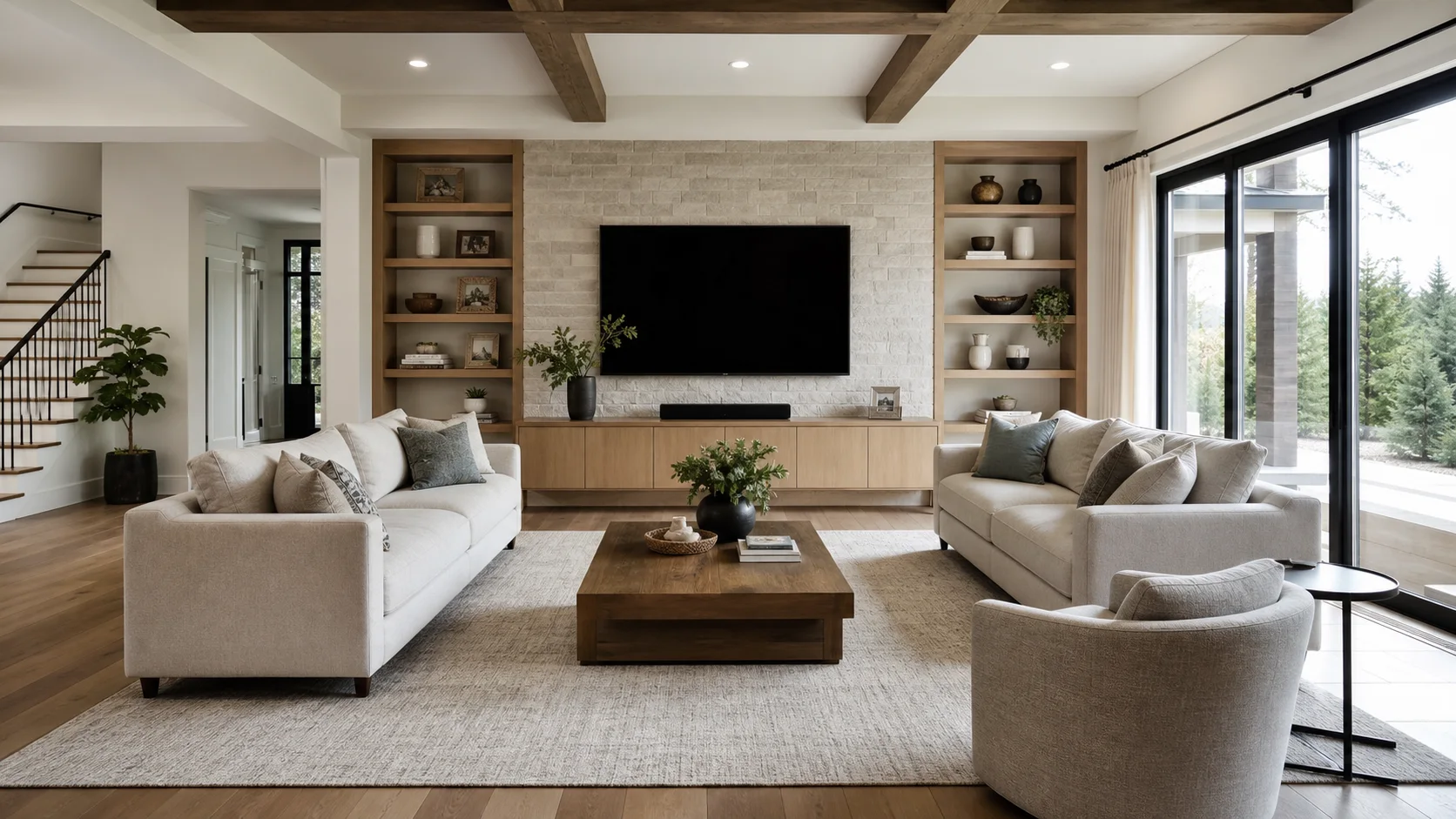
Design inspiration
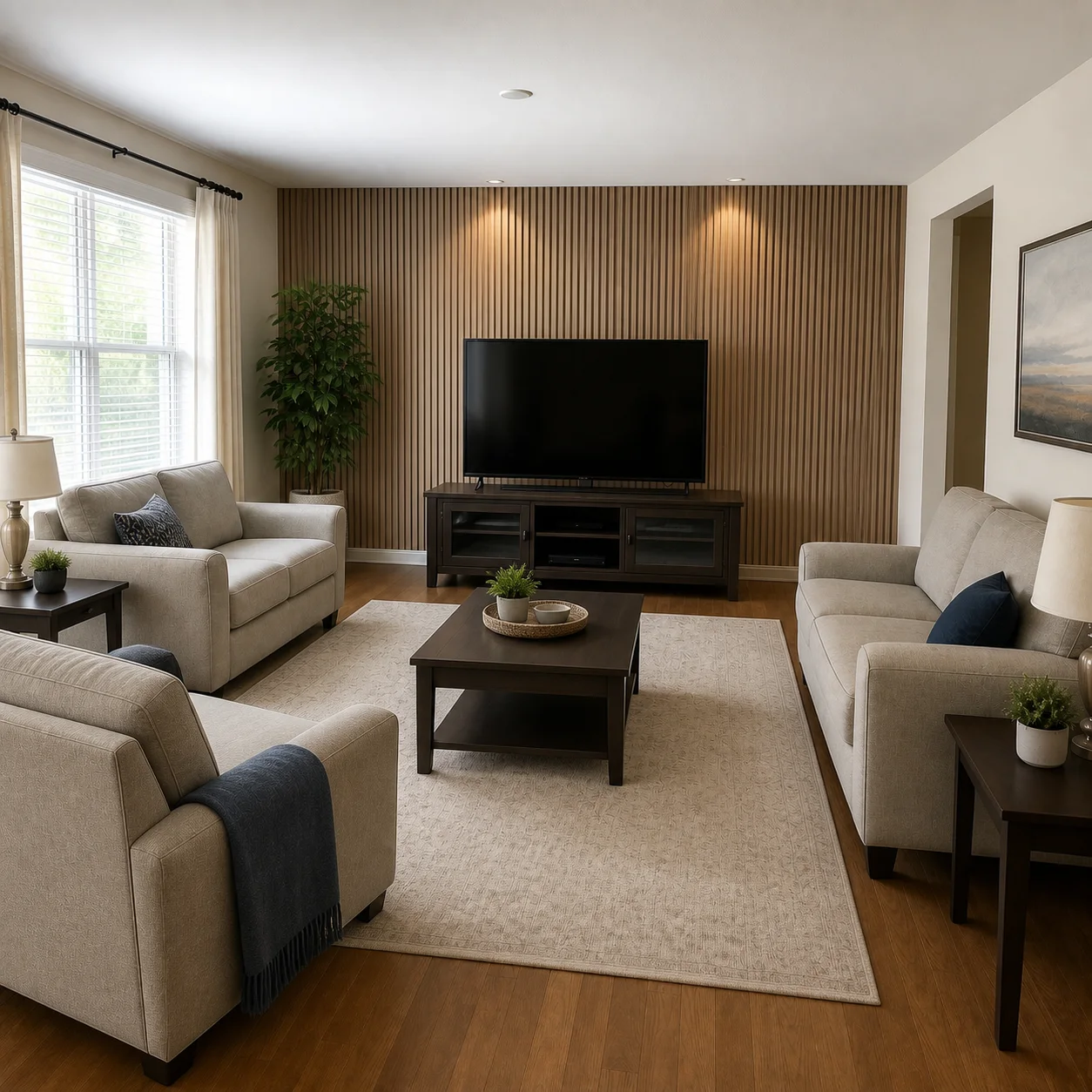
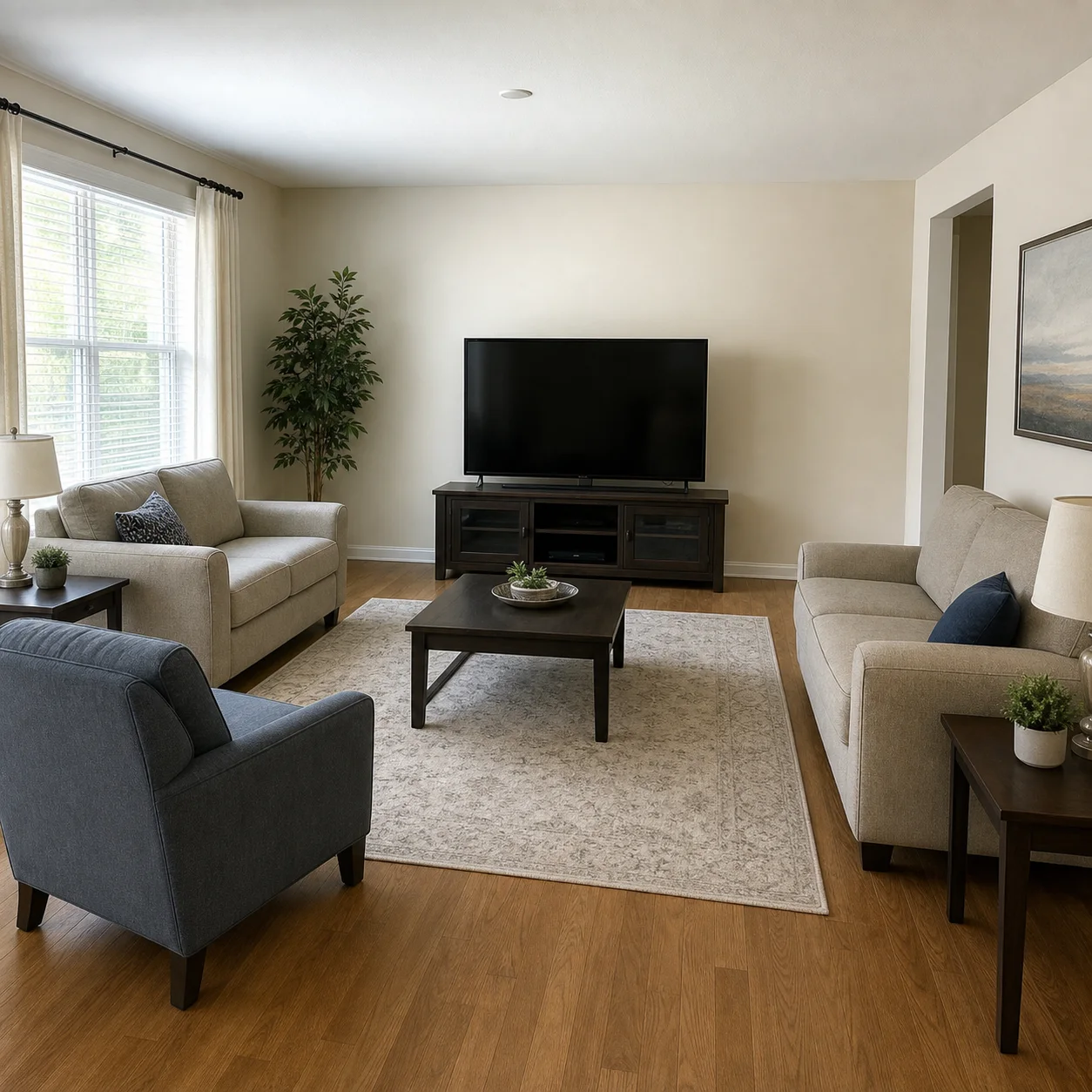
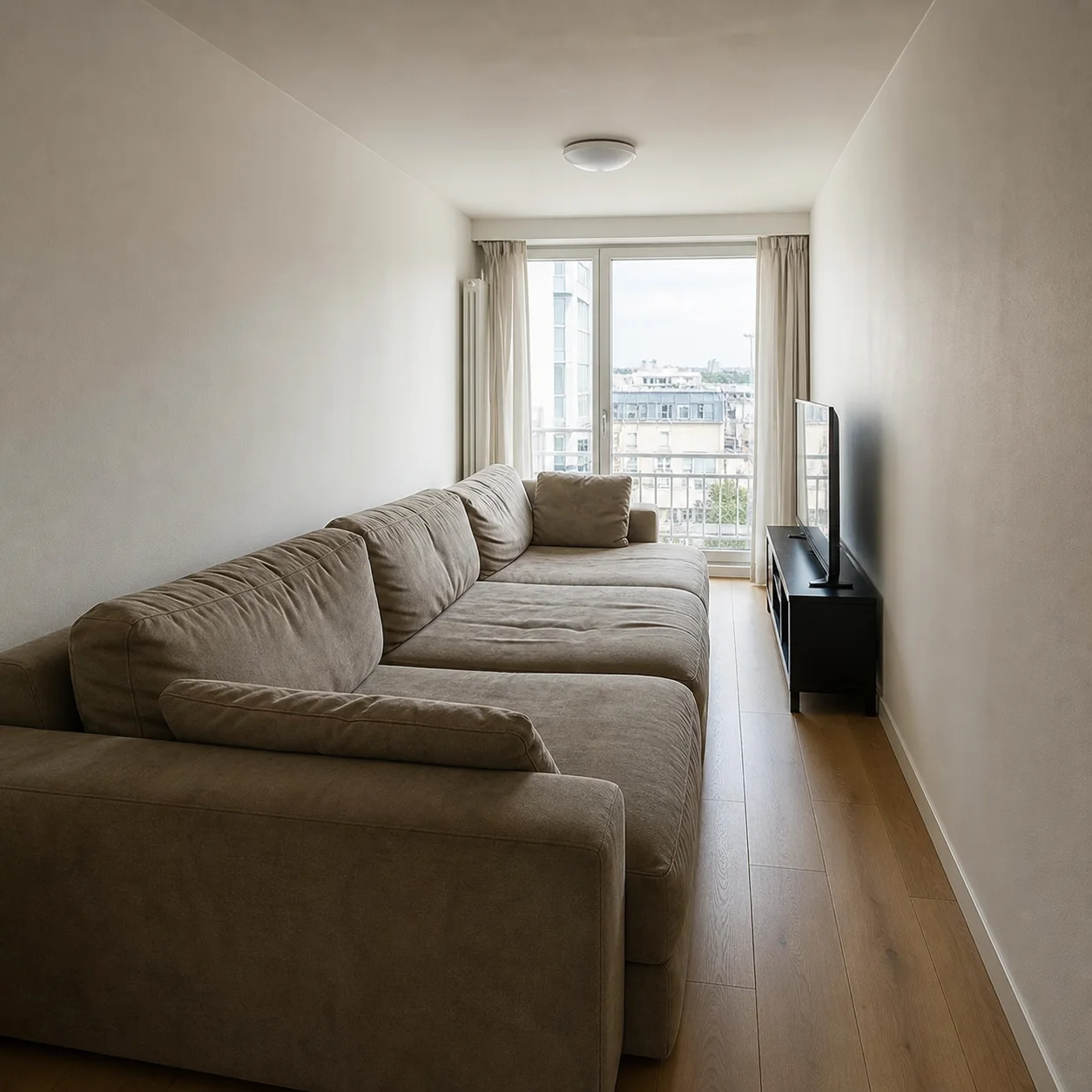
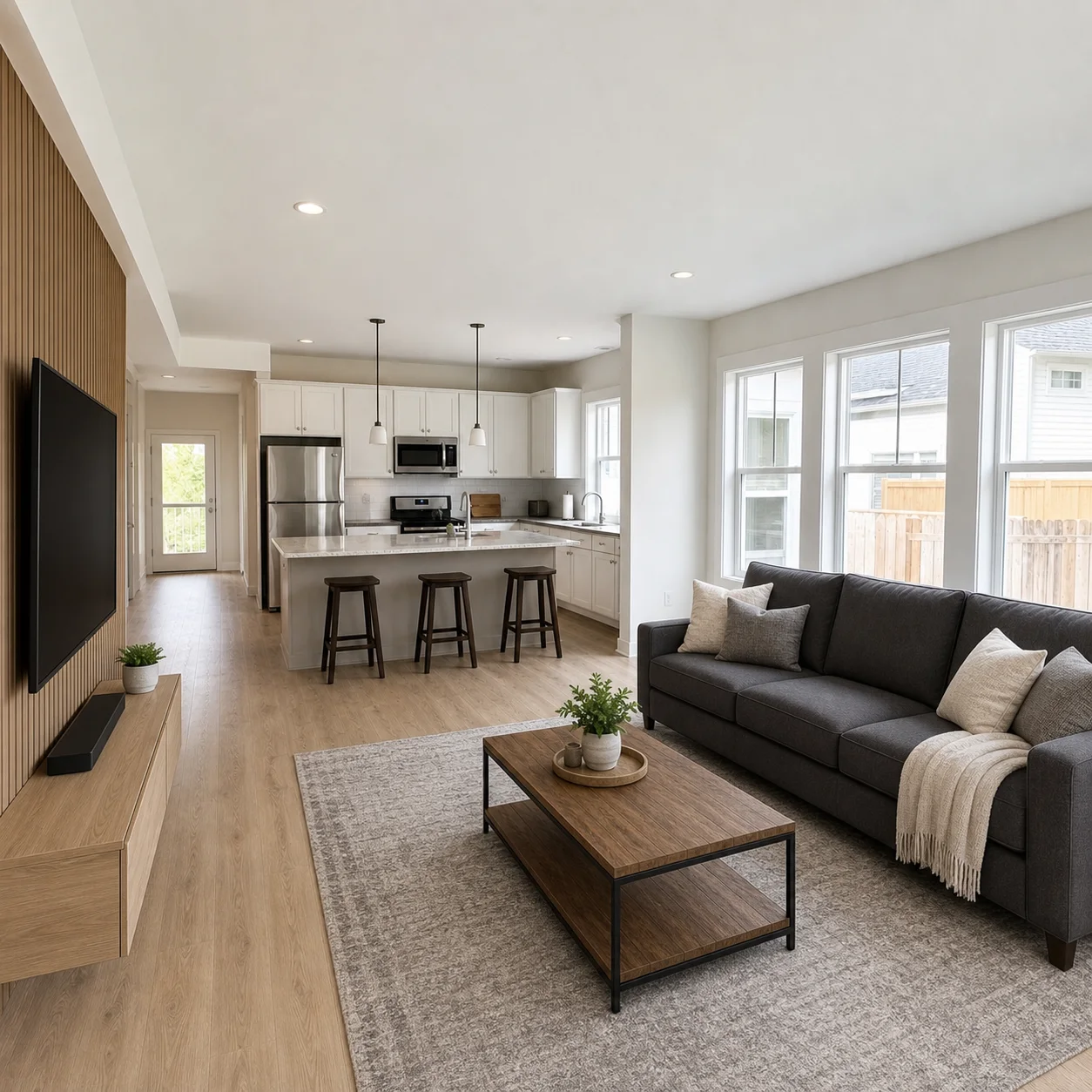
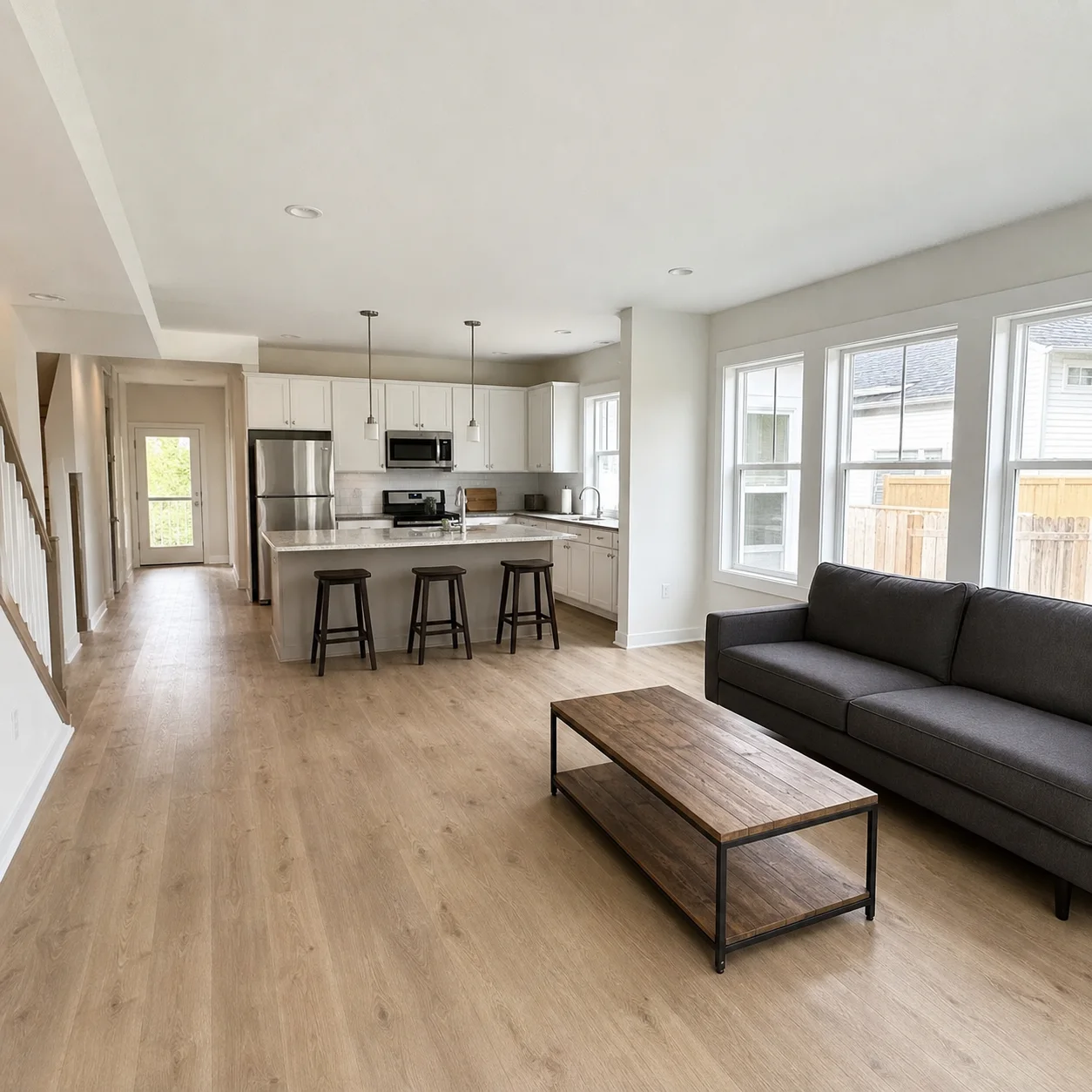
How it works
- 1
Upload a living room photo
- 2
Describe seating needs and style preference
- 3
Generate layout and decor options
Living room looks
Best for
- 01Family living rooms
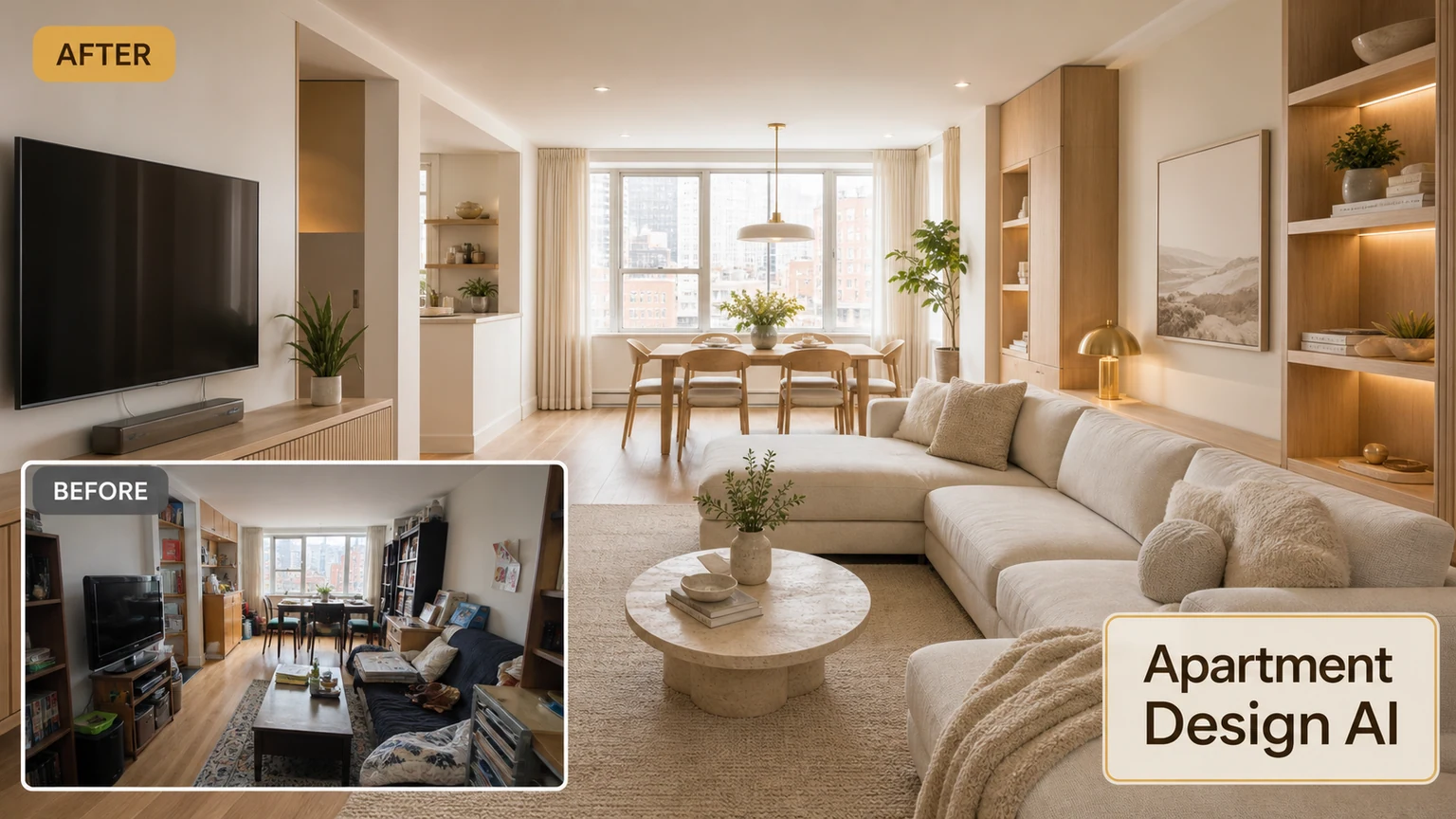
- 02Apartment living rooms
- 03Open kitchen-living spaces
- 04TV-focused seating setups
Living room tips
- State how many people sit daily
- Mention if you watch TV a lot
- Ask for natural light if the room feels dark
Living Room Design AI FAQ
Yes. Describe your current layout and mention traffic paths, window positions, and the main entry point. The AI will reposition the sofa and seating to keep walkways clear and create a natural flow through the room.
Yes. Ask for a TV wall or media unit in your prompt and the AI will include it in the redesigned room. For best results, mention which wall you prefer and note any constraints like windows or doors on that side of the room.
Yes. Open-plan spaces work well. Just describe which areas connect to the living room, such as a dining zone or kitchen, and the AI will create a cohesive look across the open space while keeping the living area visually distinct.
Absolutely. Mention which pieces you want to keep, like your current sofa or coffee table, and the AI will preserve those items while updating the wall color, flooring, rug, and accessories around them.
Describe how you use the space, for example a main seating area for TV and a reading nook by the window. The AI can create distinct zones with separate furniture groupings in a single generation.
Shoot from a corner or doorway to capture the full room in one frame. Make sure the sofa, main focal wall, and any large furniture are visible. Avoid extreme wide-angle distortion by standing a few steps back if possible.
Yes. Each generation gives you a new version, so run separate prompts for different aesthetics. For example, try modern minimalist with a gray sofa in one generation and warm bohemian with a patterned rug in the next.
Unlike generic room tools, this generator is built for living rooms specifically, so it considers seating proportions, traffic flow through the space, and media wall placement. It thinks about how people actually move through and gather in a living room, not just how the room looks in a still image.
Related rooms
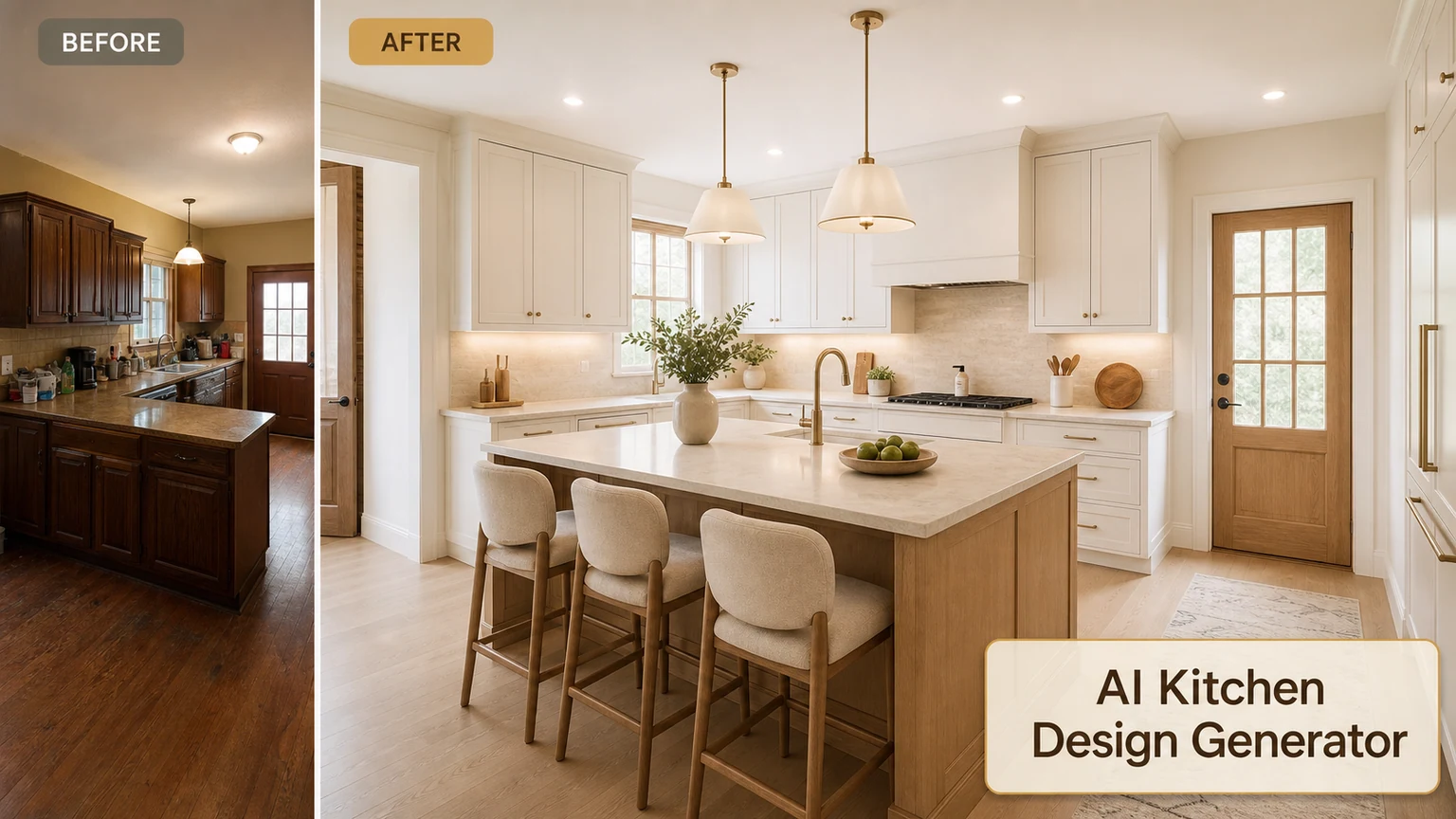
Try more rooms with the AI Apartment Design
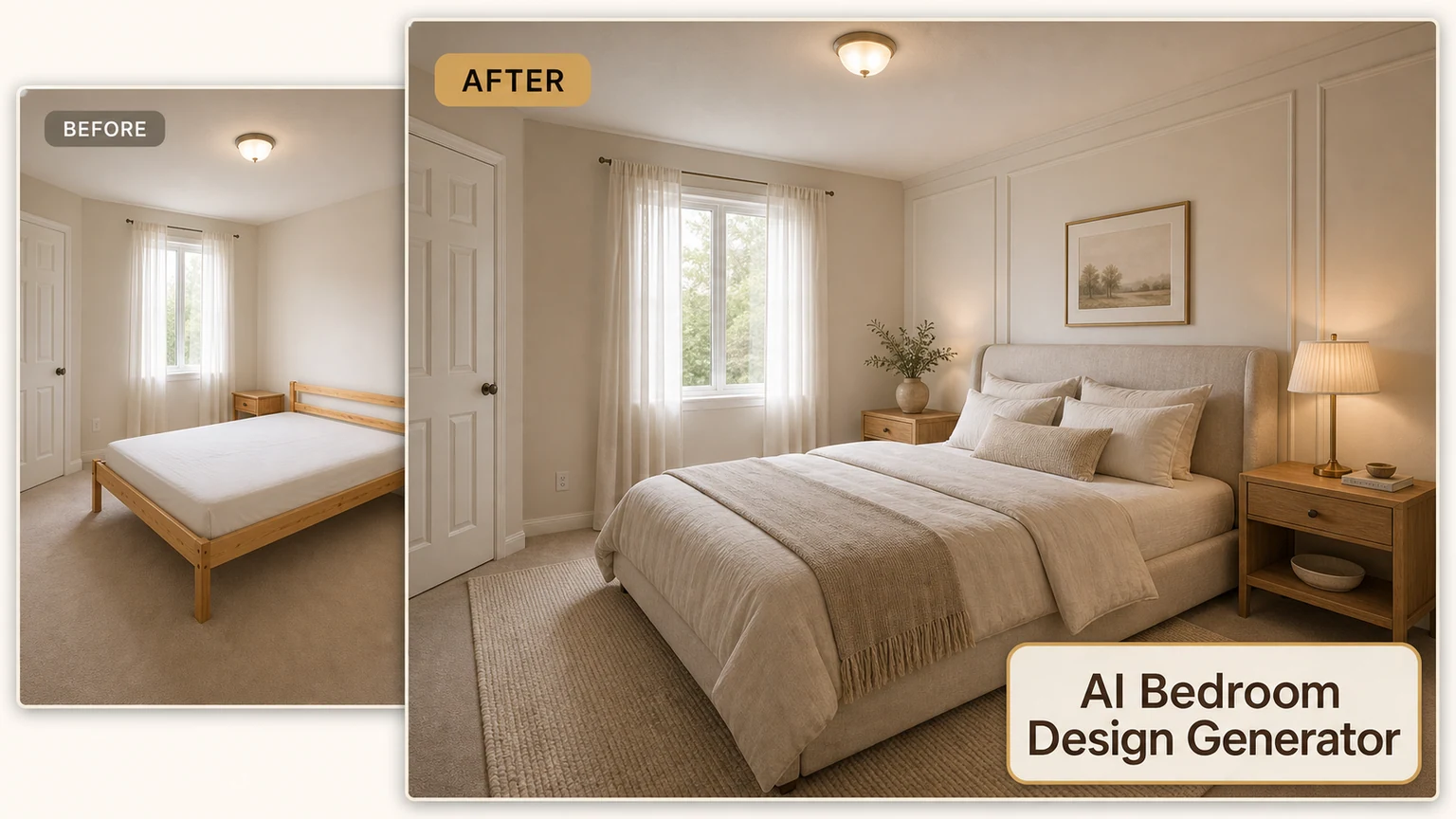
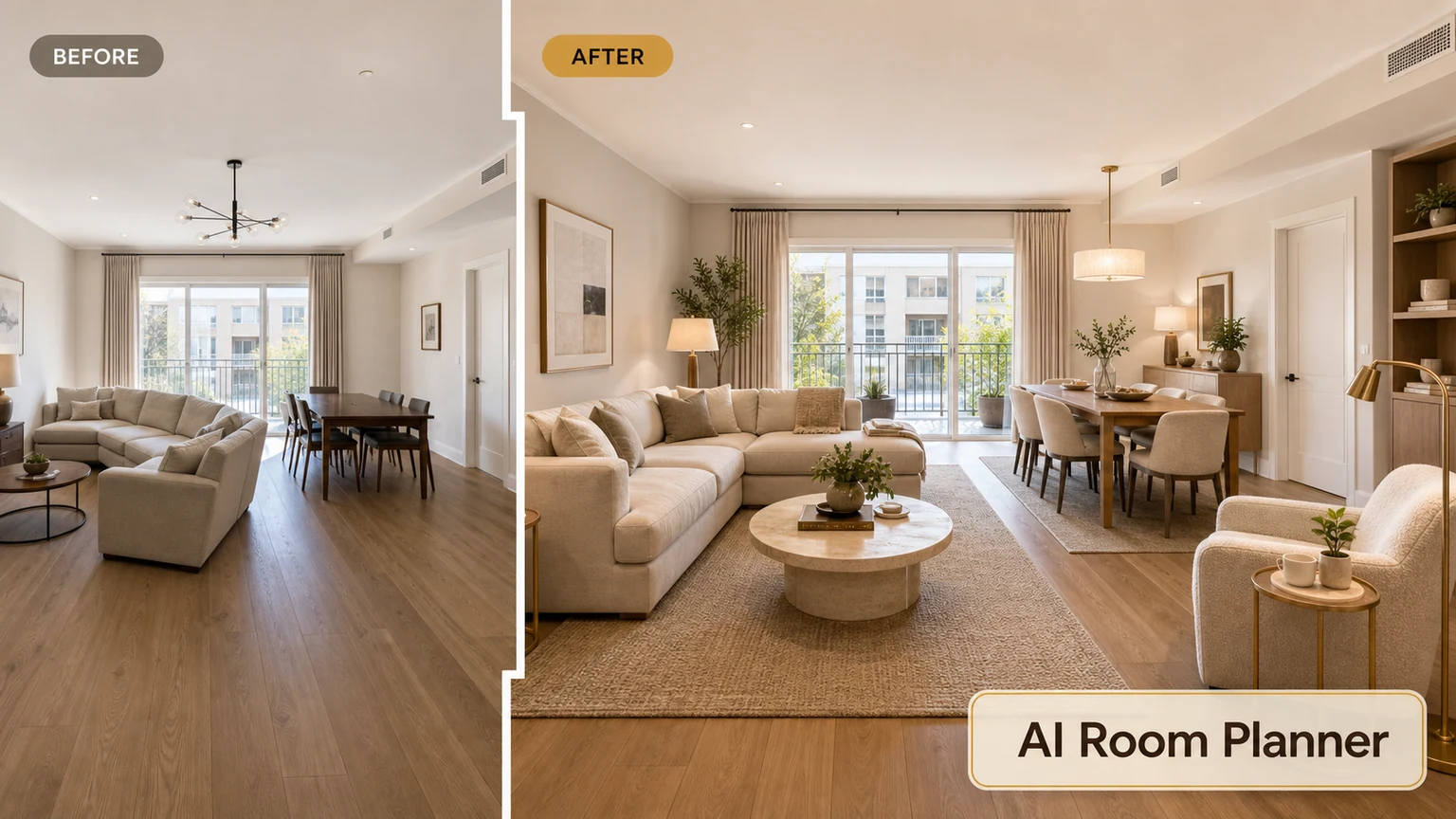
Redesign your living room
Upload a photo and explore seating and decor options.