AI Bedroom Design Generator
Describe bed placement, storage, and mood
Upload Assets
Upload a photo of the space you want to design or edit. Browse Files
Supported Formats: JPG, PNG, WEBP • 10MB
Choose bedroom requirements
AI Bedroom Design Generator
Design inspiration
Upload reference images to guide the AI. The model will use these as visual context for generation.
Bedroom layout and atmosphere
AI Bedroom Design Generator
Create bedroom design ideas from a photo—bed placement, wardrobe storage, lighting, and color palettes that feel restful and practical.
Bedroom-focused design
This page is not a generic room tool page. It focuses on bedroom decisions: where the bed sits, how storage works, how light feels, and how colors support sleep and calm.
- Bed placement and walkway ideas
- Wardrobe and storage layouts
- Lighting and color mood
- Modern, minimal, cozy, or luxury bedrooms
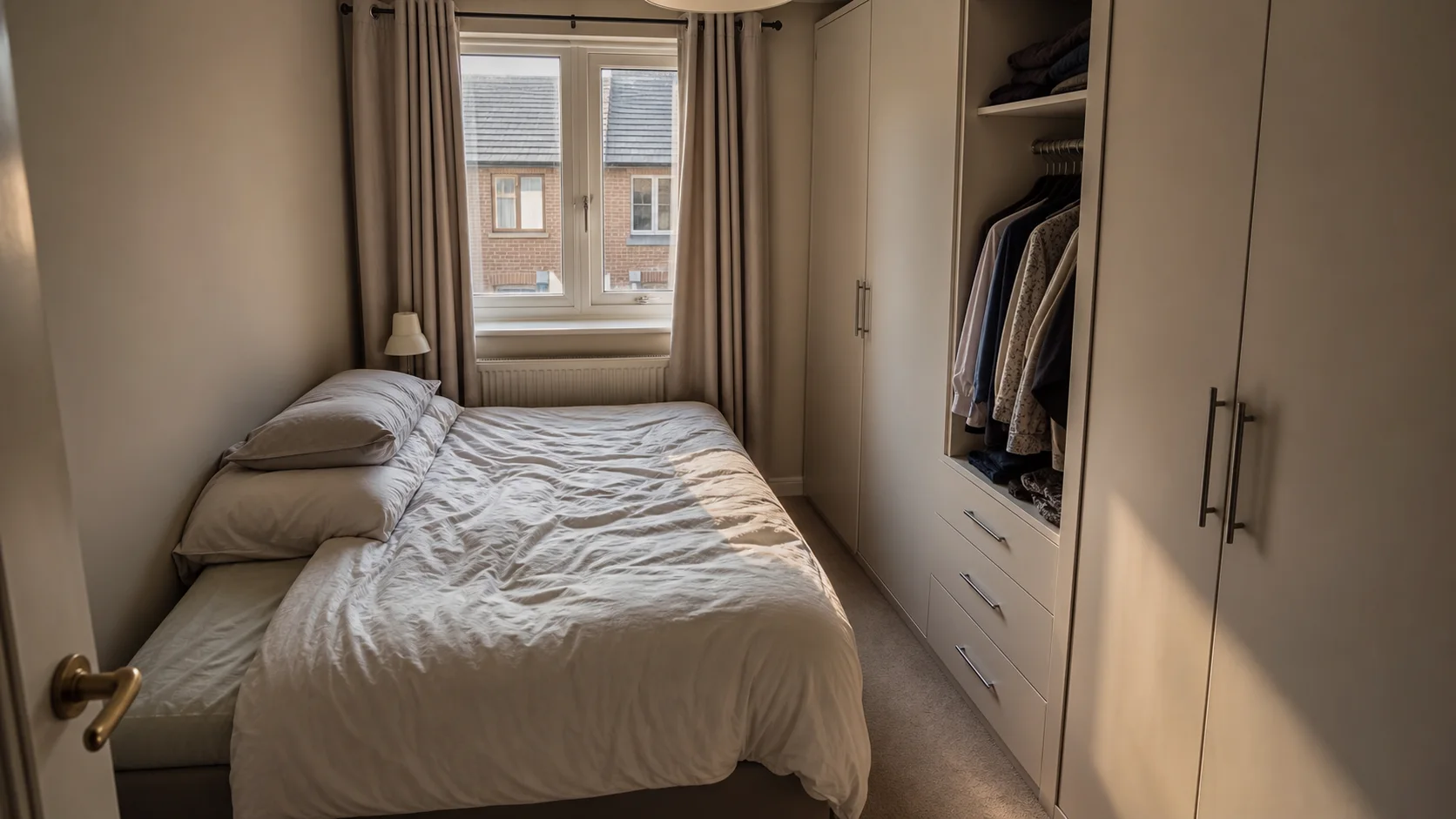
Design inspiration
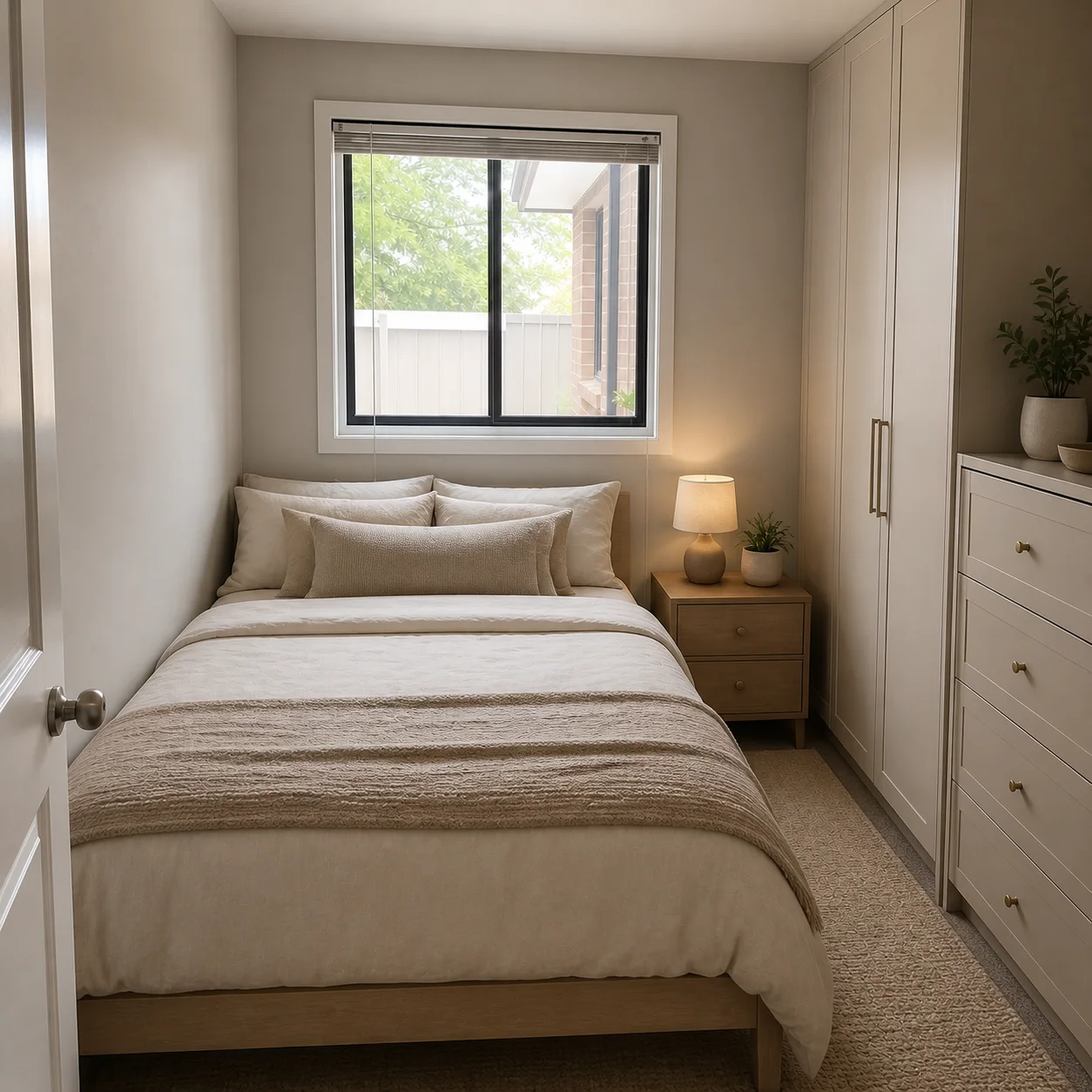
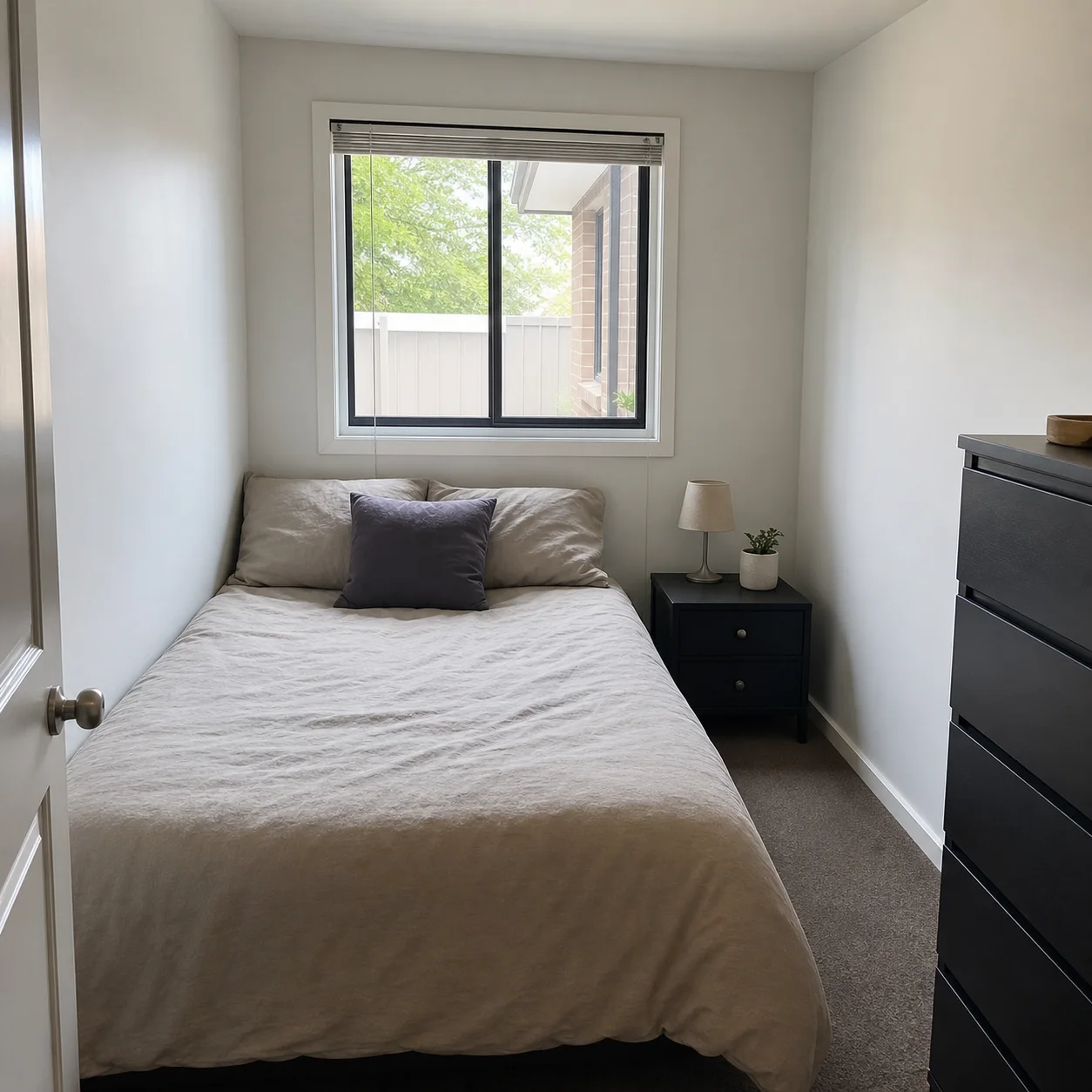
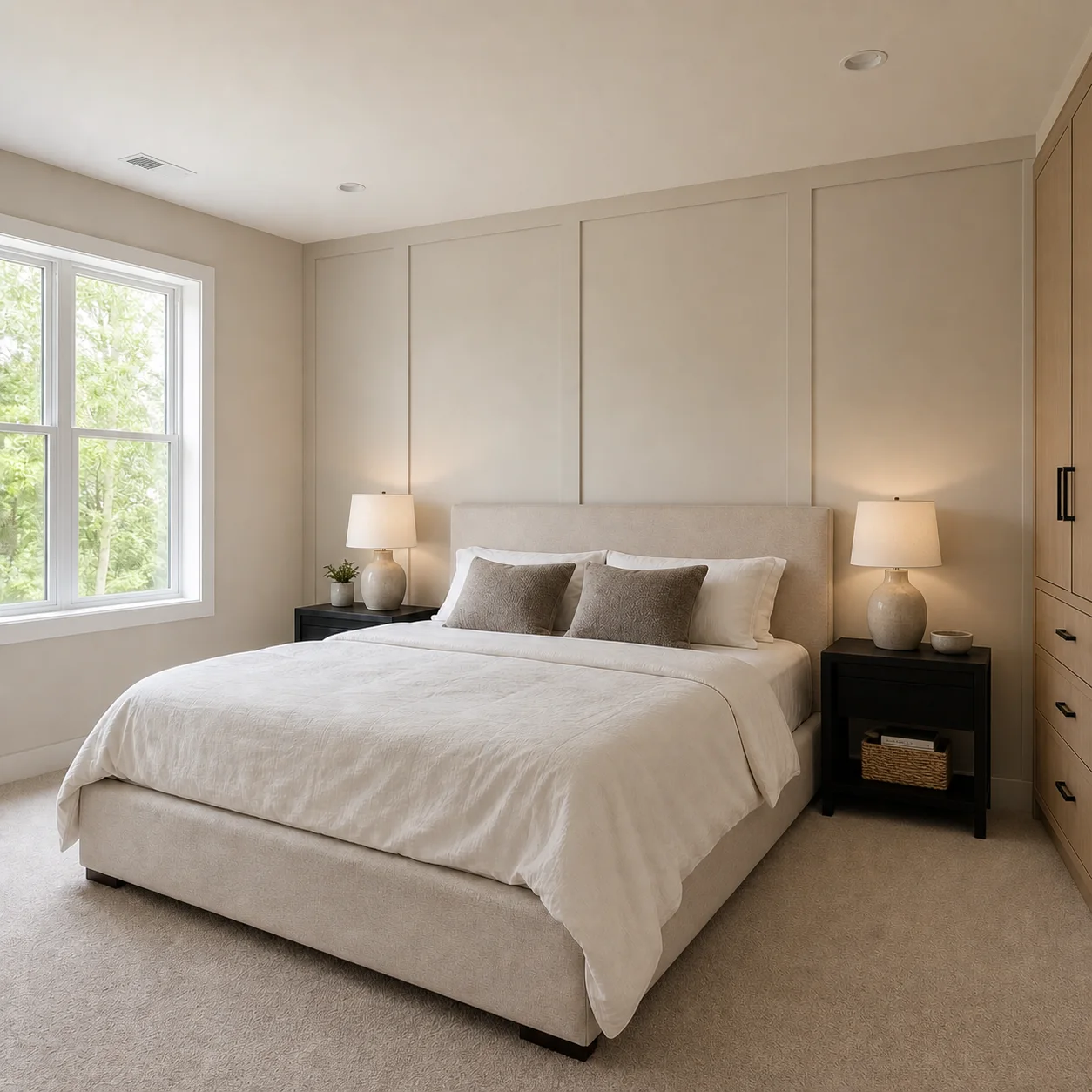
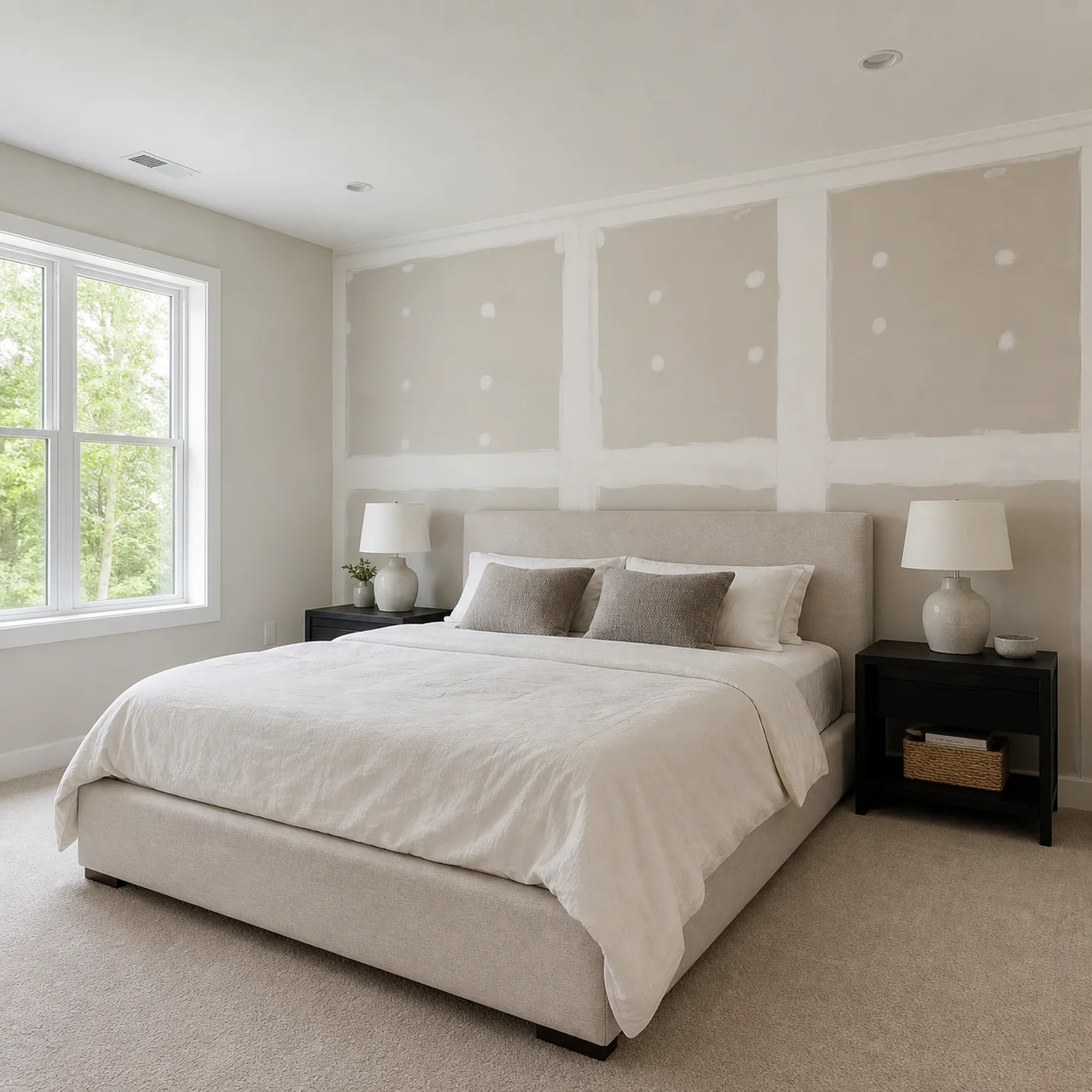
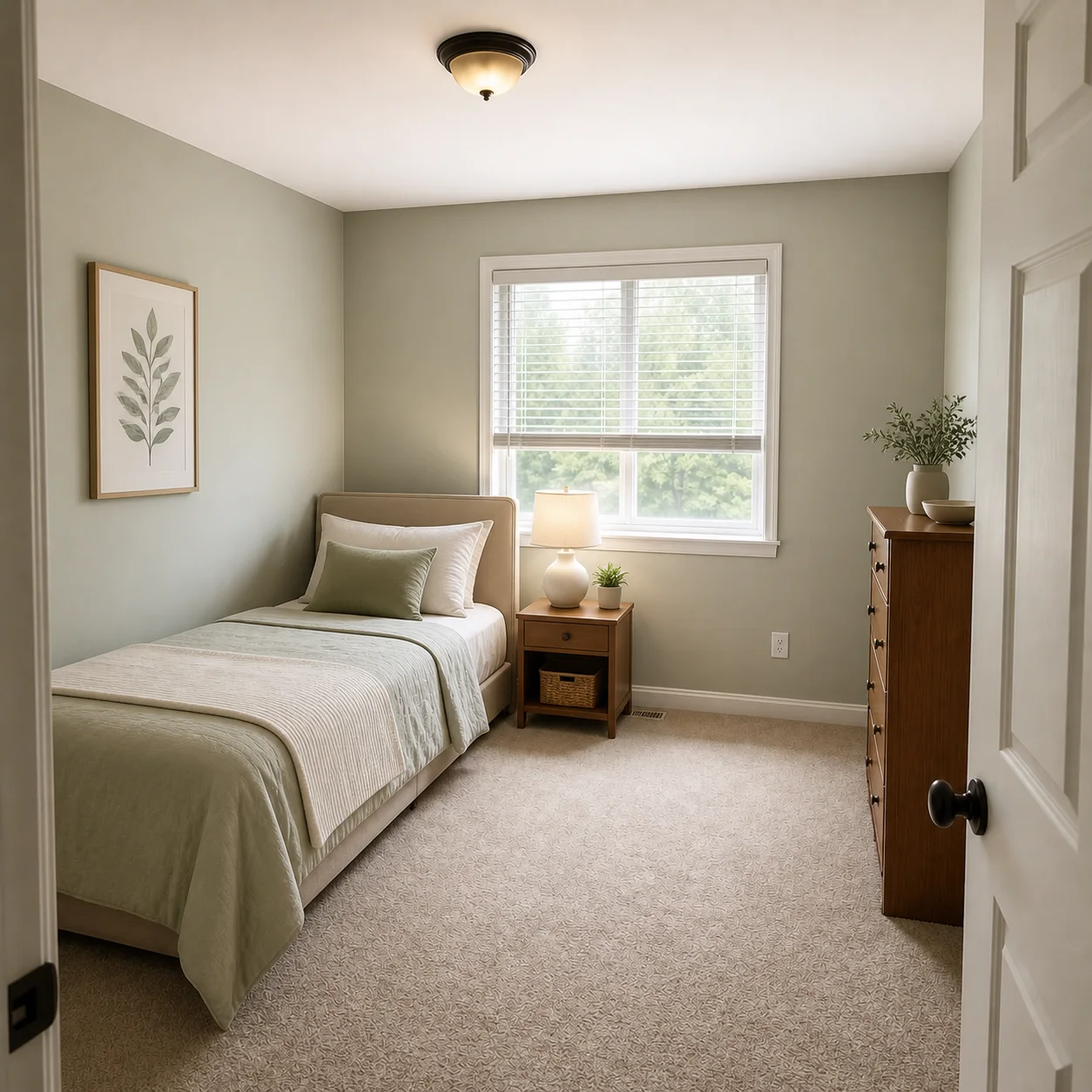
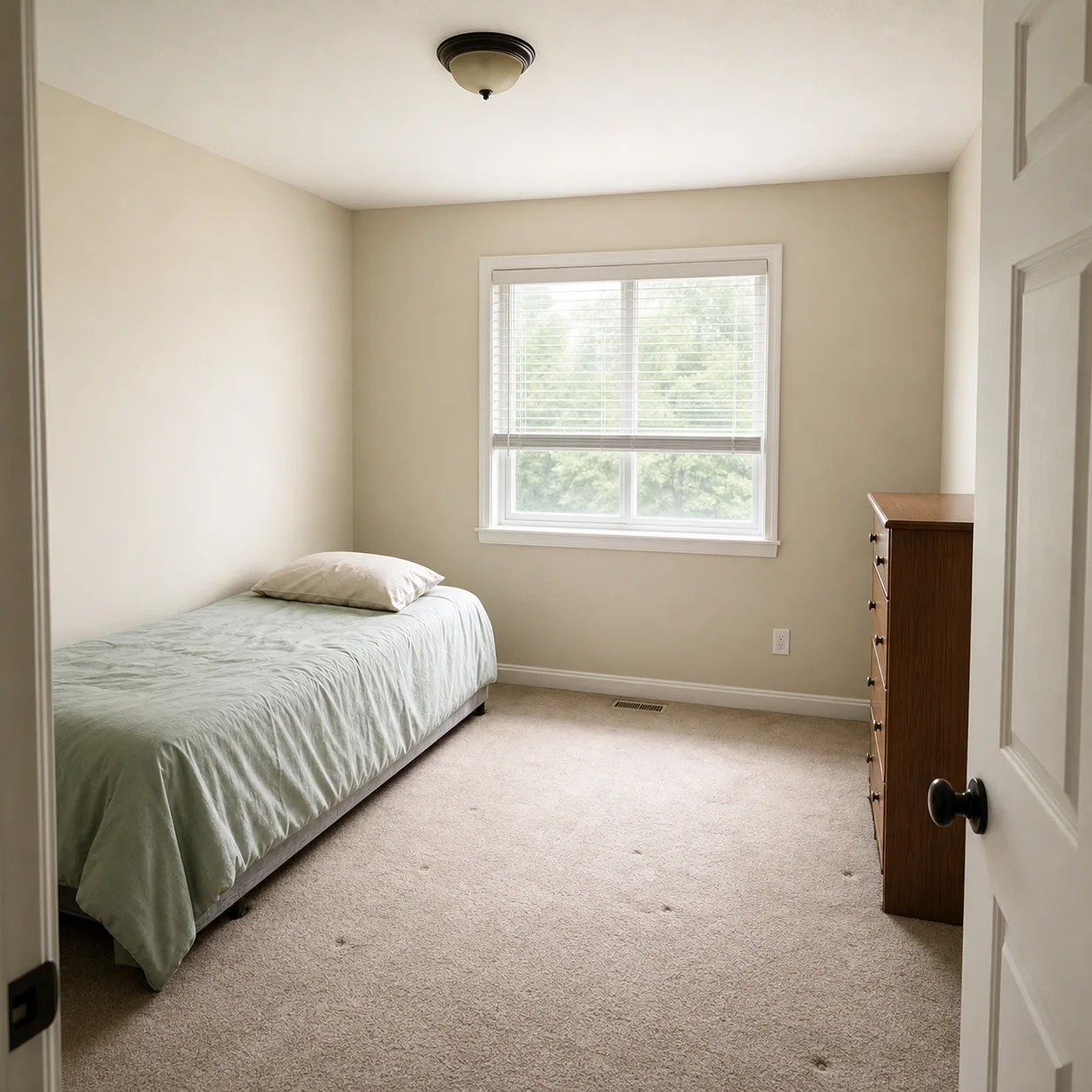
How to design a bedroom with AI
- 01
Upload a bedroom photo
- 02
Mention bed size, storage needs, and preferred mood
- 03
Generate options and refine lighting or colors
Bedroom styles
Best for
- 01Primary bedrooms
- 02Small bedrooms
- 03Guest rooms
- 04Apartment bedrooms with limited space
Bedroom design tips
- Keep bedside clearance in mind
- Ask for storage if the room is small
- Prefer warm, calm lighting for sleep
AI Bedroom Design FAQ
Yes. Describe your room as small and mention your must-haves like a queen bed, desk, or wardrobe, and the AI will optimize furniture proportions and placement. For best results, specify that you want compact storage and clear walkways so the layout stays functional in tight spaces.
By default the AI preserves your room's structural layout, including walls, windows, and doors. If you want to move a door or enlarge a window, mention that explicitly in your prompt and the AI will show an alternative version as visual inspiration.
Yes, because the AI responds to whatever you describe in your prompt. A master bedroom can focus on calming colors, a platform bed, and walk-in closet space, while a child's room can include bunk beds, a study desk, and playful colors. Just specify who the room is for and what activities happen there.
The AI rearranges furniture based on your description, so if you ask for a specific bed position or a built-in wardrobe layout, it will incorporate those into the visual result. For wardrobe-heavy rooms, mention whether you want open hanging, drawers, or floor-to-ceiling cabinets.
Stand in a doorway or corner to capture the widest view, making sure the main bed wall is clearly visible. Good, even lighting produces the most accurate redesigns, so avoid heavy shadows or dark corners that hide the room shape.
Yes. Each generation uses credits, and you can run as many variations as you like. Try one prompt with warm ambient lighting and earth tones, then another with cool daylight and navy accents, and compare the results side by side to pick your favorite.
The result is a photorealistic visual of how your bedroom could look, which is excellent for planning mood boards and material choices before committing. It is not a construction blueprint and does not include dimensions, electrical layouts, or structural recommendations.
This generator is purpose-built for bedrooms, so it understands bedroom-specific proportions like bedside table clearance, wardrobe depth, and bed-to-window spacing. A general tool treats all rooms the same, whereas this one applies design logic suited to sleep comfort and storage needs.
Related rooms
Design other rooms with our AI Apartment Design
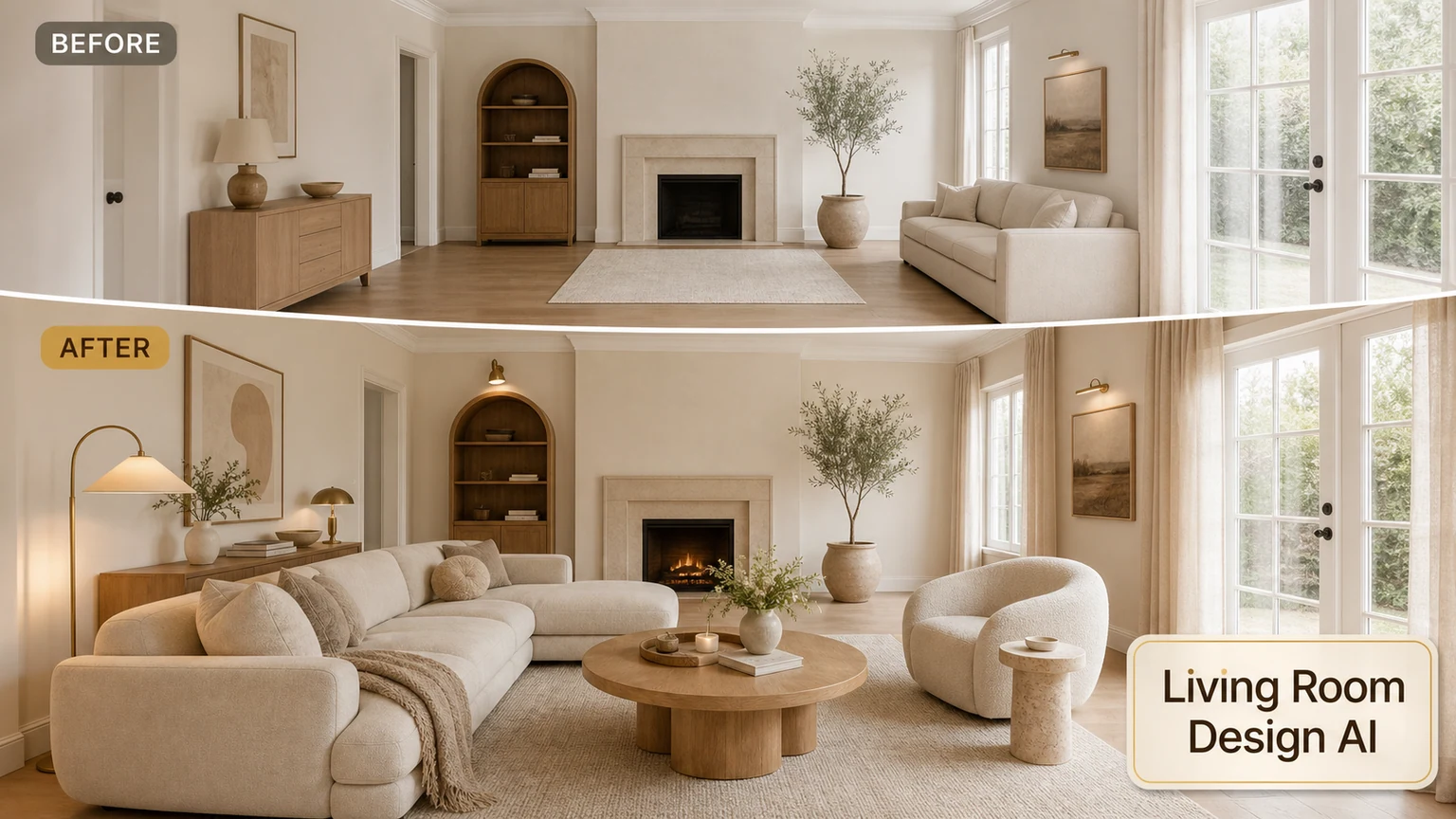
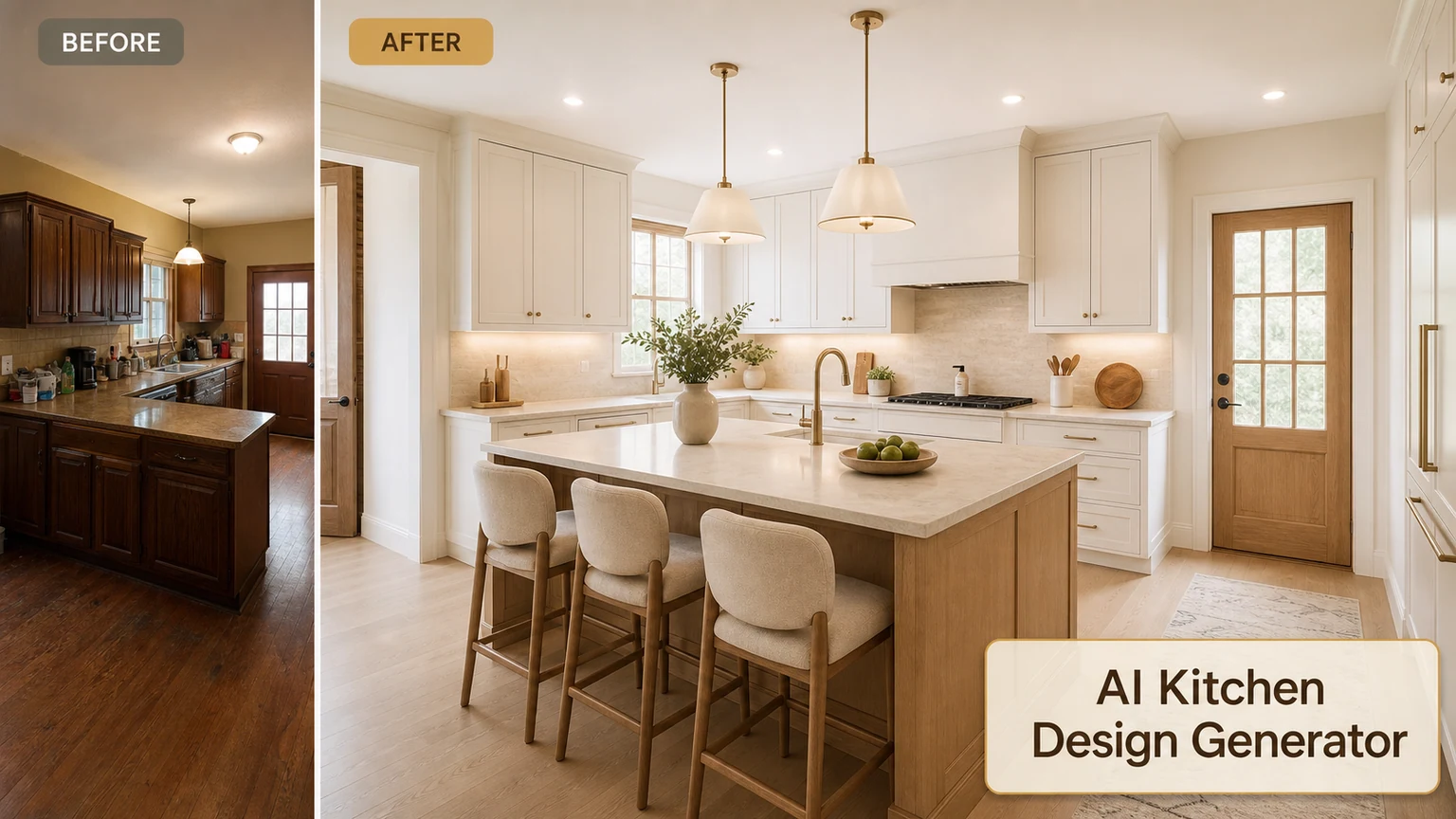
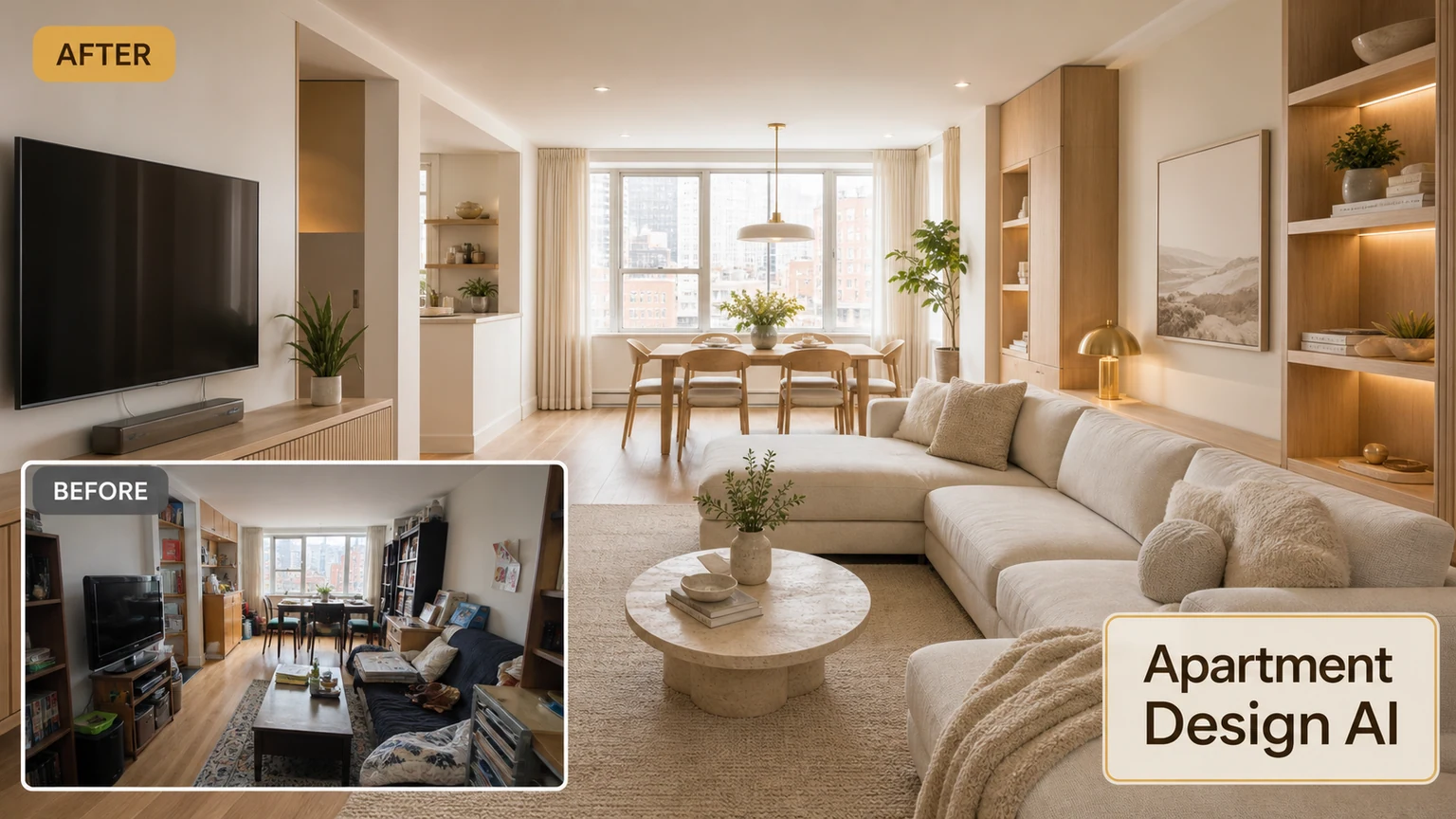
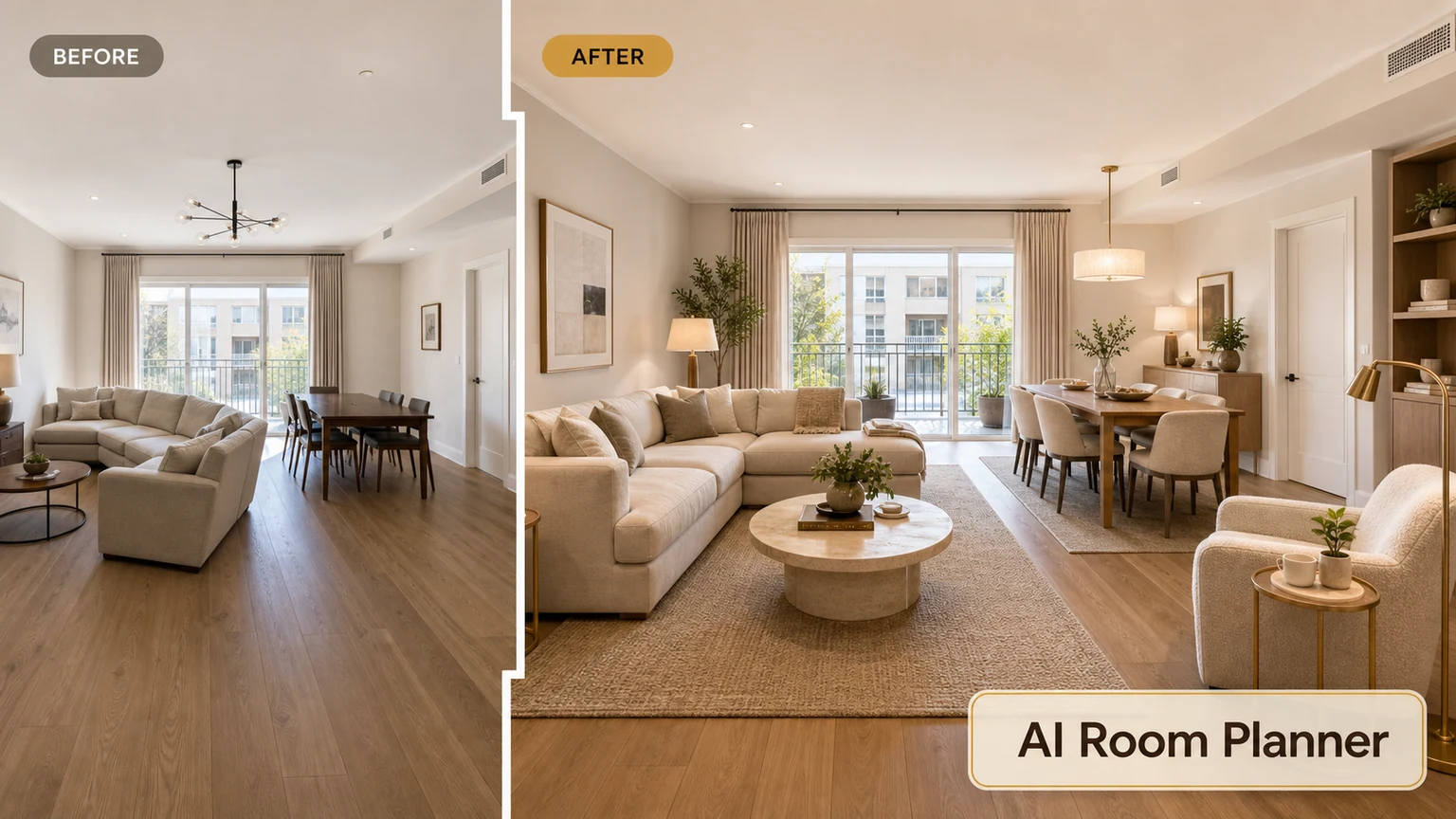
Design your bedroom
Upload a bedroom photo and explore new layouts and moods.