Exterior Home Design AI
Describe facade colors, entry, and curb appeal goals
Upload Assets
Upload a photo of the space you want to design or edit. Browse Files
Supported Formats: JPG, PNG, WEBP • 10MB
Choose renovation scope
Exterior Home Design AI
Exterior inspiration
Upload reference images to guide the AI. The model will use these as visual context for generation.
Curb appeal visualization
Exterior Home Design AI
Visualize exterior home updates from a photo—facade colors, entry styling, landscaping accents, and curb appeal improvements while keeping structure.
First impressions, redesigned
Exterior design is about curb appeal: materials, paint, entry details, and landscaping cues that make a home feel welcoming and well cared for.
- Facade color and material previews
- Entry and porch styling ideas
- Landscaping accent concepts
- Before-and-after curb appeal visualizations
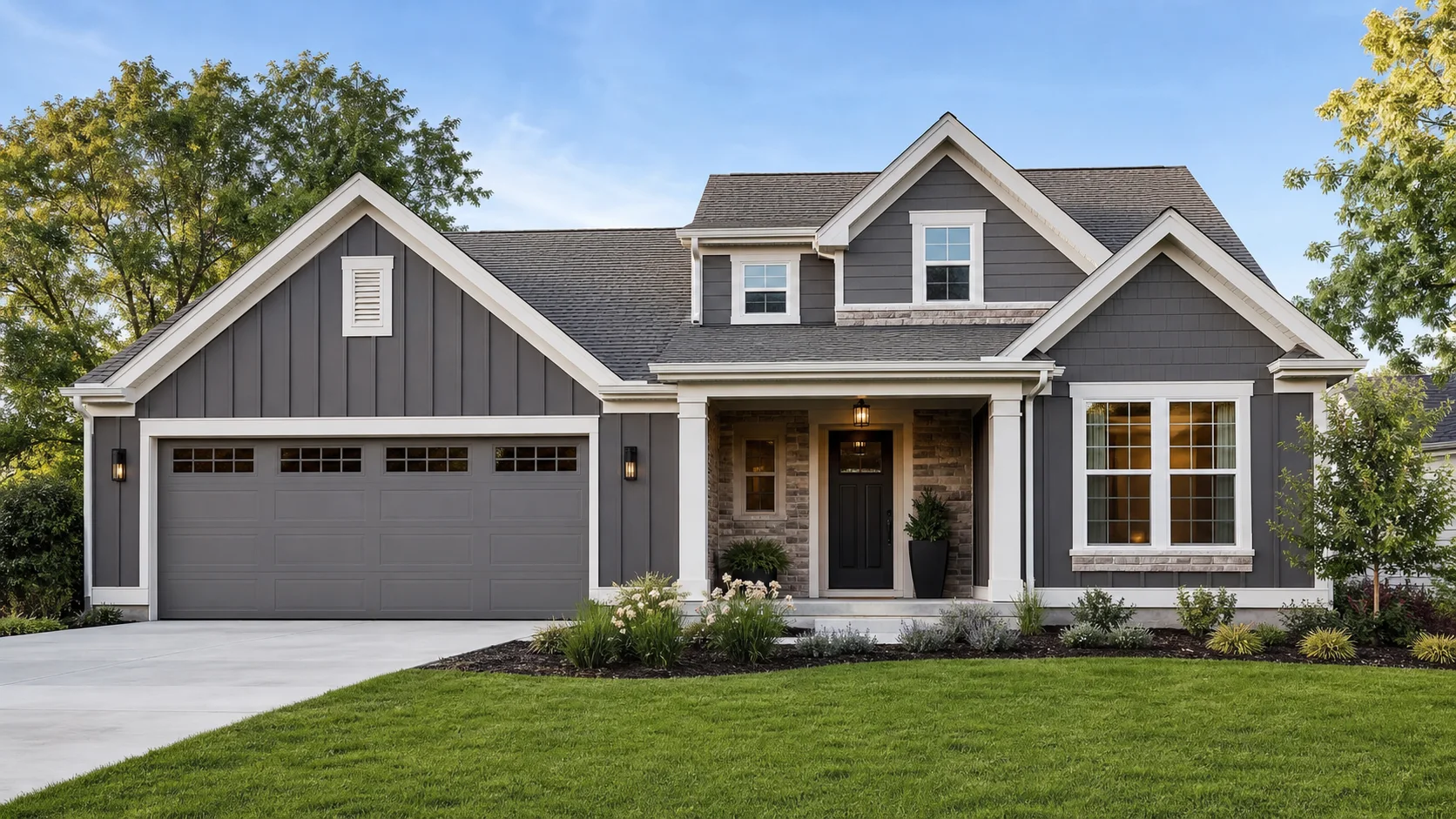
Exterior inspiration
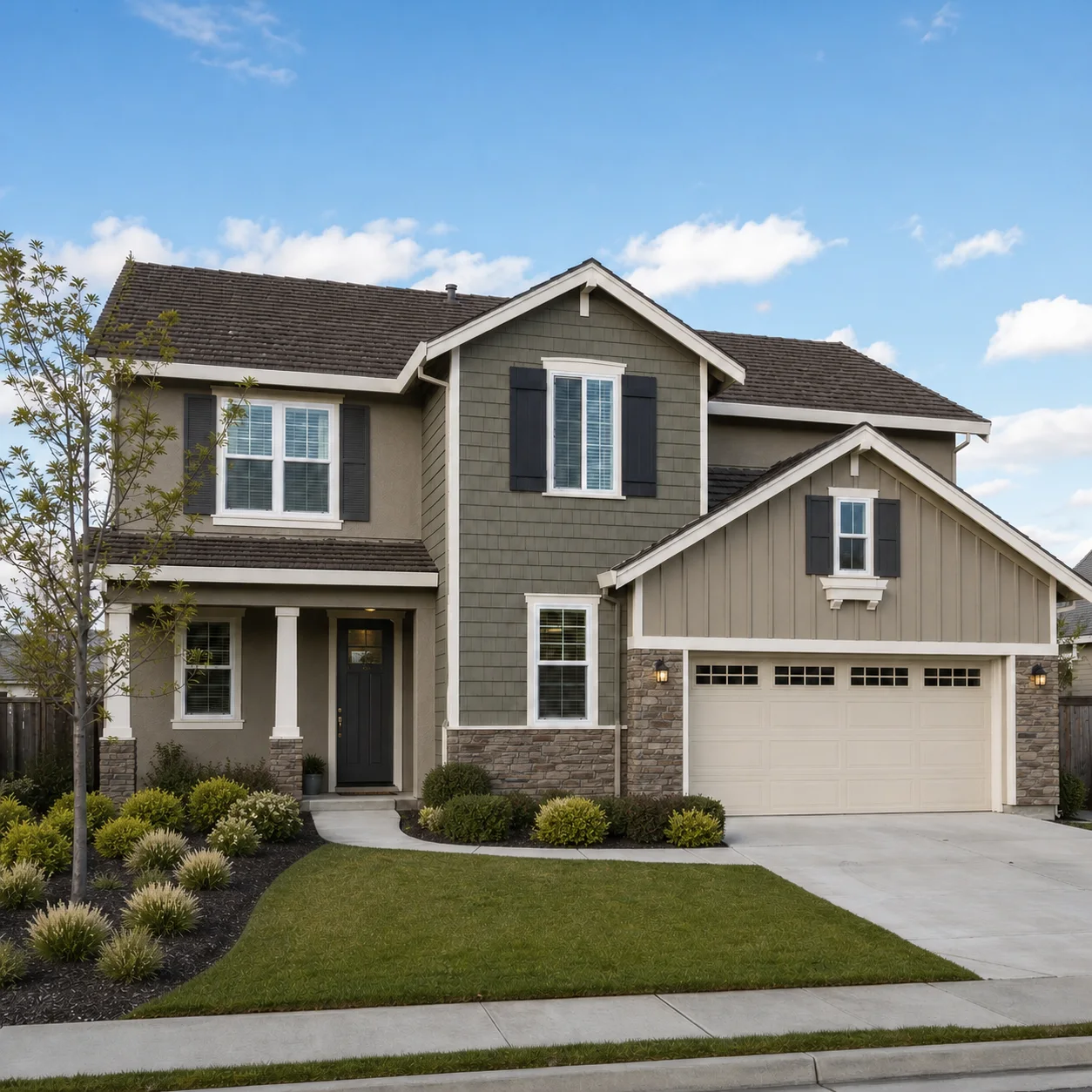
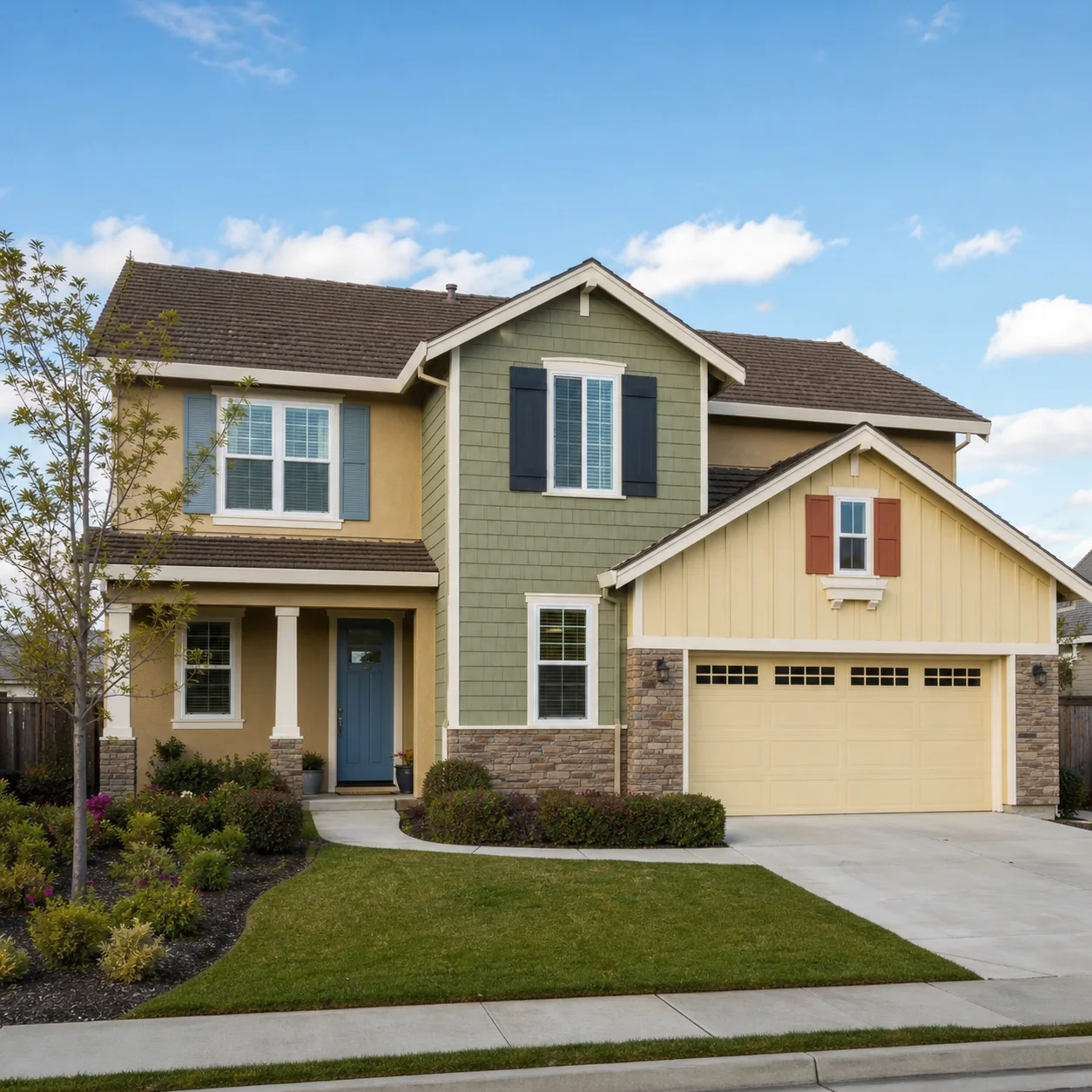
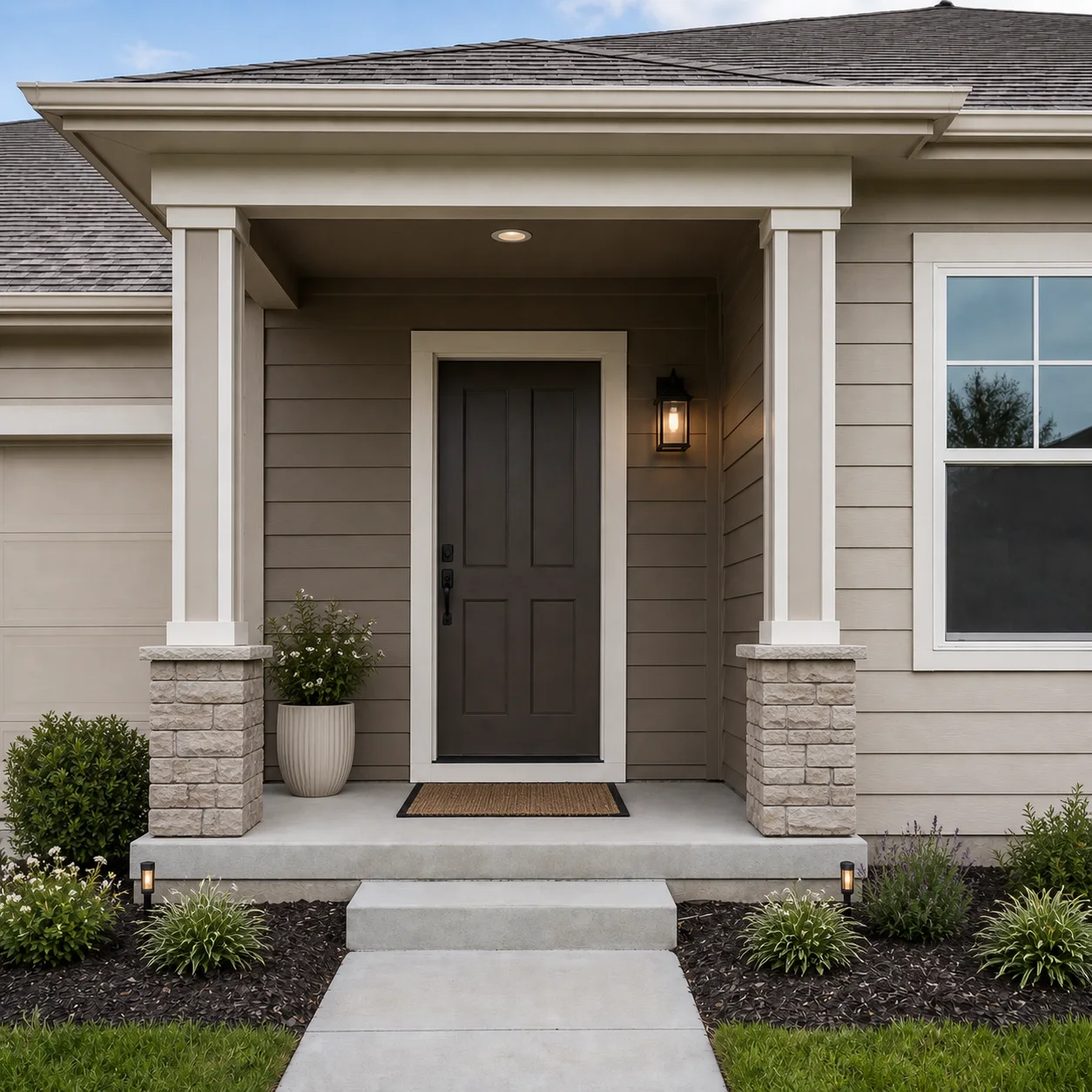
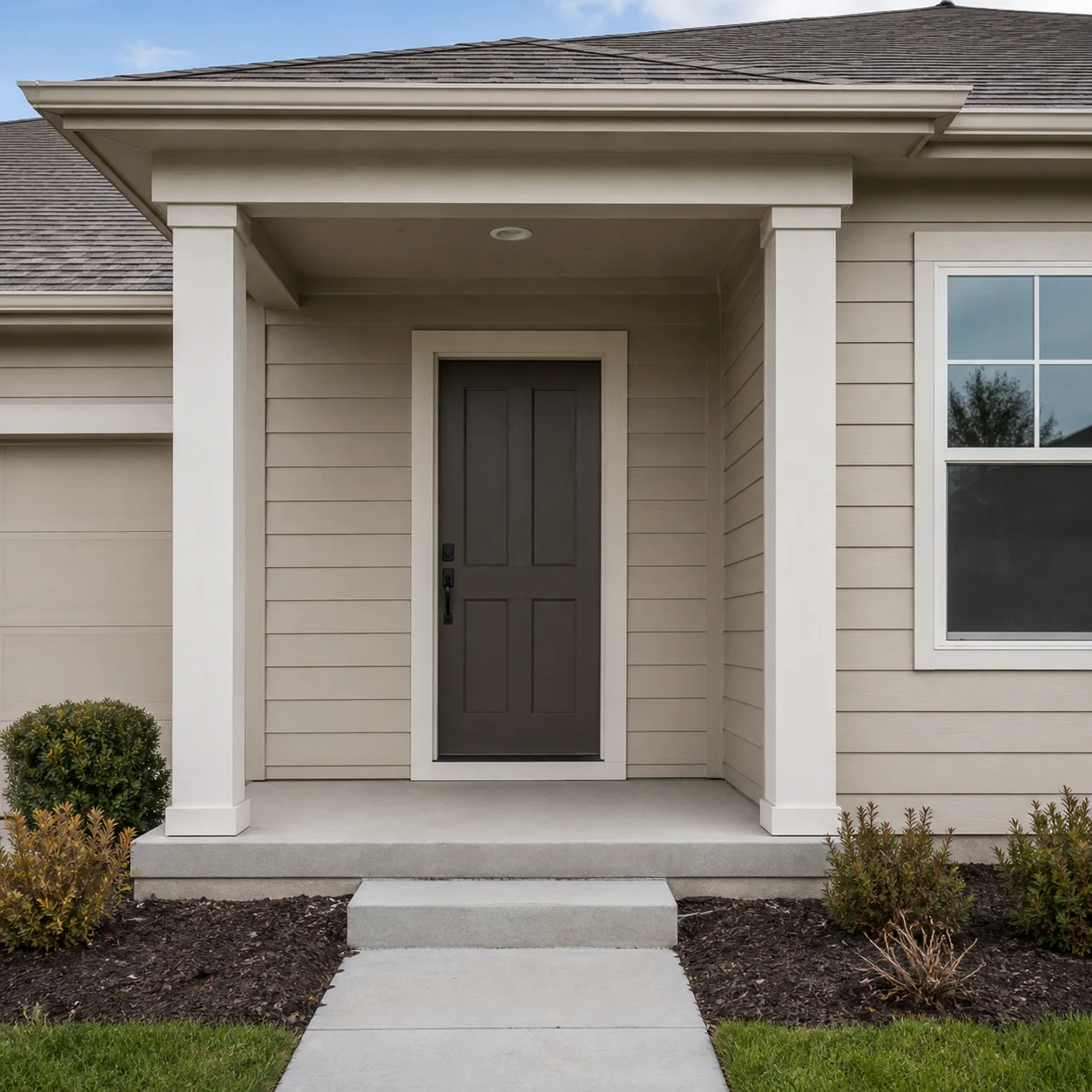
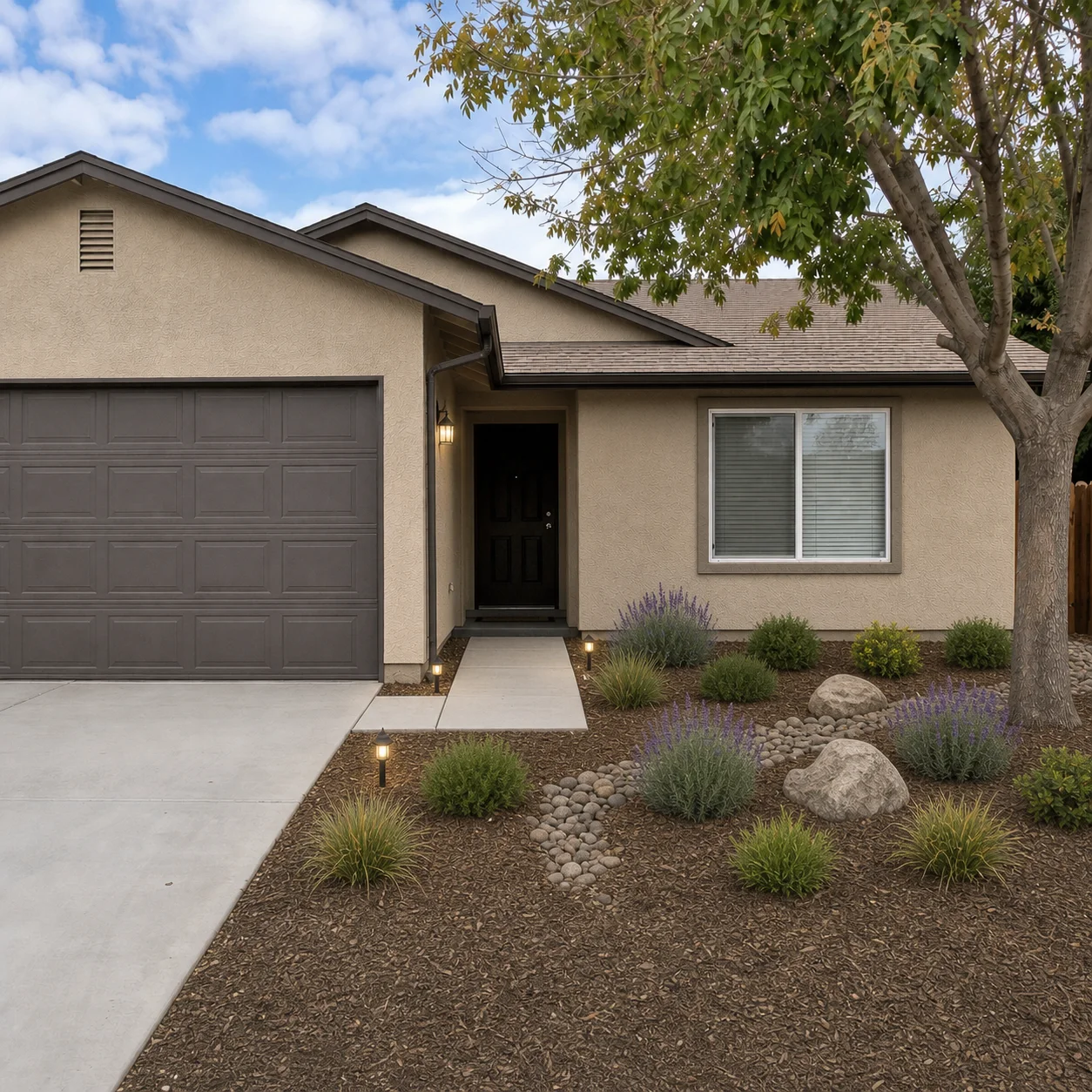
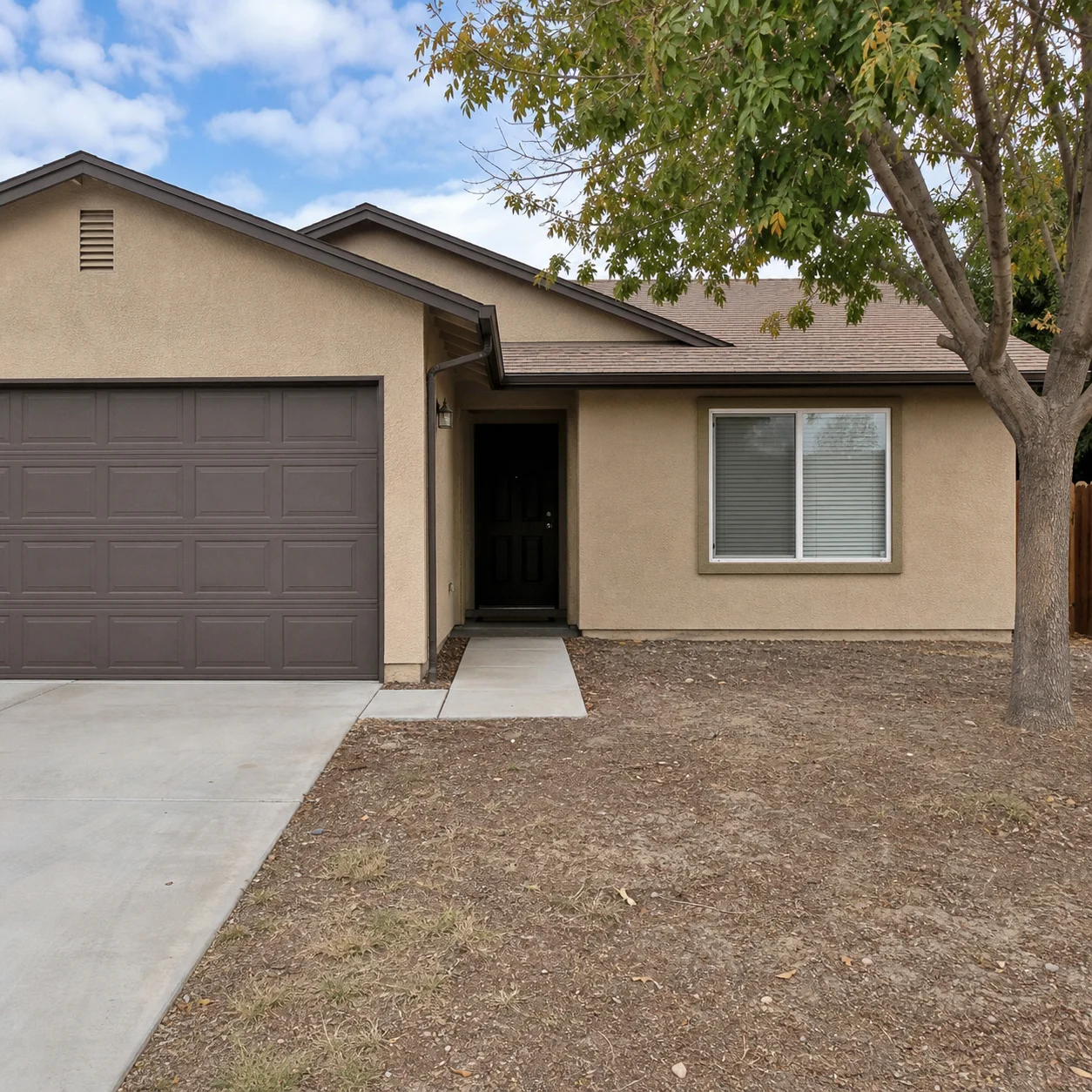
How exterior redesign works
- 01
Upload a clear exterior photo of the home
- 02
Describe paint, materials, or landscaping goals
- 03
Generate curb appeal concepts
Exterior directions
Best for
- 01Exterior paint decisions
- 02Entry refresh planning
- 03Pre-listing curb appeal
- 04Renovation concept sharing
Exterior tips
- Photograph the front elevation in daylight
- Mention roof and window colors to keep harmony
- Ask to keep structure if you only want cosmetic changes
Exterior Home Design AI FAQ
A straight-on front elevation photo taken from across the street or driveway during daytime works best. Avoid severe angles, heavy shadows, or obstructions like trees and cars so the AI can clearly read the facade, roof, windows, and entryway for an accurate redesign.
Yes. You can request a specific paint color or style — such as modern gray, warm white, or navy blue — and the AI will apply it to the exterior walls while keeping your roof, windows, doors, and architectural details unchanged. This is a great way to preview color schemes before buying paint.
The AI preserves all permanent structural elements including the roof structure, windows, doors, exterior walls, chimney, porch columns, and foundation. You can change the color or material finish of these elements but their size, shape, and position remain as they appear in your photo.
Yes. You can request new front door colors or styles, porch lighting, railing updates, welcome mats, potted plants, and seating for the entry area. The AI will redesign the movable and finish elements while keeping the porch structure, steps, and roofline intact.
The AI can add or change visual landscaping accents such as lawn areas, shrubbery, flower beds, pathway materials, and driveway finishes. These are aesthetic visualizations only — not landscape architecture plans, grading designs, or planting schedules that require a professional landscaper.
Yes, you can request material changes such as switching from asphalt shingles to metal roofing, or from vinyl siding to stone veneer or stucco. The AI updates the surface appearance while keeping the original roof shape and wall dimensions from your photo.
It can help you visualize whether a proposed exterior color or style would fit within your neighborhood aesthetic before investing in materials or submitting approval requests. However, the AI does not know your specific HOA rules or local codes, so always check your actual covenants and permit requirements separately.
This tool generates photorealistic visual inspiration from your own home photo in seconds — ideal for exploring styles and narrowing down ideas before spending money. It does not produce architectural drawings, structural calculations, or permit-ready plans, which require a licensed architect or engineer.
Related tools
Continue with AI Apartment Design
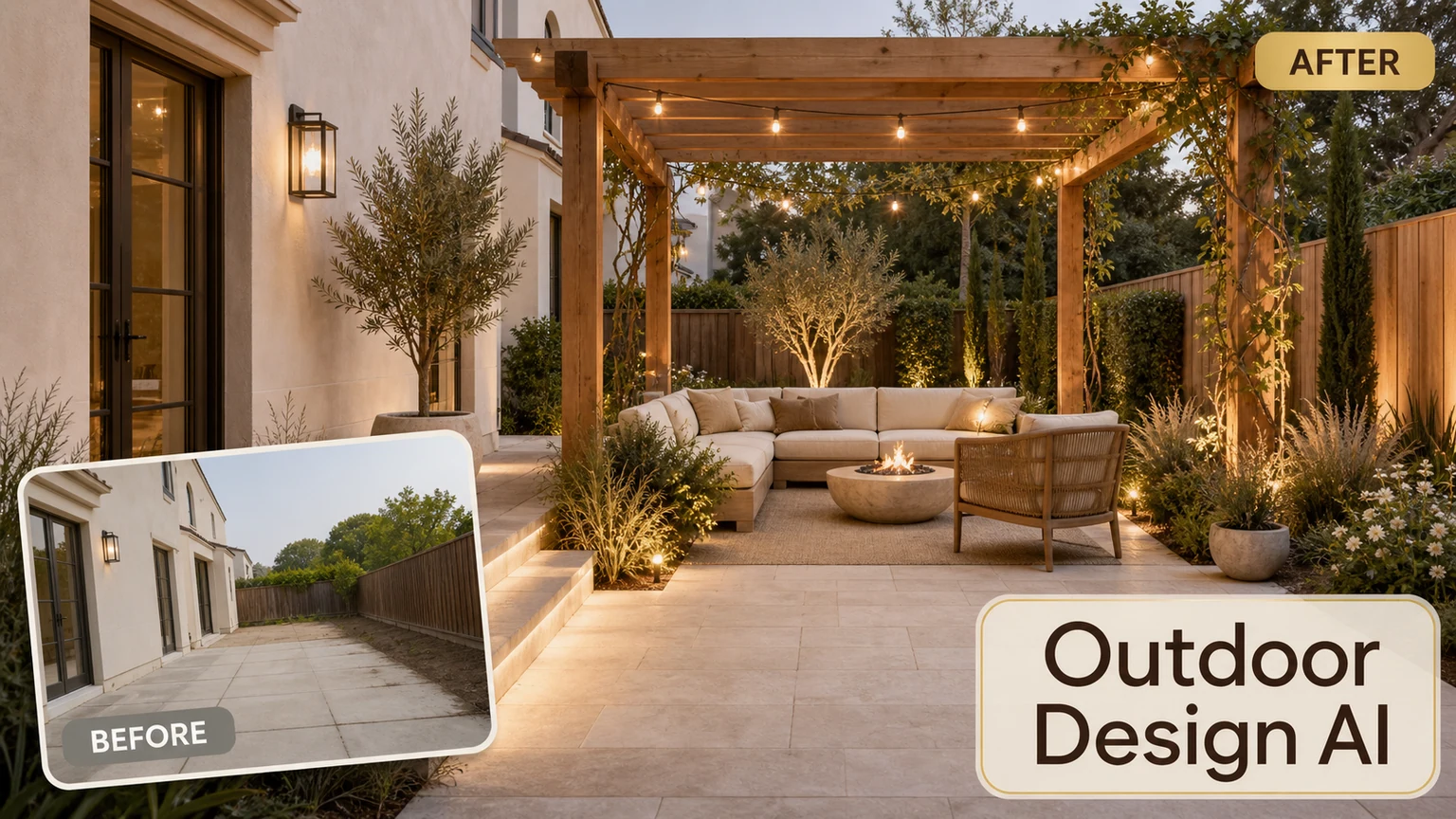
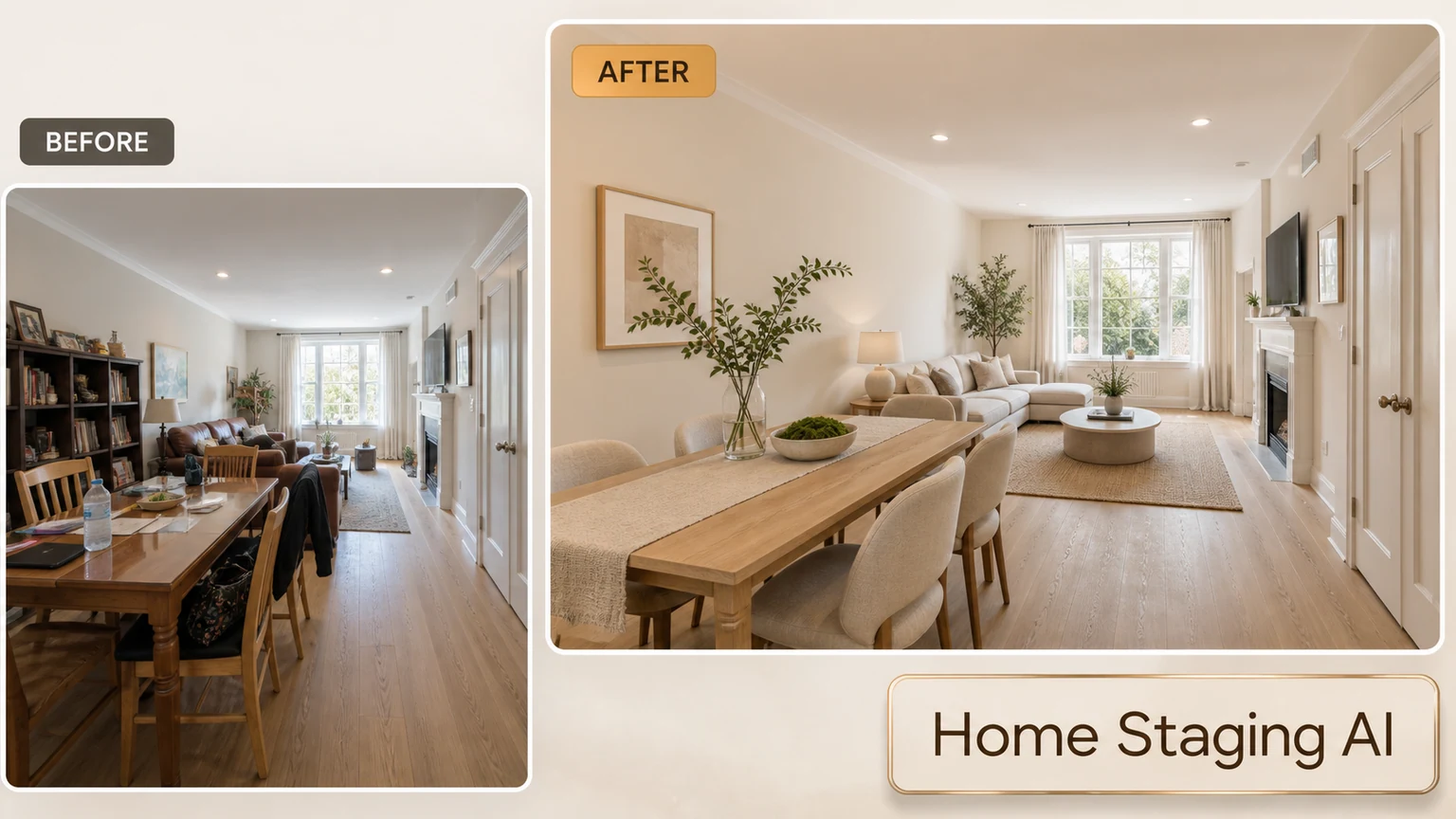
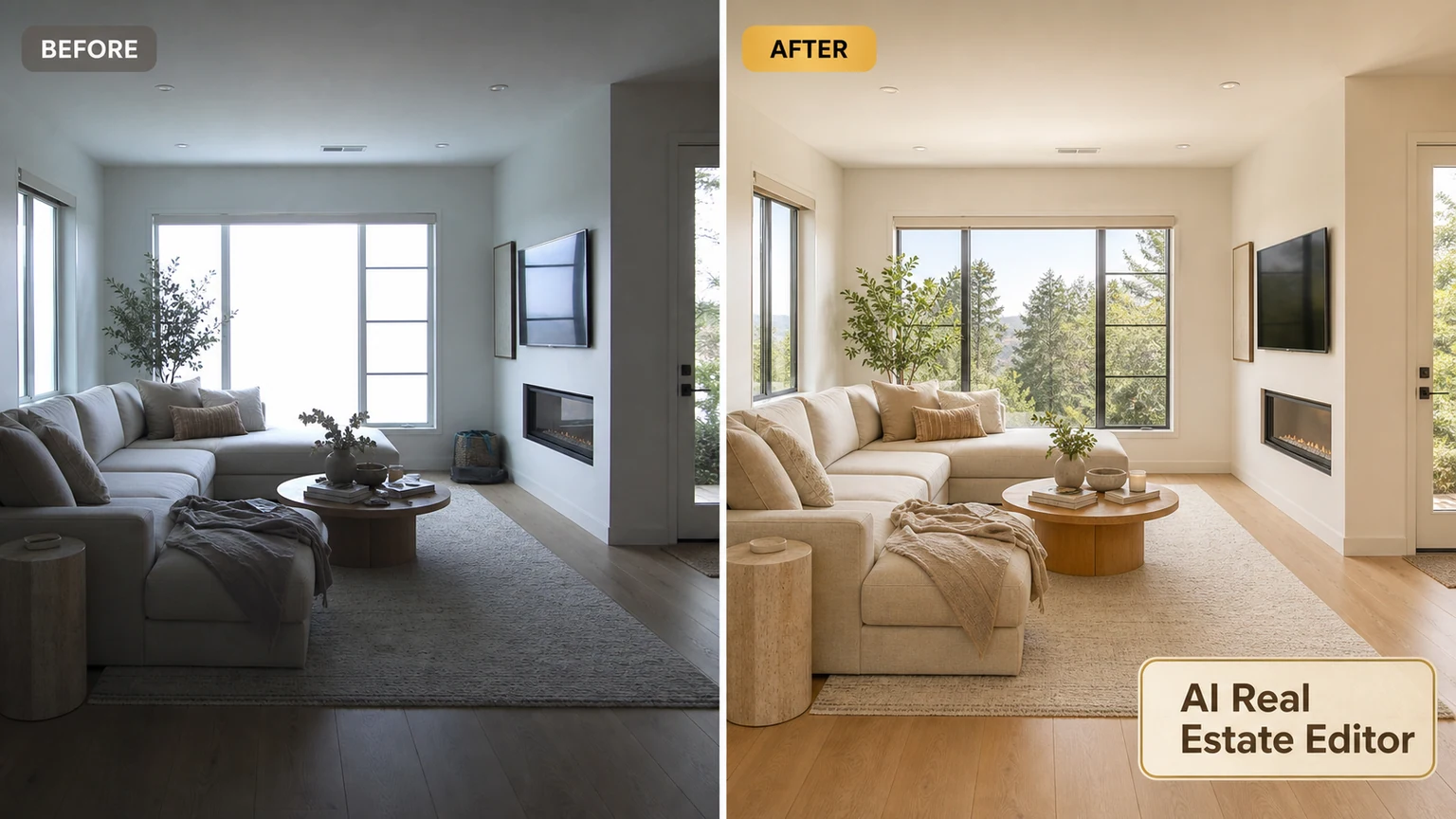
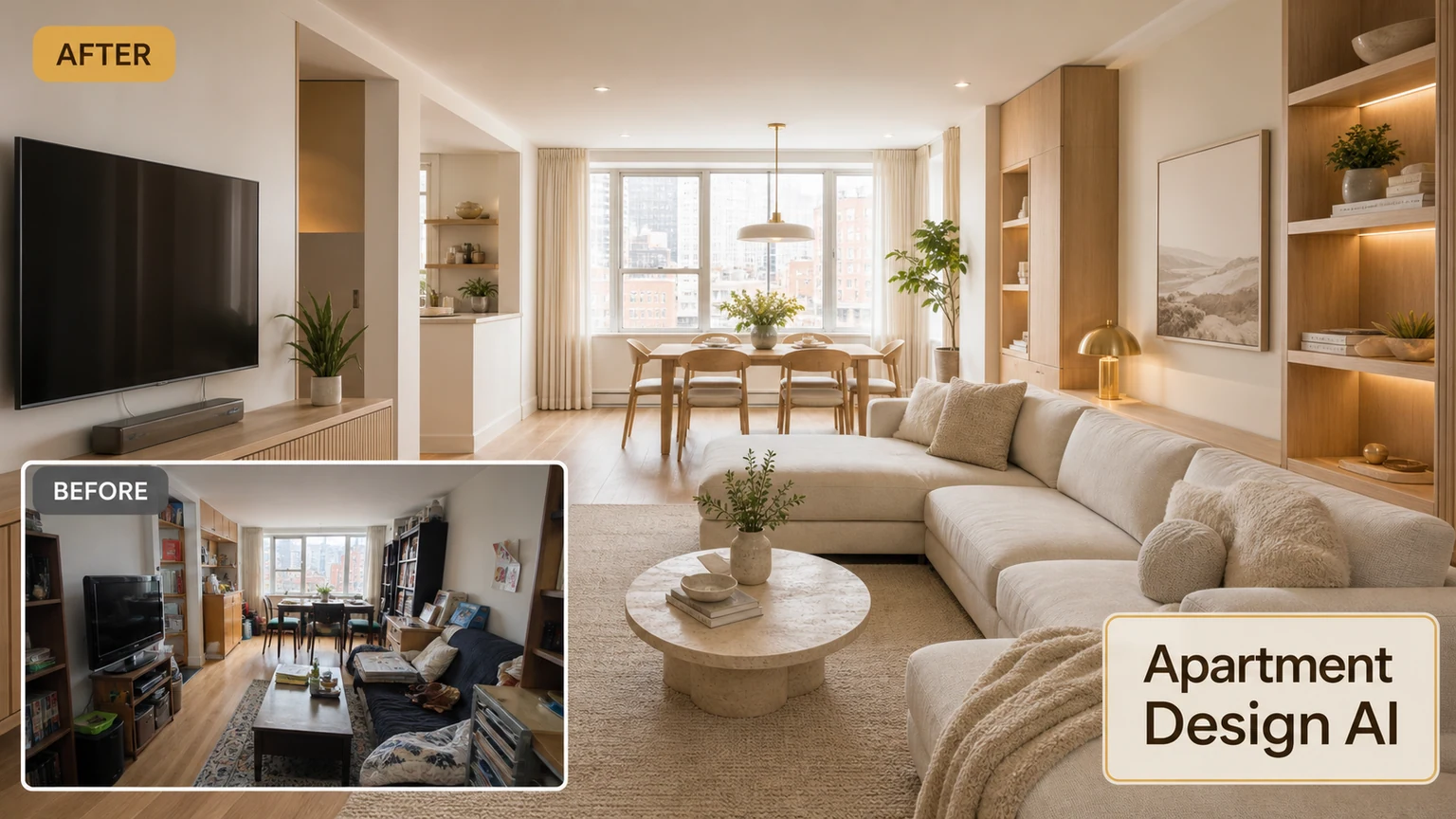
Improve curb appeal with AI
Upload an exterior photo and preview facade and entry updates.