AI Real Estate Editor
Enhance this property photo for a real estate listing
Upload Assets
Upload a photo of the space you want to design or edit. Browse Files
Supported Formats: JPG, PNG, WEBP • 10MB
Choose photo issues to fix
AI Real Estate Editor
Listing-ready examples
Upload reference images to guide the AI. The model will use these as visual context for generation.
Listing photo enhancement
AI Real Estate Editor
Enhance real estate interior photos for marketing—cleaner presentation, brighter light, and more marketable room images for listings.
Marketing-ready property images
Real estate editing prioritizes clarity and buyer appeal: balanced light, tidy presentation, and marketable interiors that help listings stand out.
- Brighten and clean listing interiors
- Present rooms with marketable furniture styling
- Support sales, rentals, and Airbnb marketing
- Pair well with virtual staging workflows
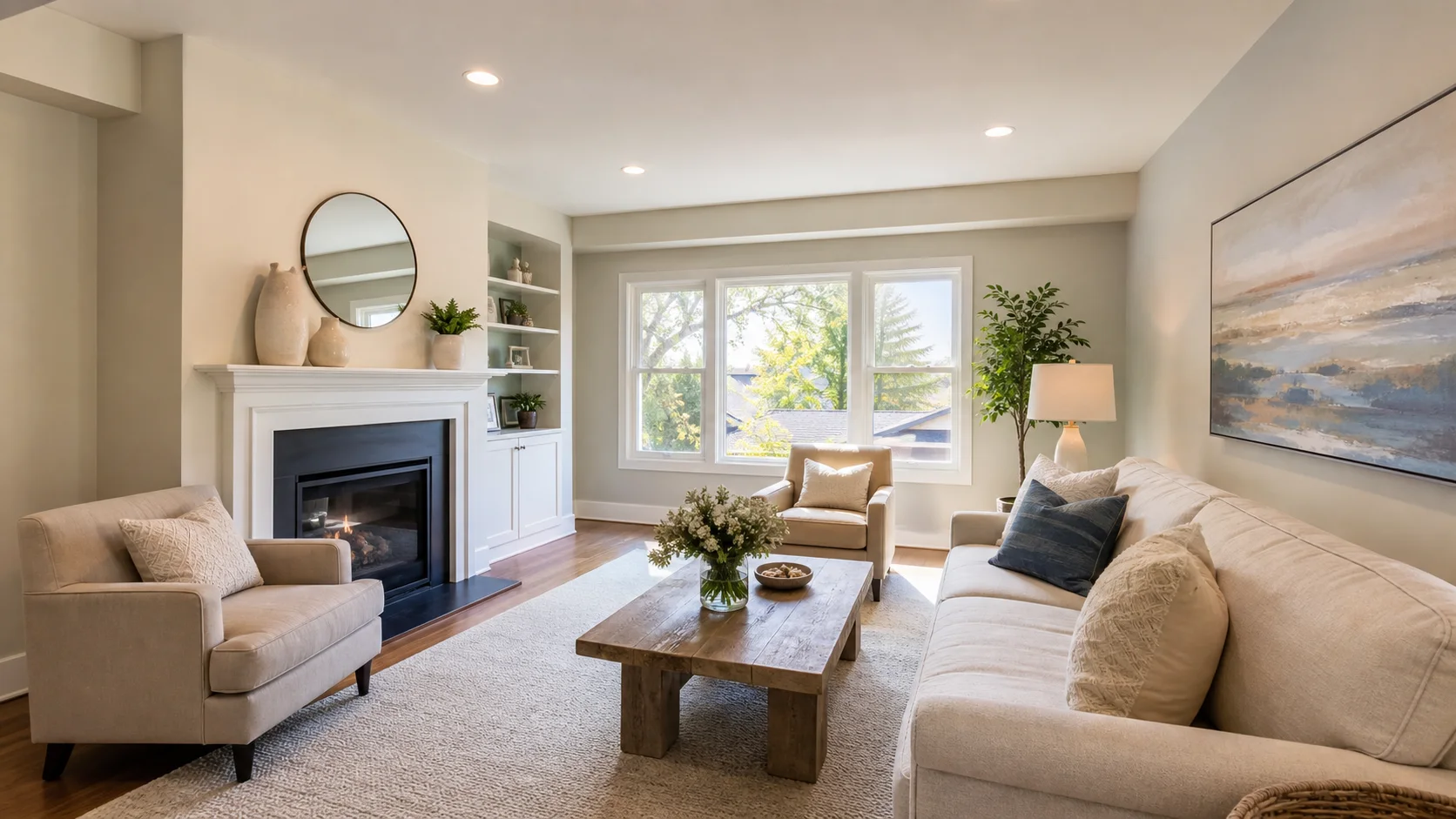
Listing-ready examples
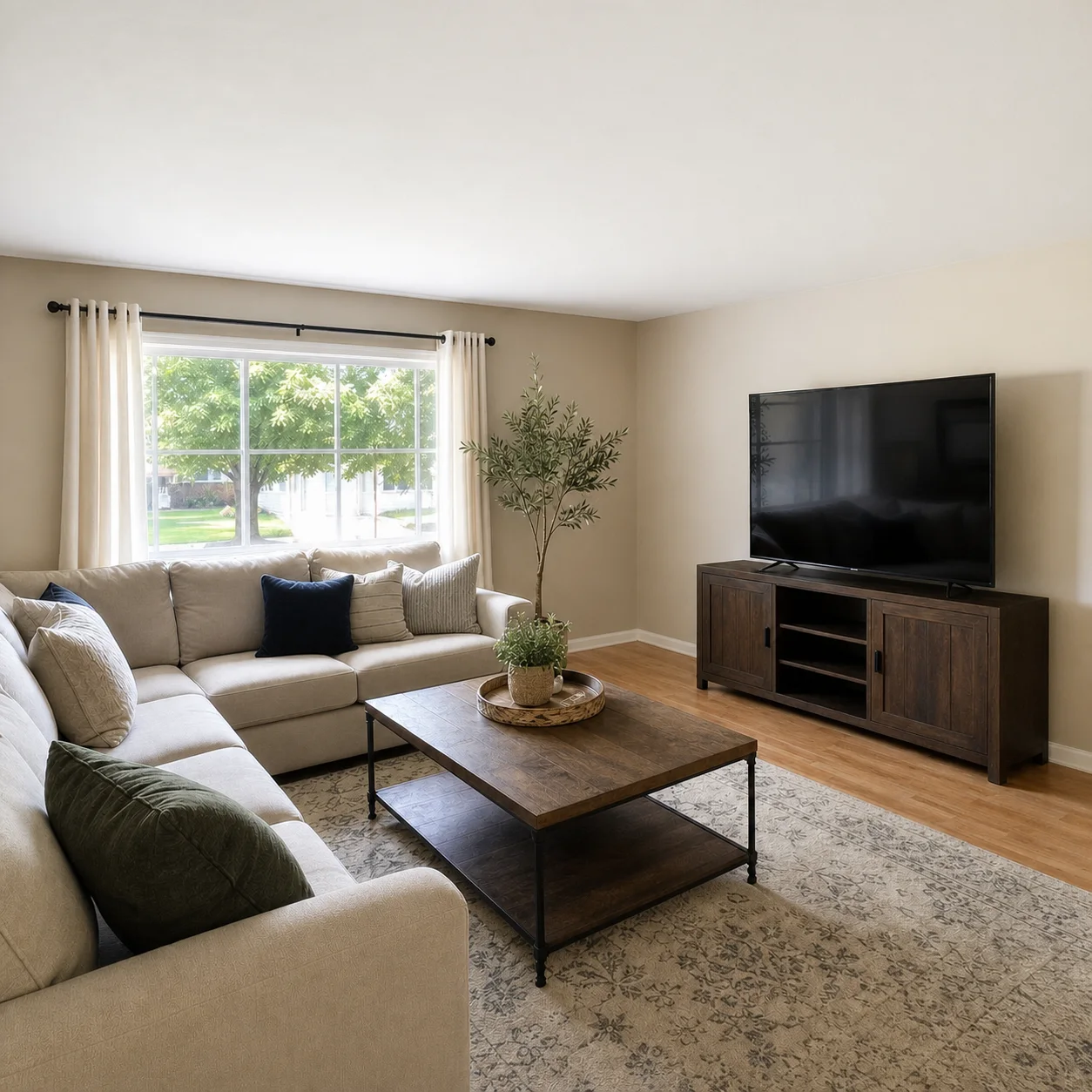
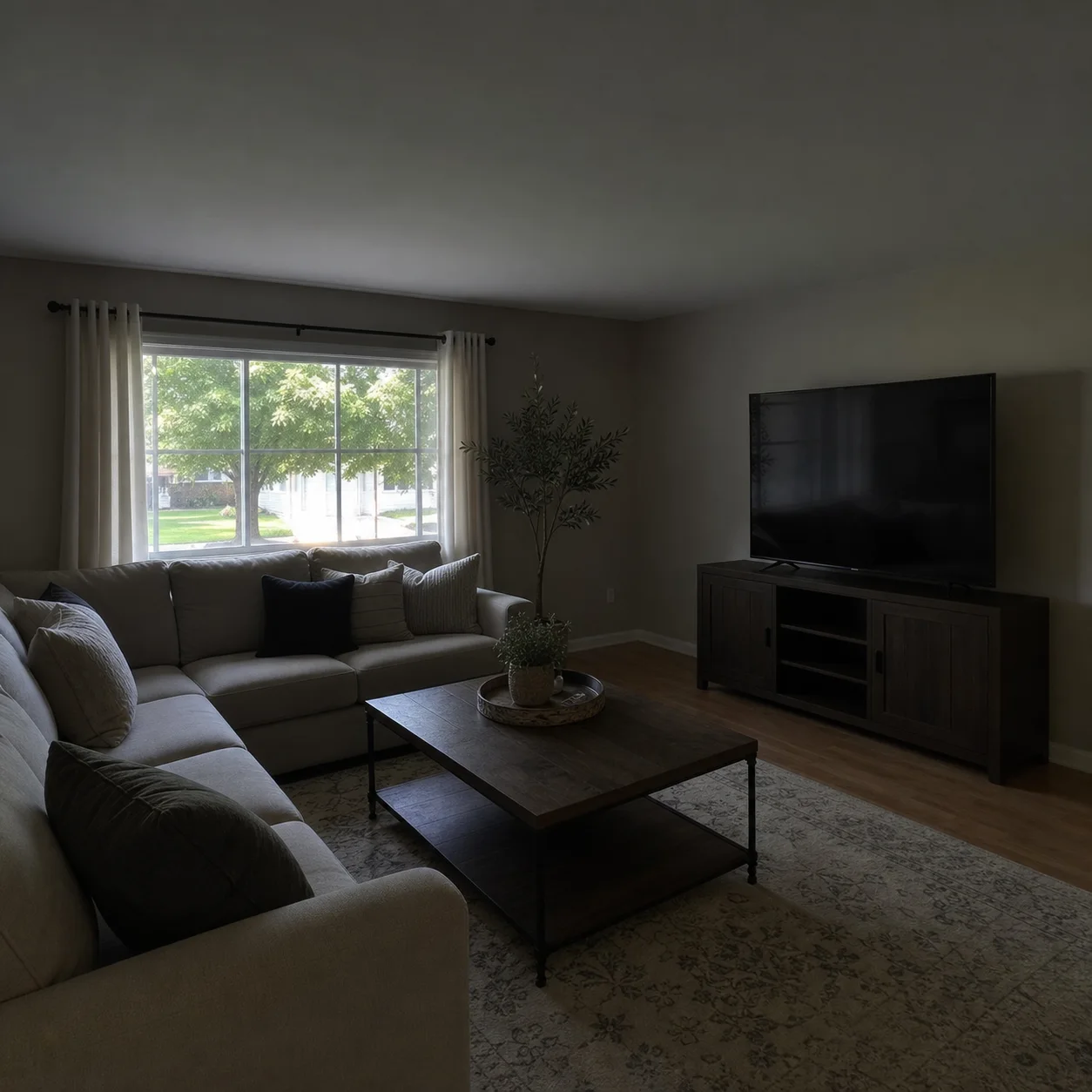
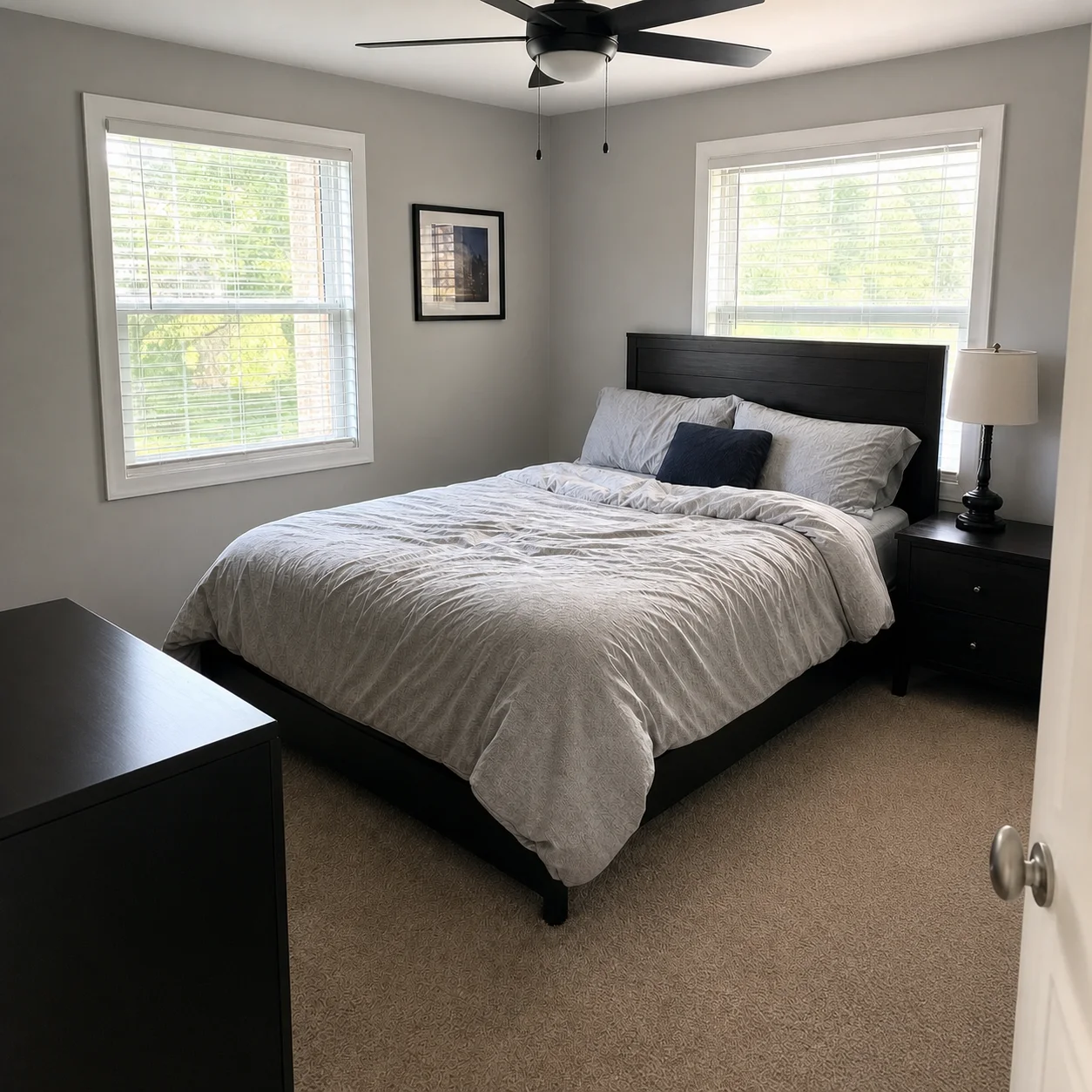
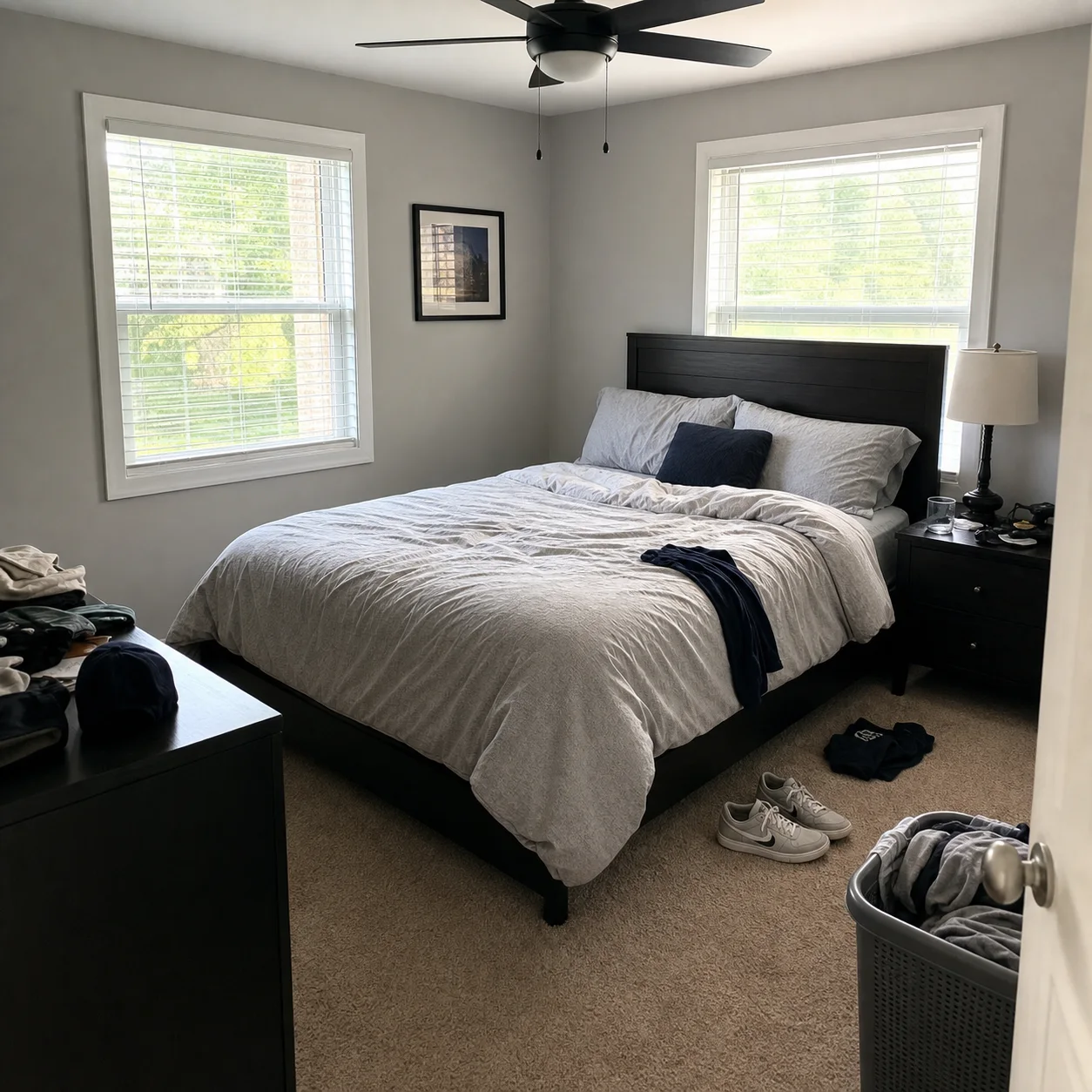
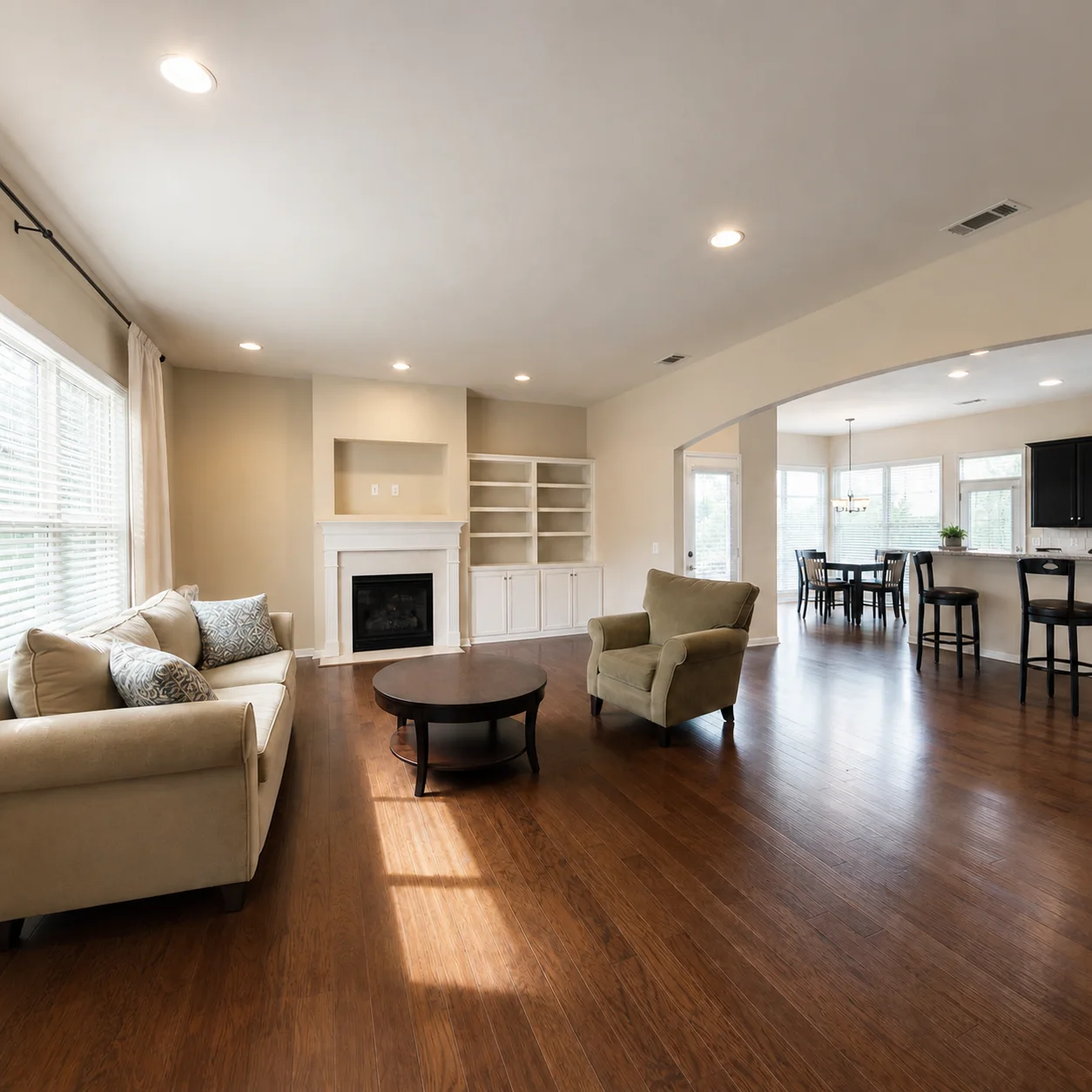
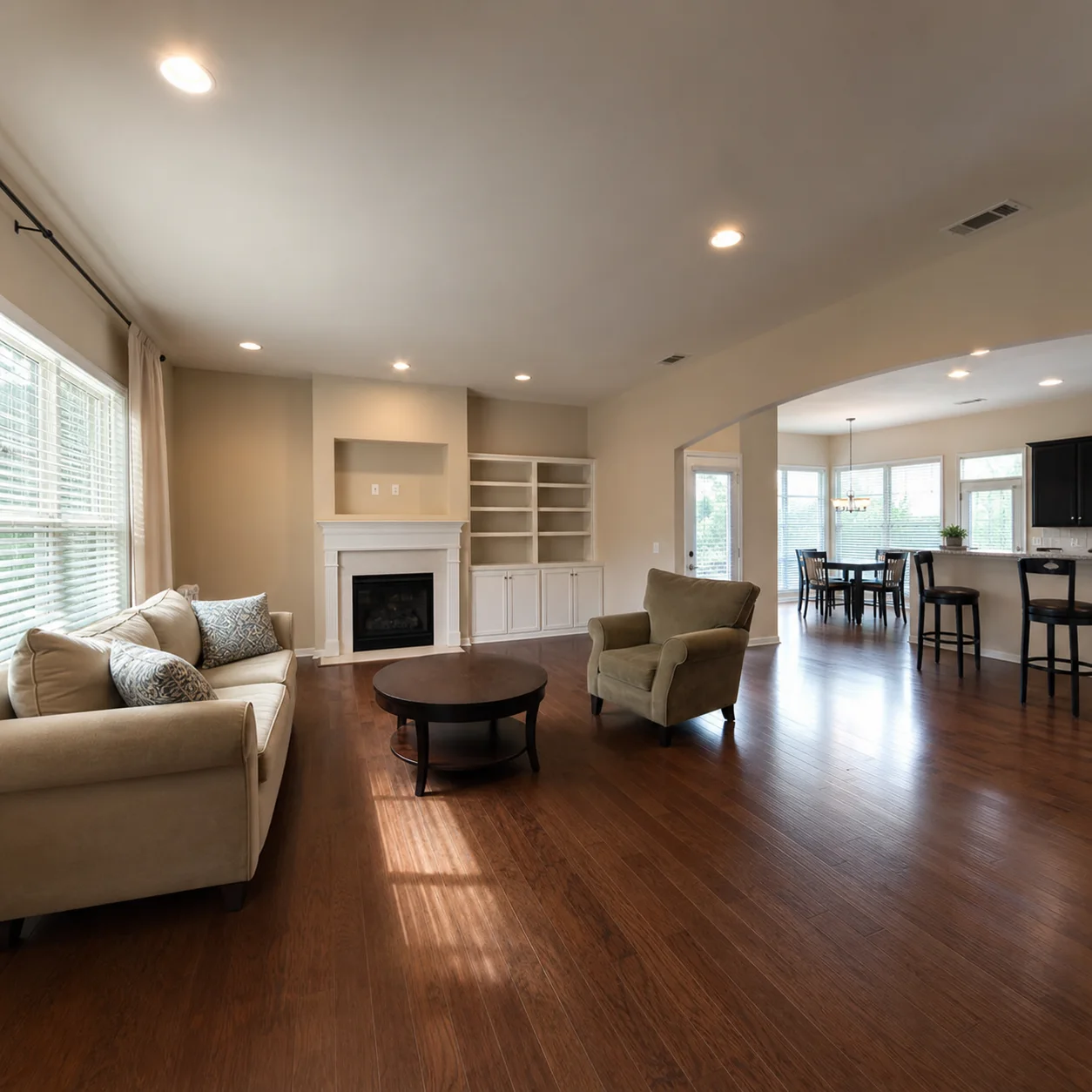
How listing photo editing works
- 1
Upload a property interior photo
- 2
Ask for brighter, cleaner, listing-ready presentation
- 3
Generate a marketing-ready version
Listing looks
Best for
- 01Real estate agents
- 02Property managers
- 03Airbnb hosts
- 04Listing marketing teams
Listing photo tips
- Shoot wide with as much room as possible in frame
- Prefer daytime photos when you can
- Use staging tools first if the room is empty
AI Real Estate Editor FAQ
No. This tool enhances an existing photo's lighting, color, and clarity to make it more marketable. Virtual staging is better suited when a room needs furniture added or completely restyled.
Enhancement improves brightness, color balance, shadow detail, and overall clarity of the existing room. The AI does not add or remove furniture, change the room layout, or alter structural elements.
It depends on your MLS. Basic photo enhancements like brightness and color correction are generally acceptable, but some boards require disclosure when AI has substantially altered an image. Check your local MLS rules.
JPG, PNG, and WEBP formats are supported. For best results, upload the highest resolution version of your listing photo. The AI preserves the original resolution in the enhanced output.
No. Unlike staging tools which can replace furniture and decor, this editor focuses on photo quality enhancement only. For decluttering or furniture changes, use the home staging or virtual staging tools first.
Yes. Smartphone photos work well as long as they are well-lit and in focus. The AI can significantly improve the color and brightness of phone-captured real estate photos.
Instead of manually adjusting exposure, contrast, and color temperature, you describe the look you want and the AI applies professional-grade enhancements automatically. It is faster and requires no editing skills.
Yes. The editor works on both interior and exterior property photos. For exterior shots, it can enhance sky color, facade lighting, and overall curb appeal presentation.
Related listing tools
Also useful: AI Apartment Design
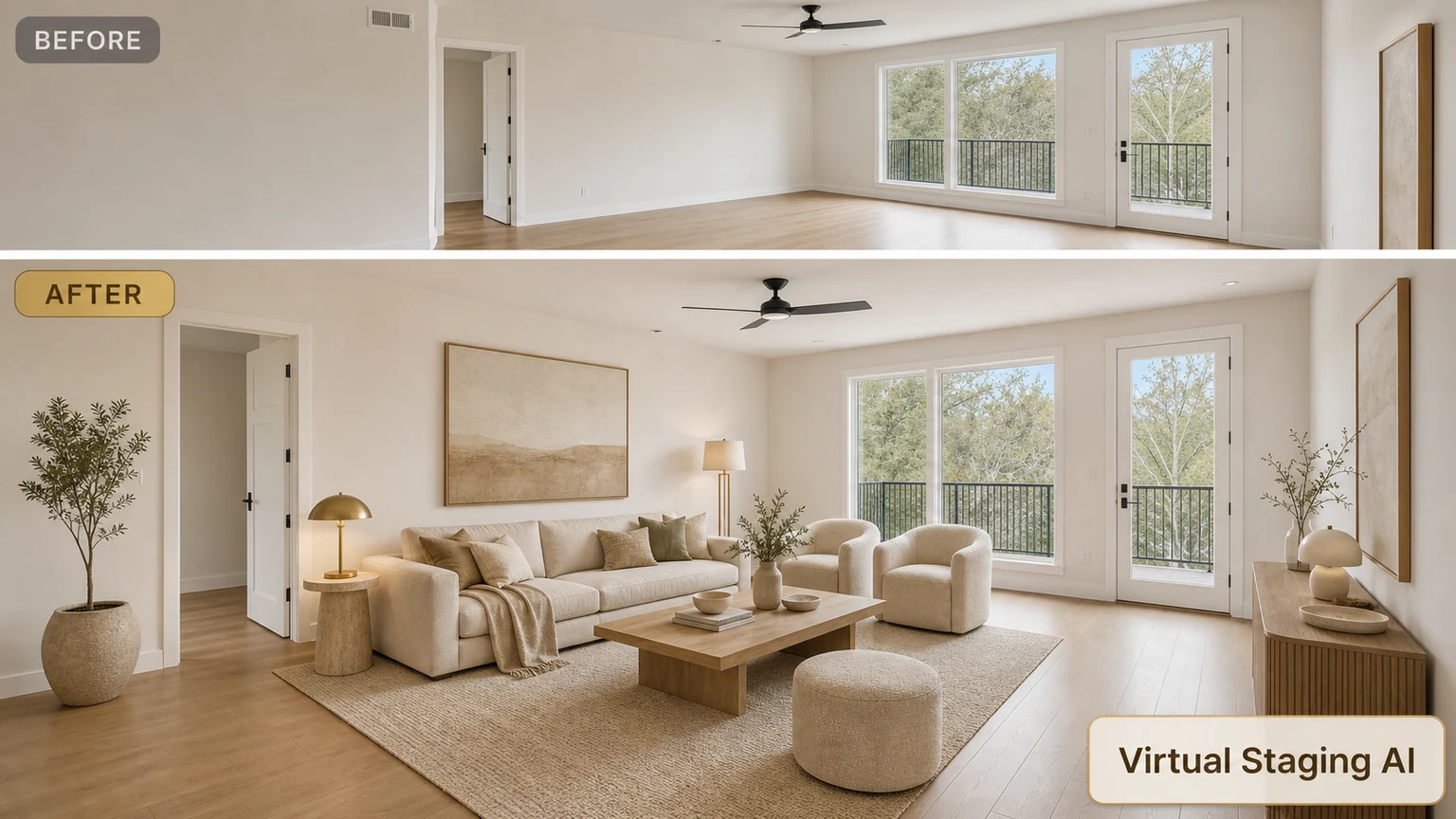
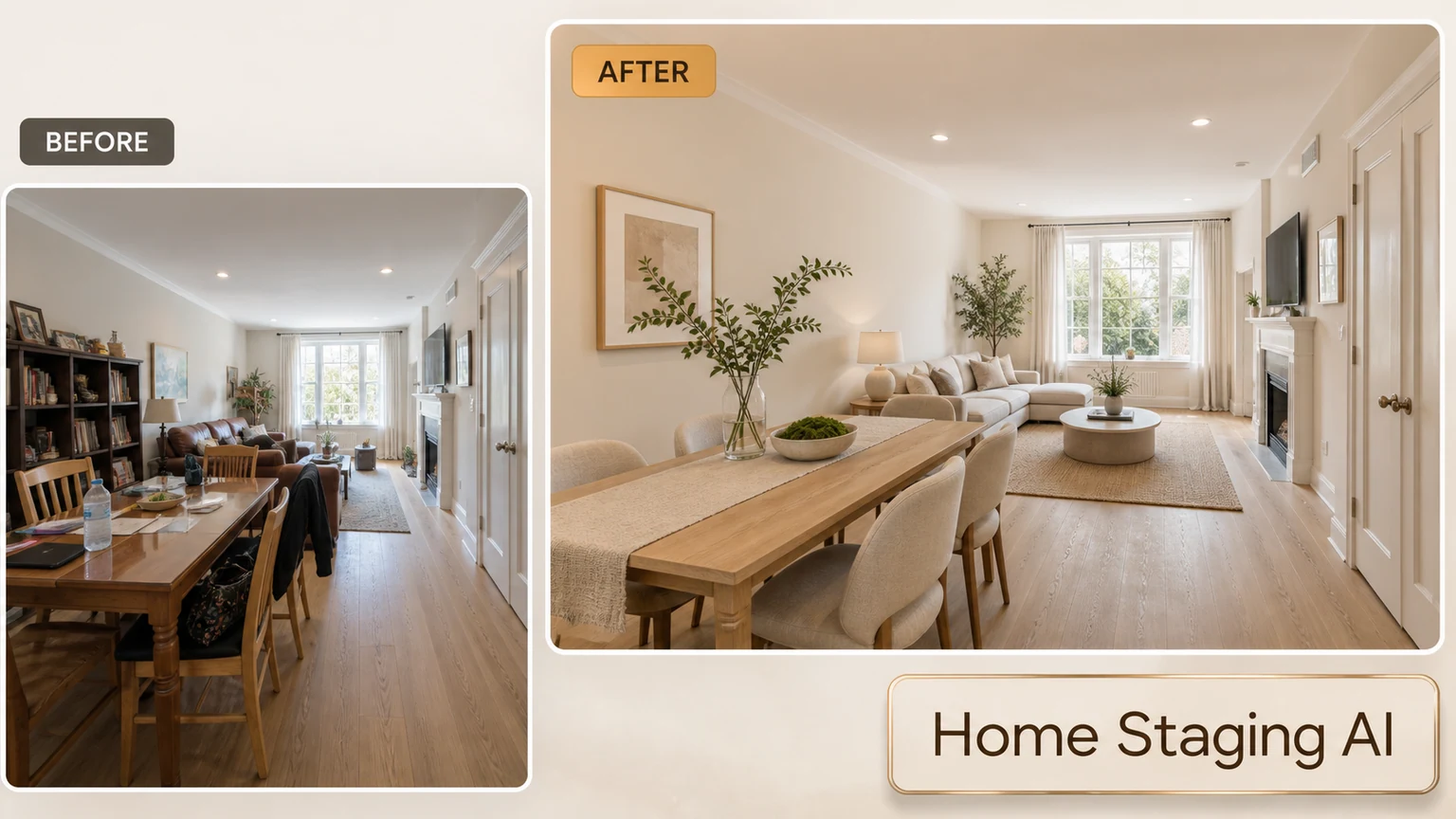
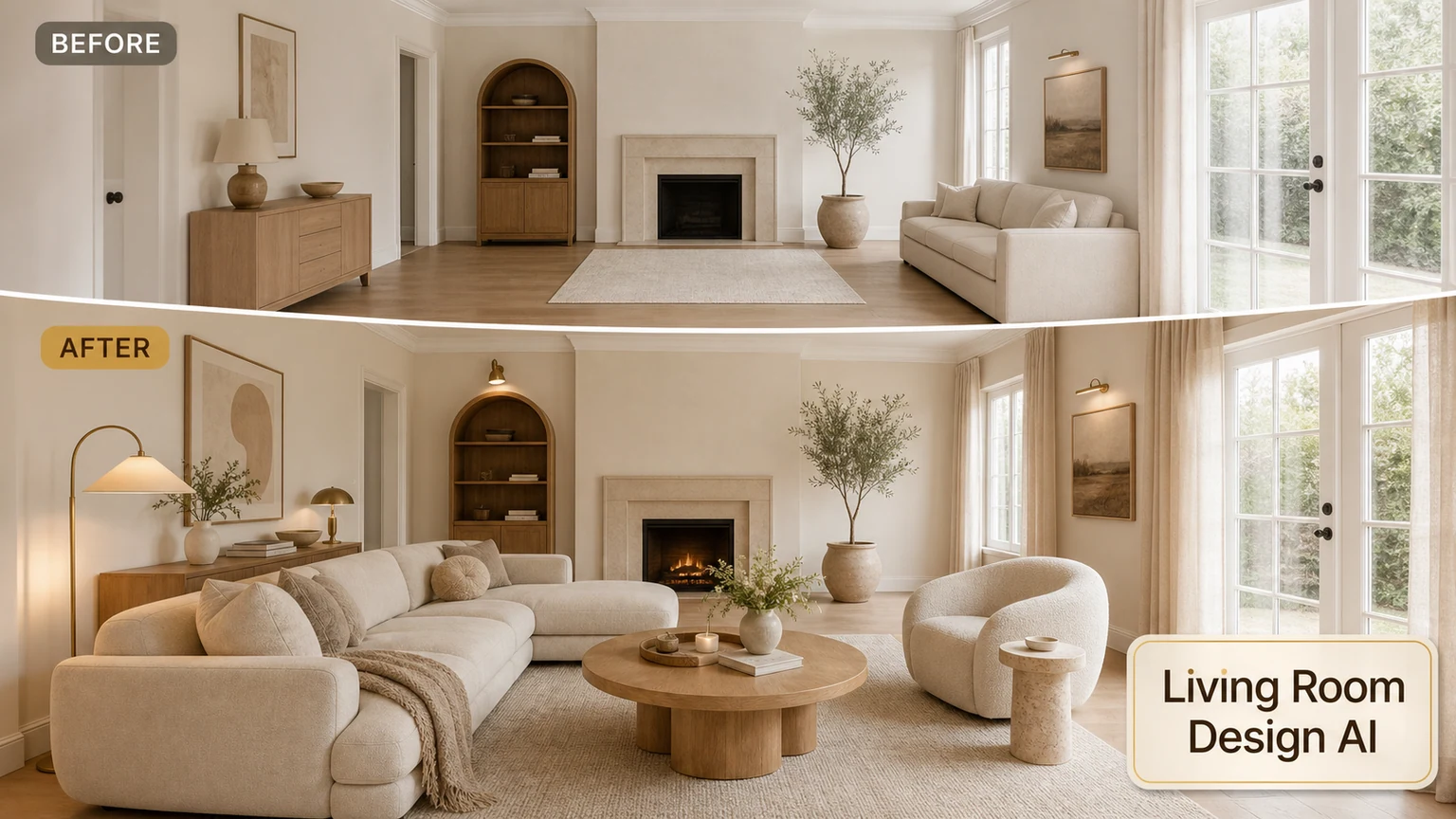
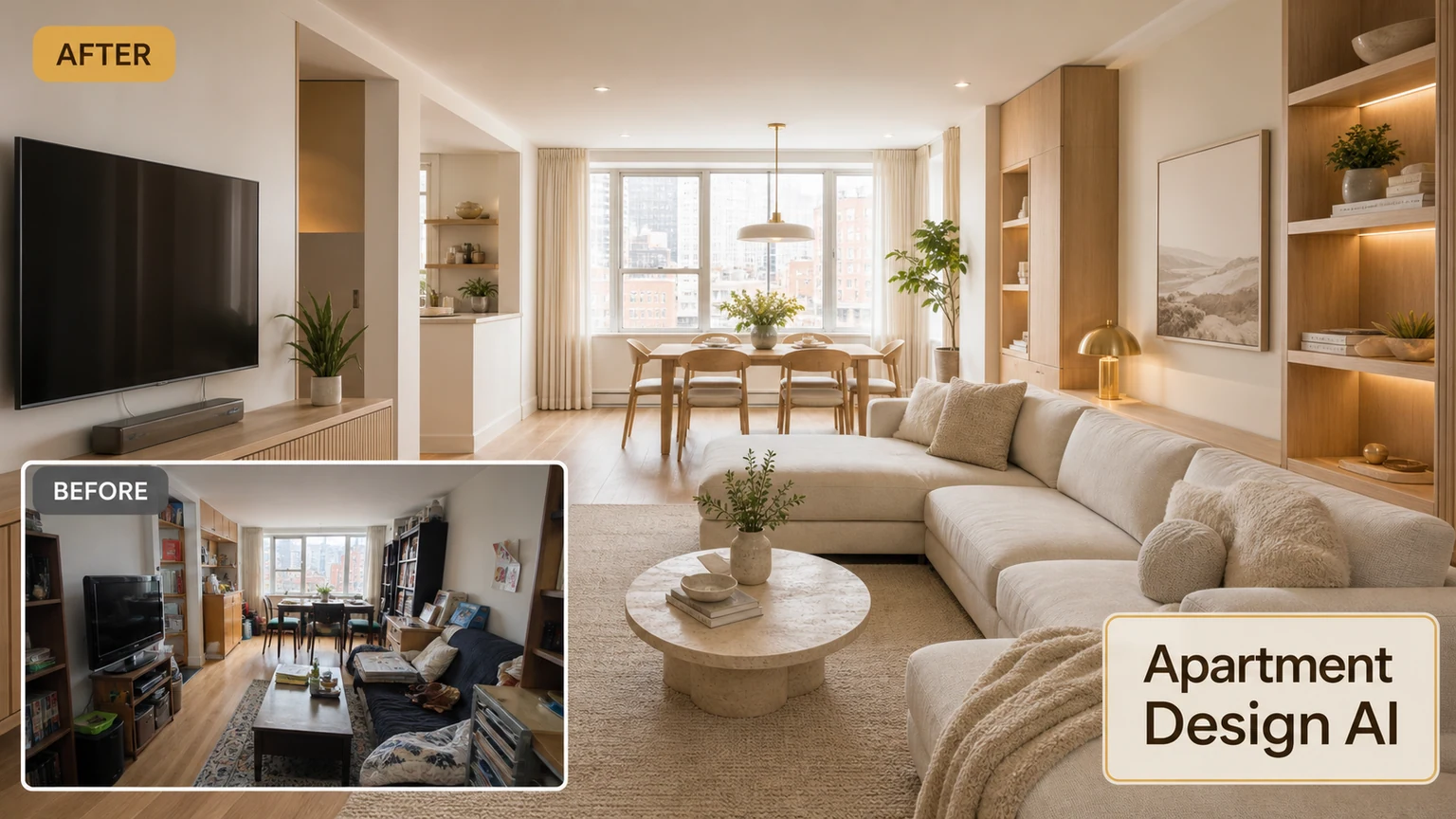
Upgrade a listing photo
Upload a property photo and generate a cleaner marketing image.