Home Staging AI
Stage this home for sale with neutral buyer-friendly furniture
Upload Assets
Upload a photo of the space you want to design or edit. Browse Files
Supported Formats: JPG, PNG, WEBP • 10MB
Choose listing audience
Home Staging AI
Staging inspiration
Upload reference images to guide the AI. The model will use these as visual context for generation.
Seller-focused staging
Home Staging AI
Stage a home for sale with neutral, buyer-friendly furniture and decor so shoppers can imagine living there—clean, marketable, and uncluttered.
Staging that helps homes sell
Home staging prioritizes broad buyer appeal over personal style. Use it to declutter visually, neutralize strong tastes, and present livable room setups for listings.
- Neutral seller-focused furniture concepts
- Decluttered, marketable room presentation
- Useful for pre-listing prep and marketing
- Works with empty or occupied rooms
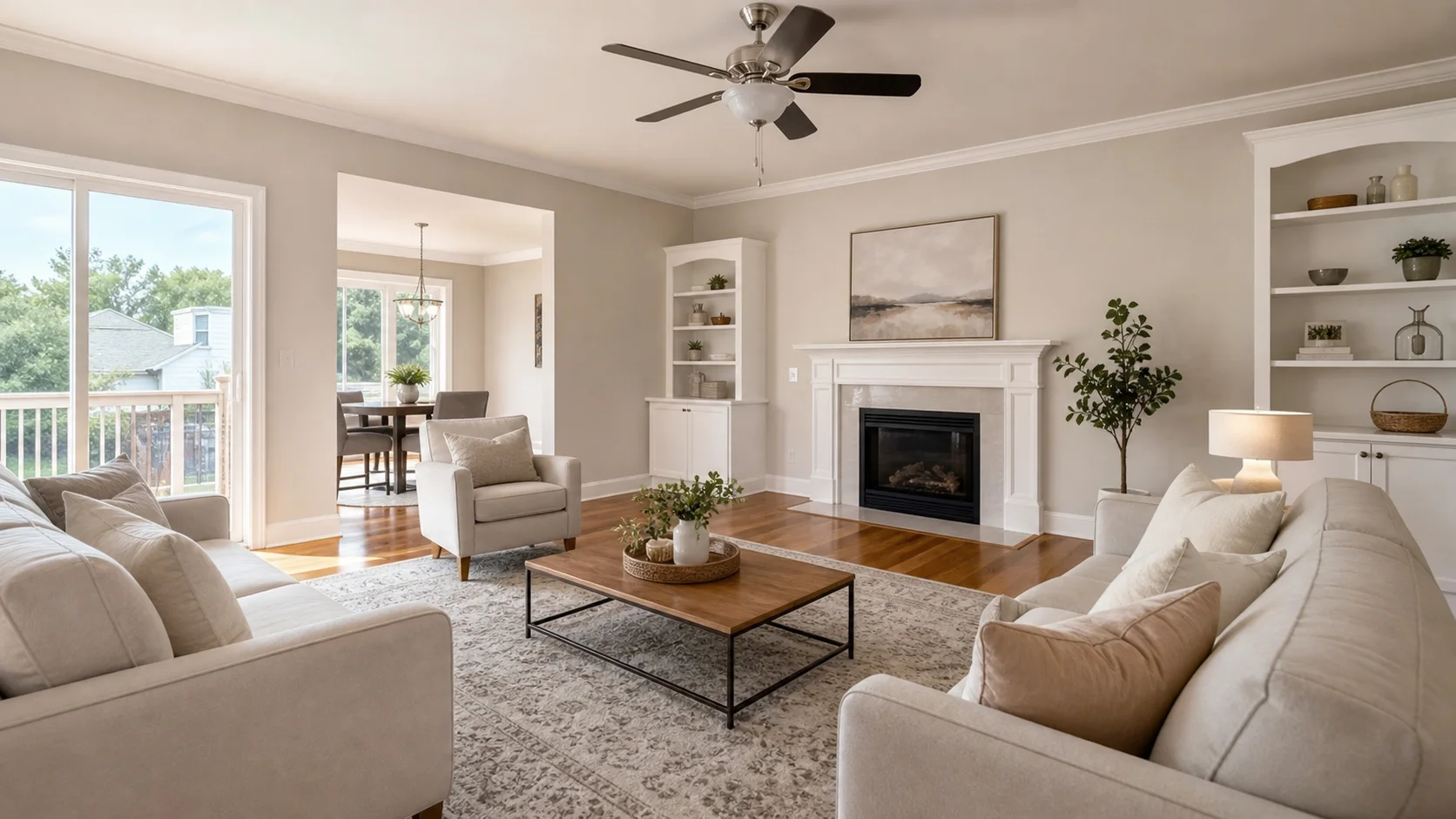
Staging inspiration
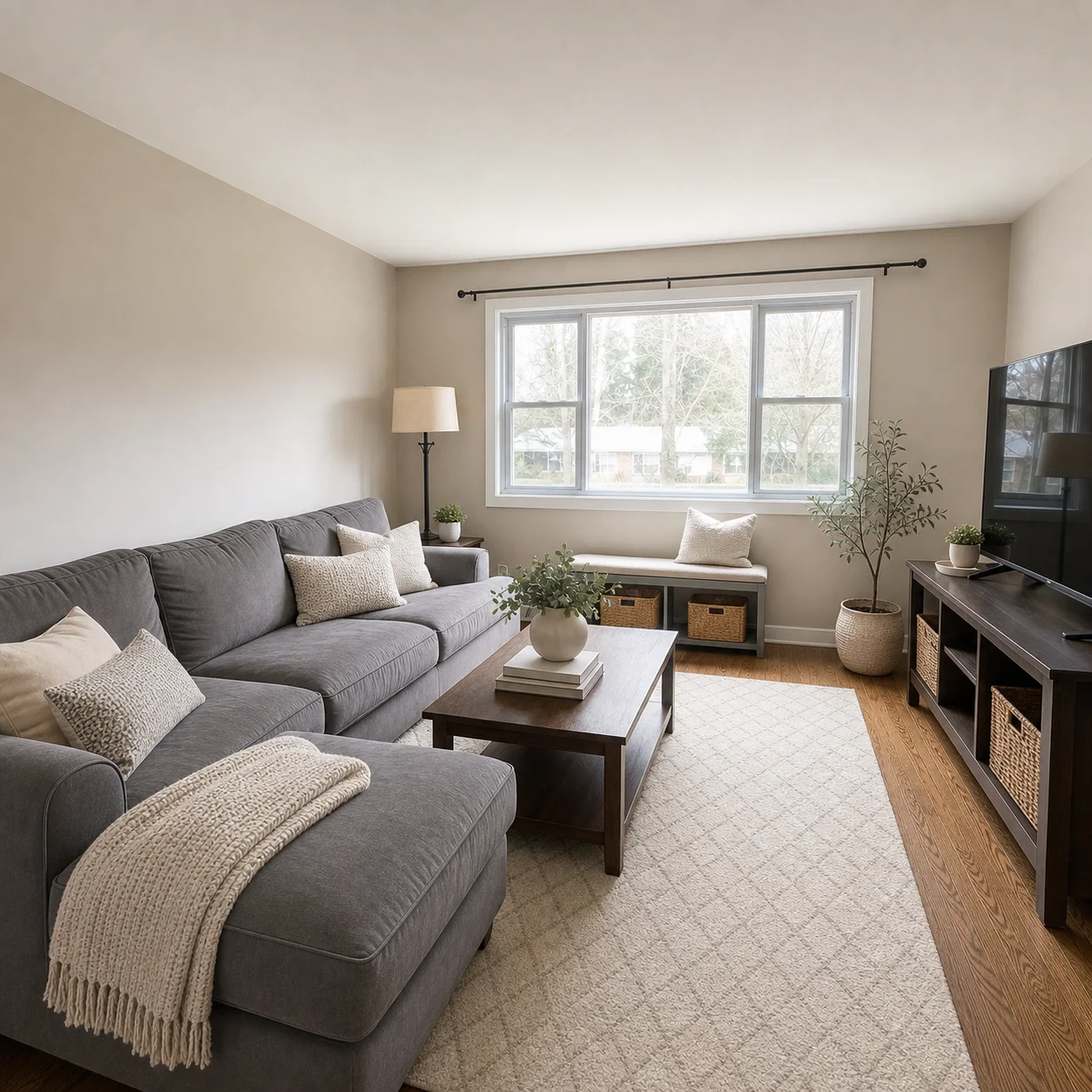
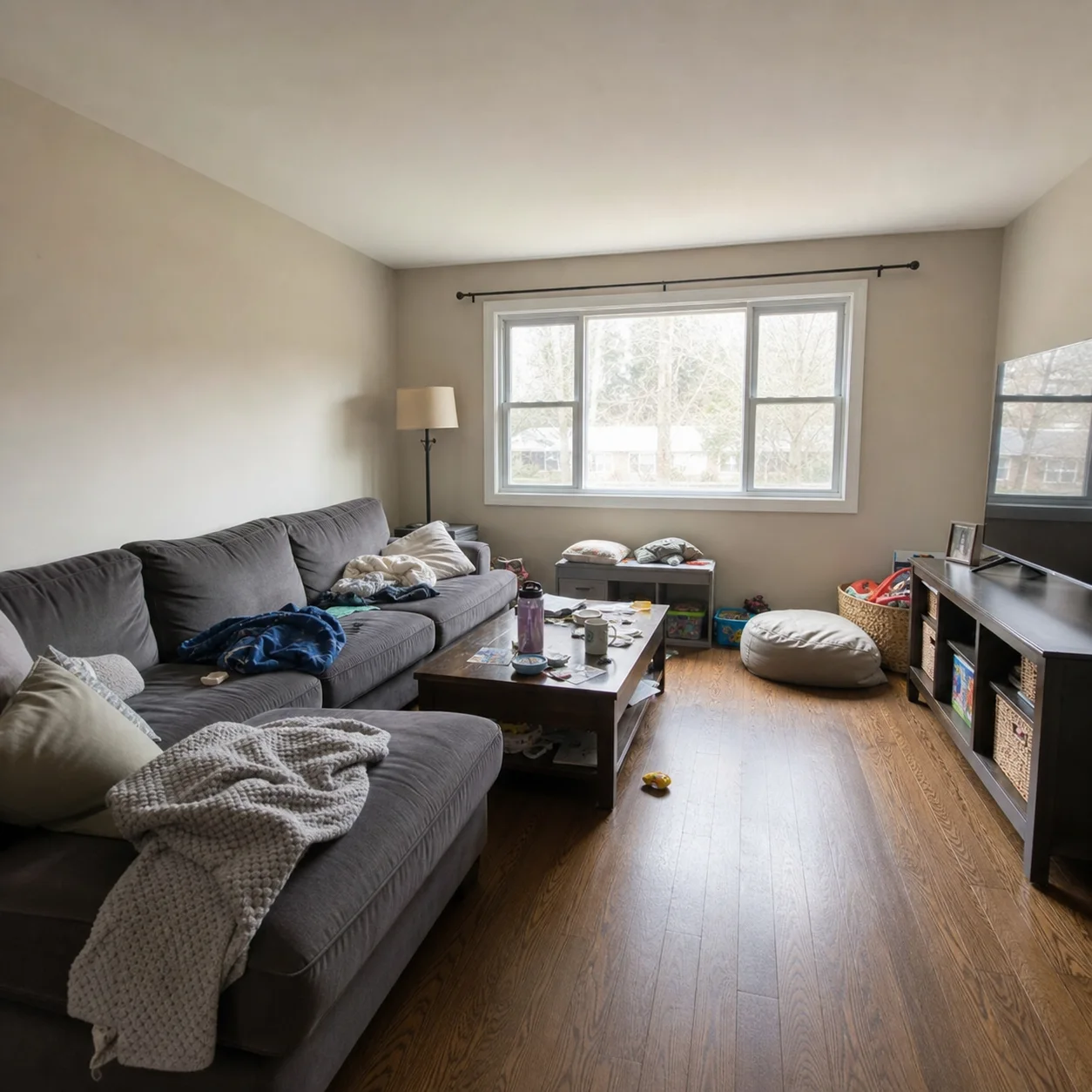
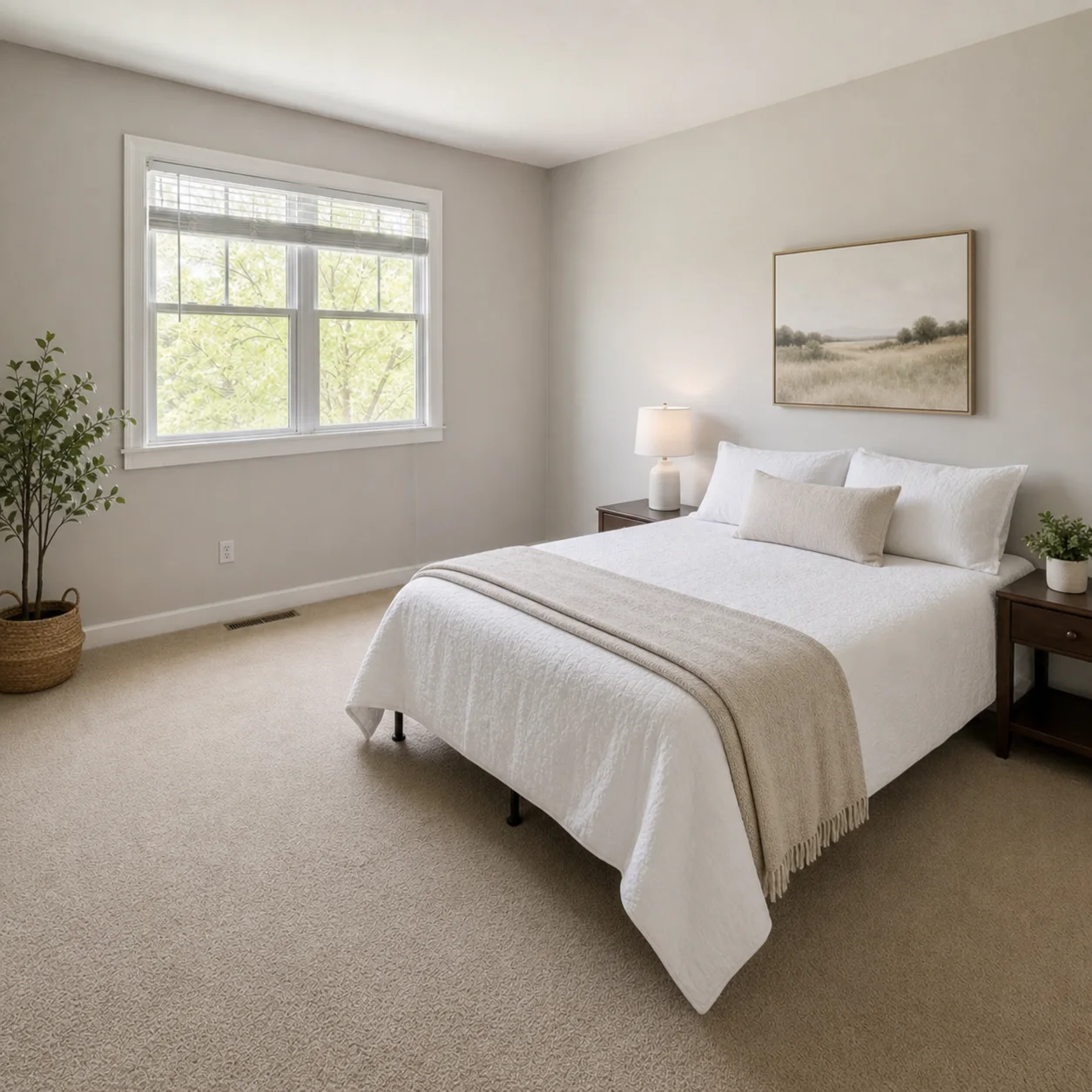
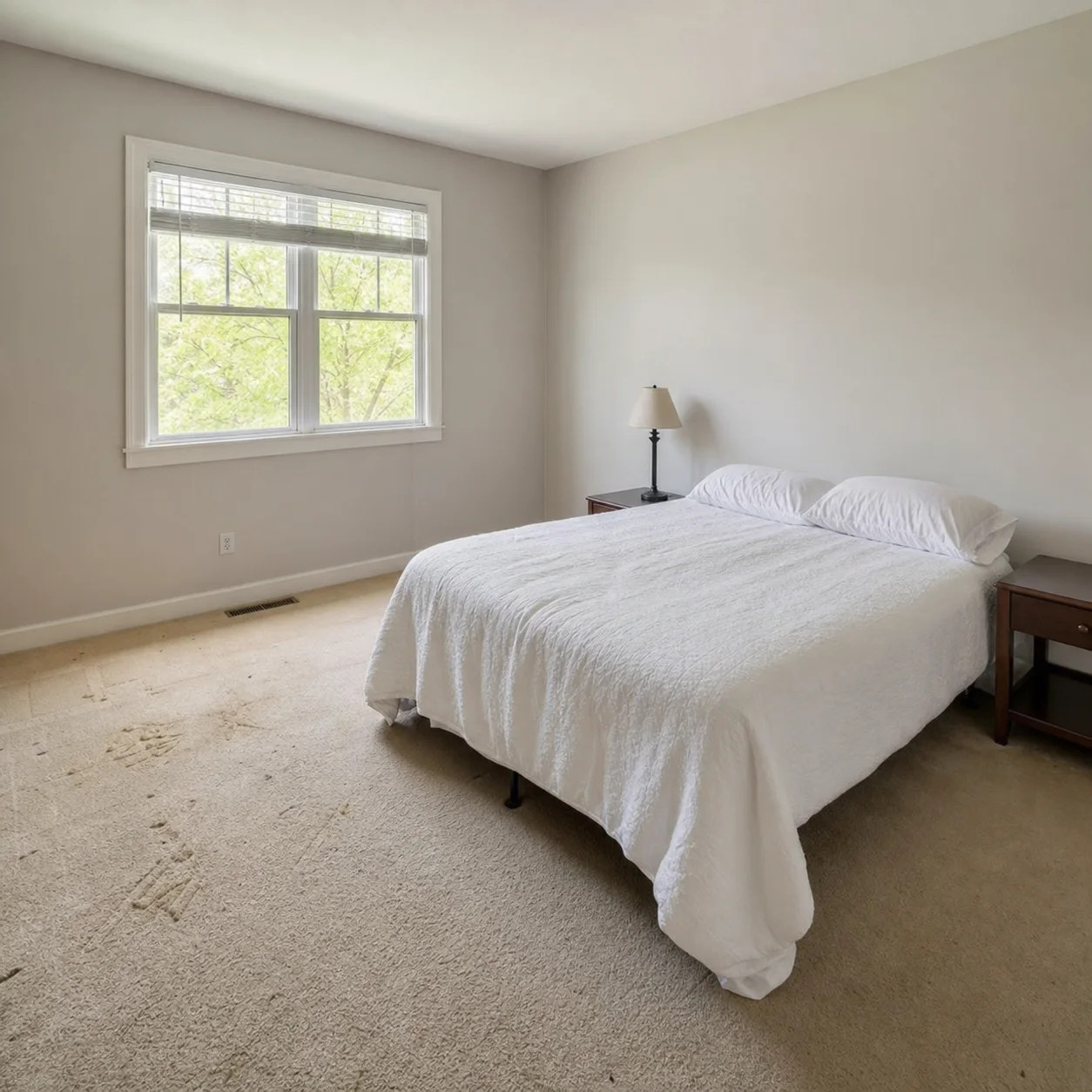
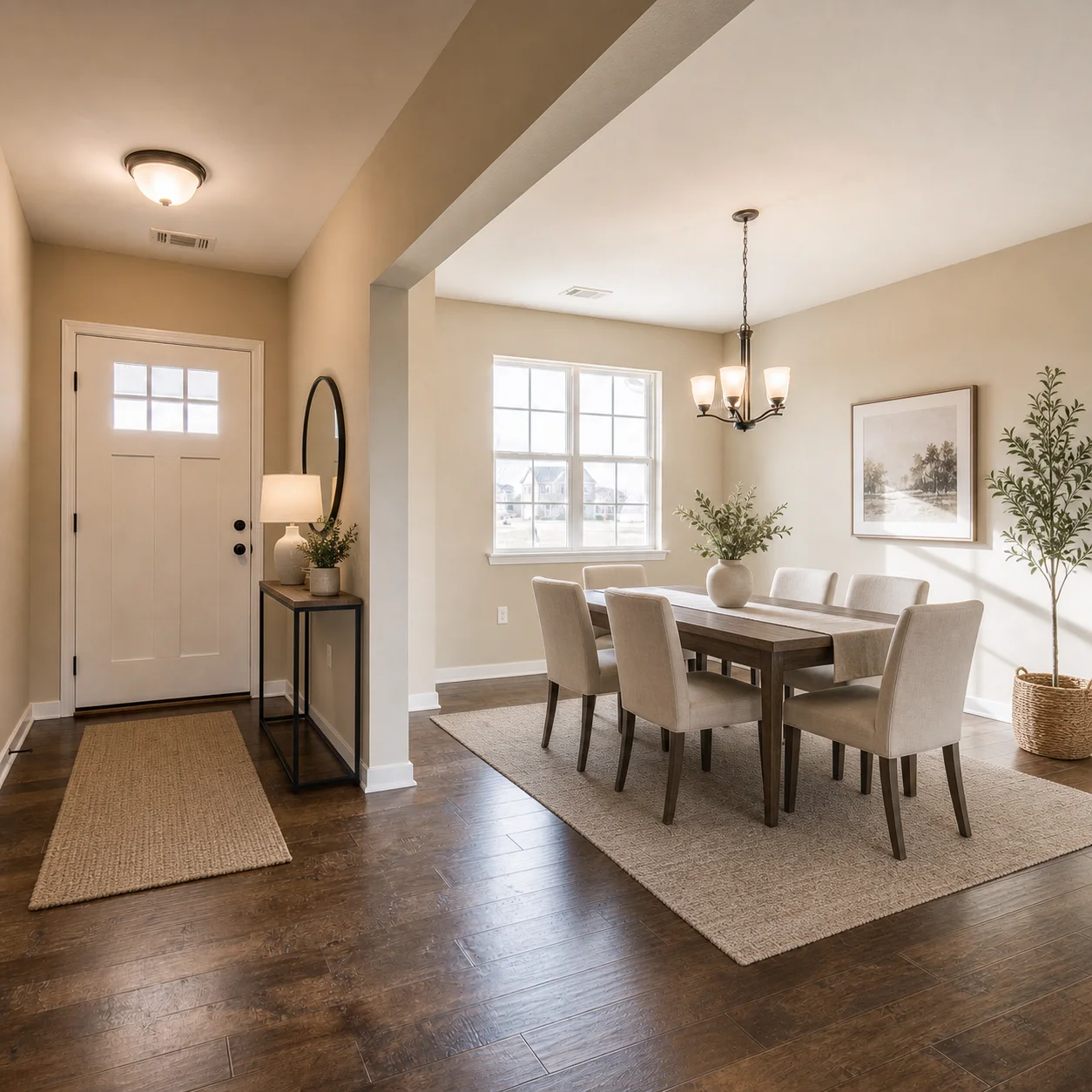
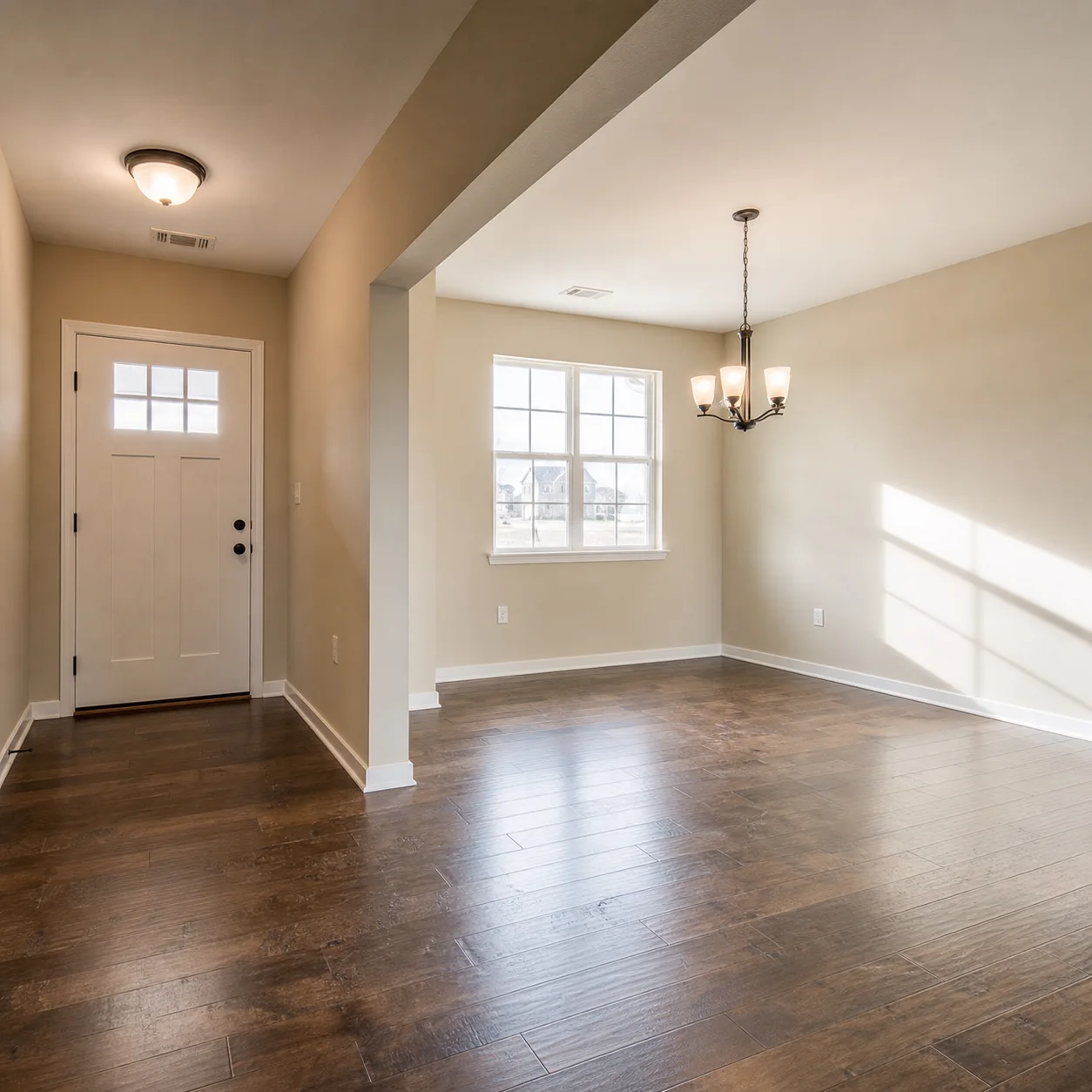
How home staging works
- 1
Upload a room photo from the home for sale
- 2
Ask for neutral, buyer-friendly staging
- 3
Generate staged concepts for listing marketing
Staging directions
Best for
- 01Homes preparing to list
- 02Seller photo makeovers
- 03Occupied-home soft staging ideas
- 04Agent marketing packages
Home staging tips
- Prefer neutral palettes for wider buyer appeal
- Remove personal clutter in the prompt if the room is busy
- Pair with virtual staging when rooms are empty
Home Staging AI FAQ
Virtual staging is optimized for empty rooms. Home staging also covers seller-focused styling for homes that already have furniture, helping declutter and neutralize existing spaces for broader buyer appeal.
Yes. Describe which items to keep, remove, or replace, and the AI will rearrange and restyle the room. This is especially useful for occupied homes where removing physical furniture before listing is impractical.
Yes. By default, home staging leans toward neutral, broadly appealing styles. You can request warm contemporary, modern neutral, or light and airy directions that appeal to the widest range of buyers.
A clear, well-lit photo that includes your existing furniture works best. The AI needs to see the current setup to know what to keep, declutter, or restyle. Daytime photos with natural light produce the most accurate staging results.
Yes. The AI can depersonalize a room by replacing family photos, personal decor, and bold color choices with neutral, buyer-friendly alternatives. Just mention which personal items to tone down in your prompt.
Many MLS and real estate boards require disclosure when AI-generated staging is used. Check your local regulations and consider adding a note such as 'this image has been digitally staged' when marketing the property.
Yes. Run separate generations with different prompts to compare staging directions. Try a modern neutral look for younger buyers and a warm traditional style for families to see which resonates better.
New accounts include free credits to get started. Paid plans offer additional generations at a low monthly rate with higher resolution outputs. There are no per-image fees or long-term commitments.
Related listing tools
Also try AI Apartment Design
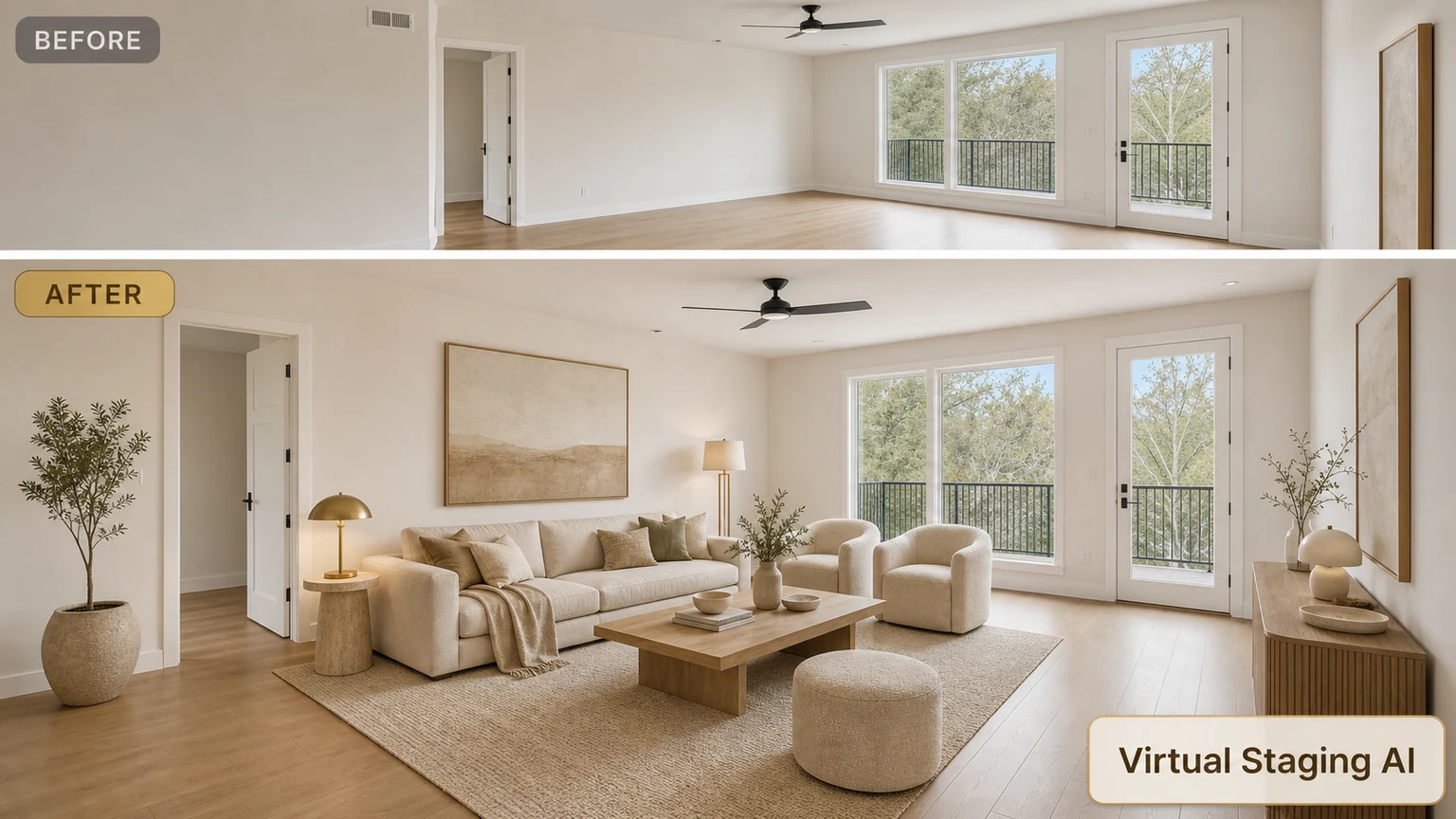
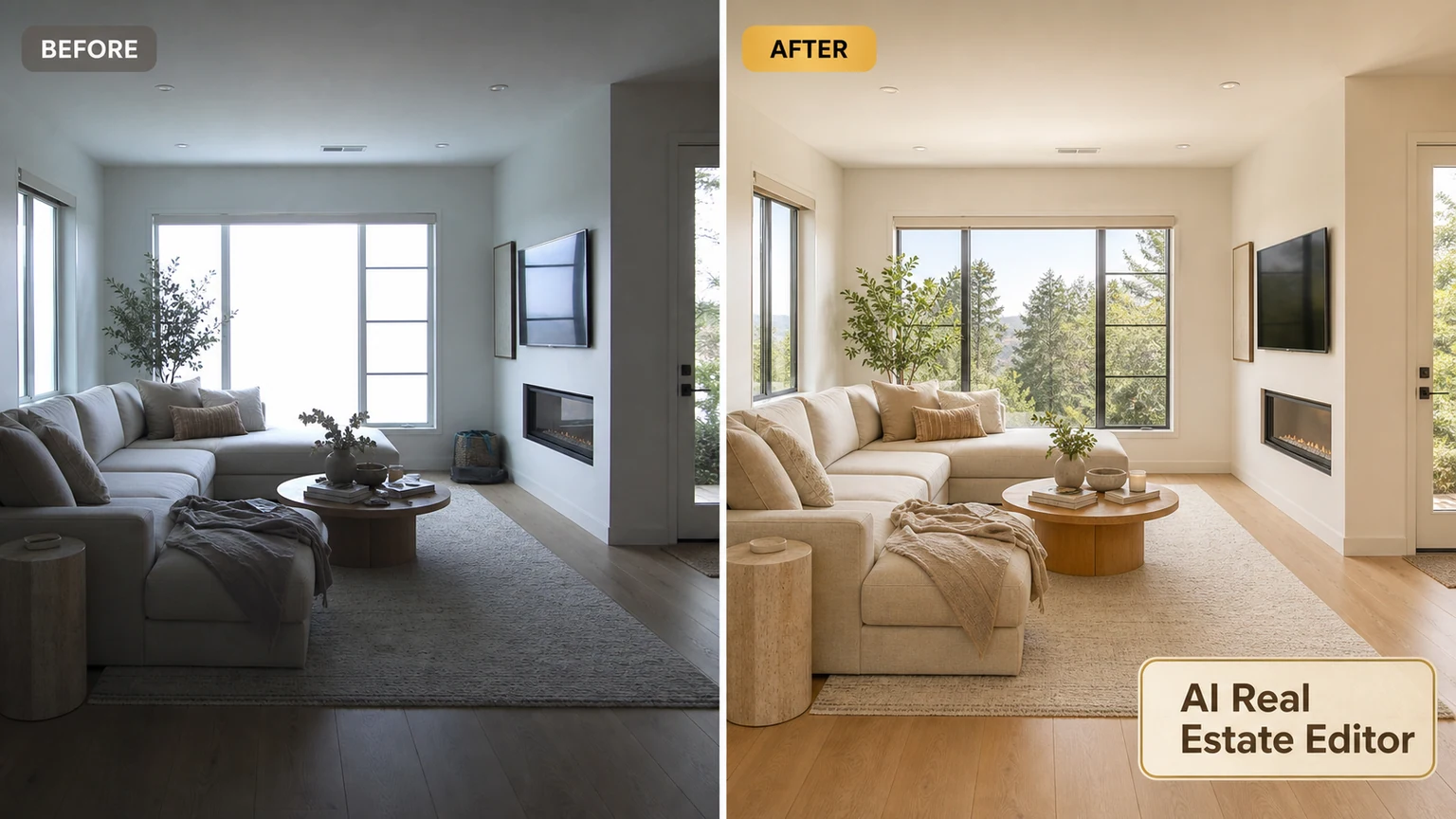
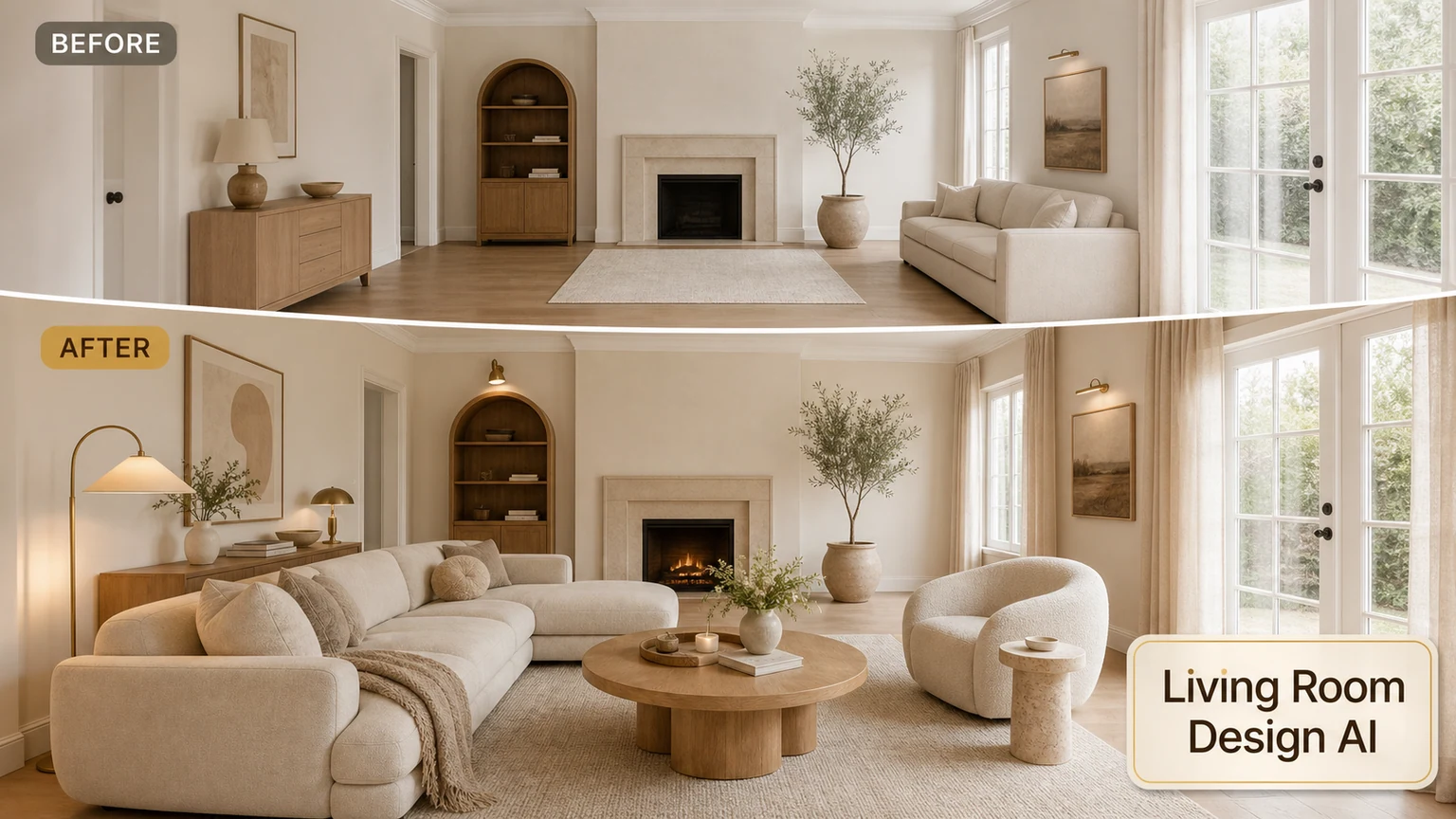
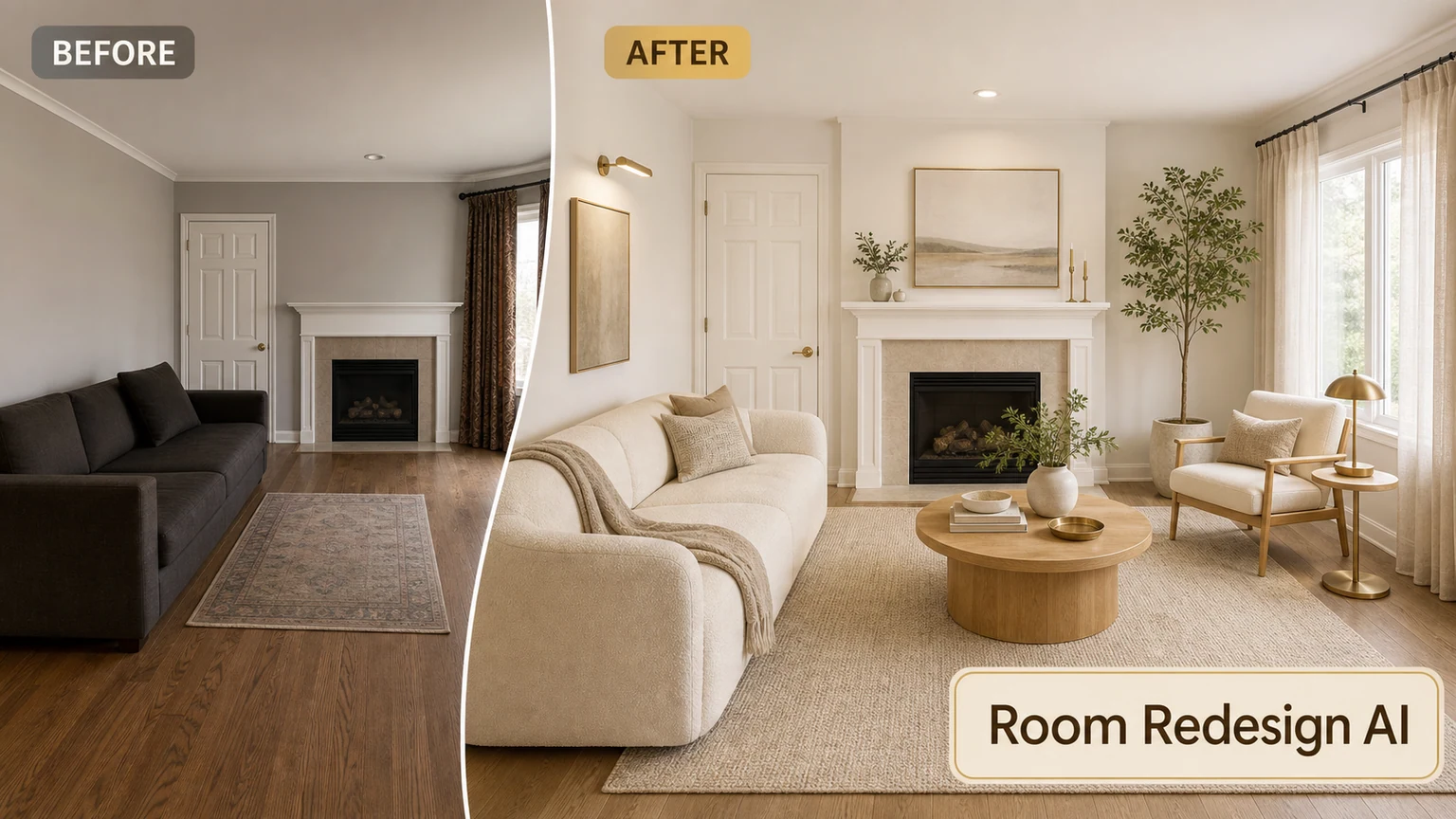
Stage a home for buyers
Upload a property photo and generate buyer-friendly staging ideas.