Design My Room AI
Tell us how you want your room to look
Upload Assets
Upload a photo of the space you want to design or edit. Browse Files
Supported Formats: JPG, PNG, WEBP • 10MB
Upload Assets
Upload a reference for style, colors and materials. Browse Files
Supported Formats: JPG, PNG, WEBP • 10MB
Choose your design preferences
Design My Room AI
Design inspiration
Upload reference images to guide the AI. The model will use these as visual context for generation.
Simple room design from a photo
Design My Room AI
Upload your room photo and get clear design ideas, furniture suggestions, and style options—no design jargon required.
Built for everyday users
If you searched “design my room AI,” you want a simple path: upload a photo, pick a direction, and see ideas. This page keeps the language practical and the steps short.
- Upload a photo and get design ideas
- Simple style options in plain language
- Furniture and color suggestions
- Works for most home rooms
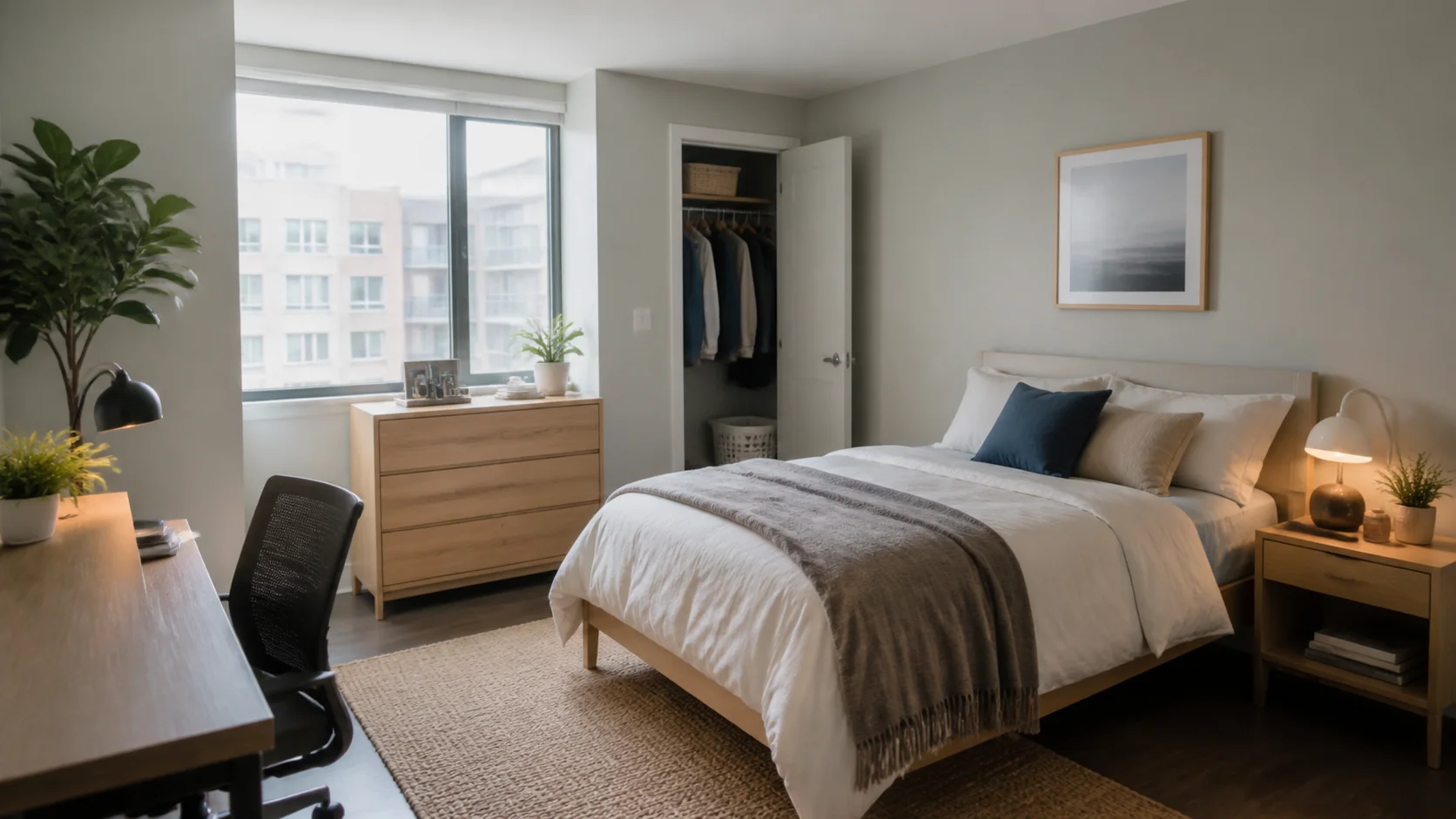
Design inspiration
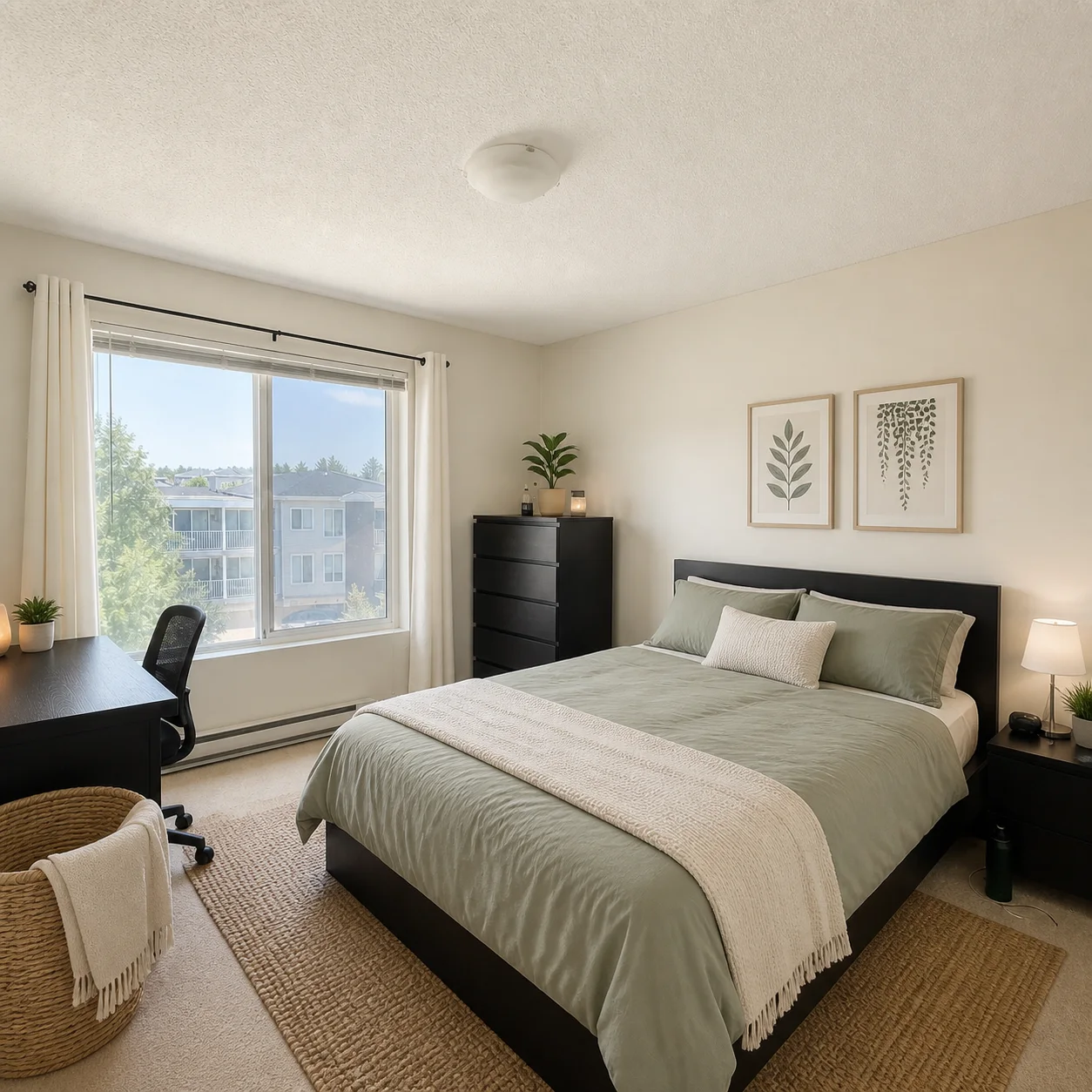
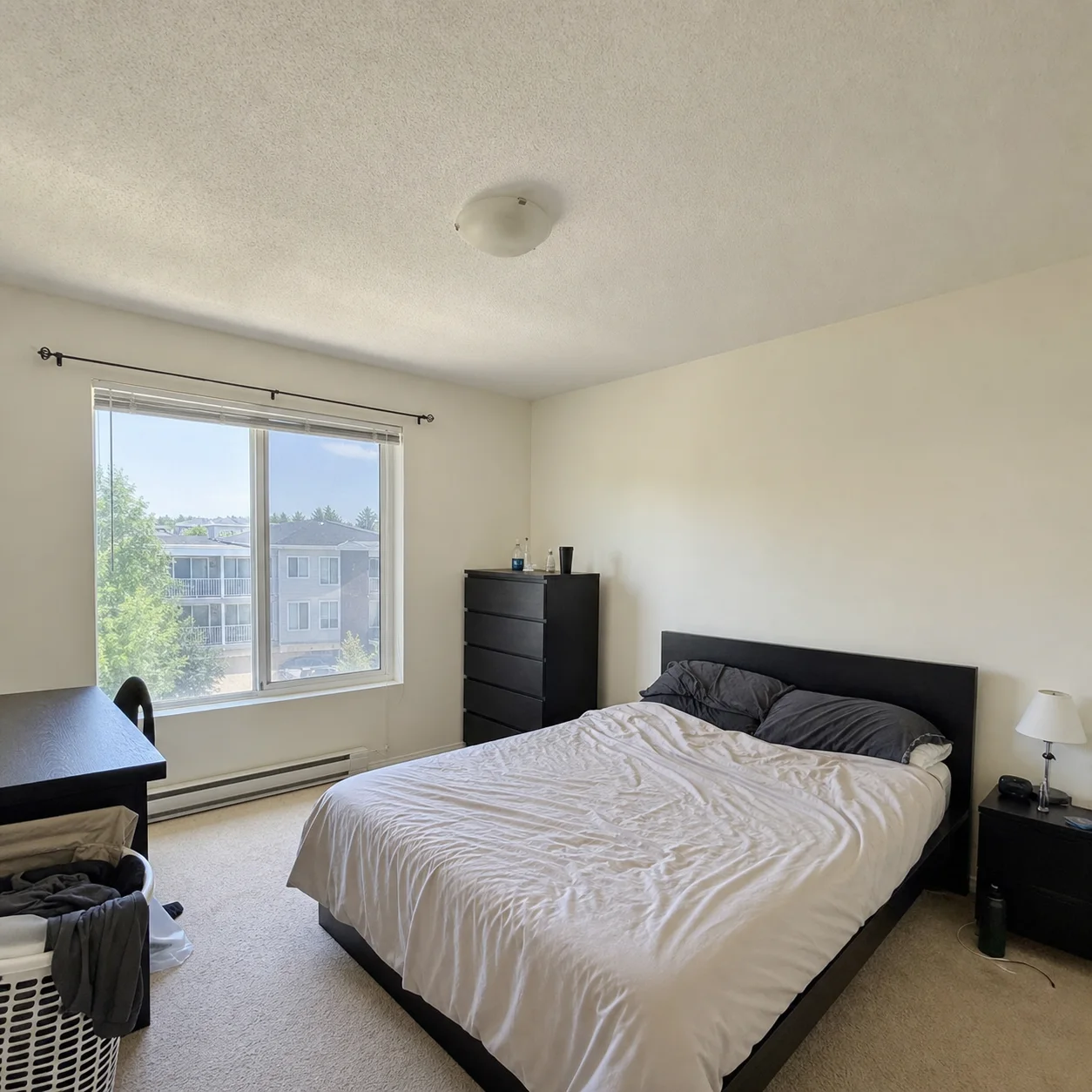
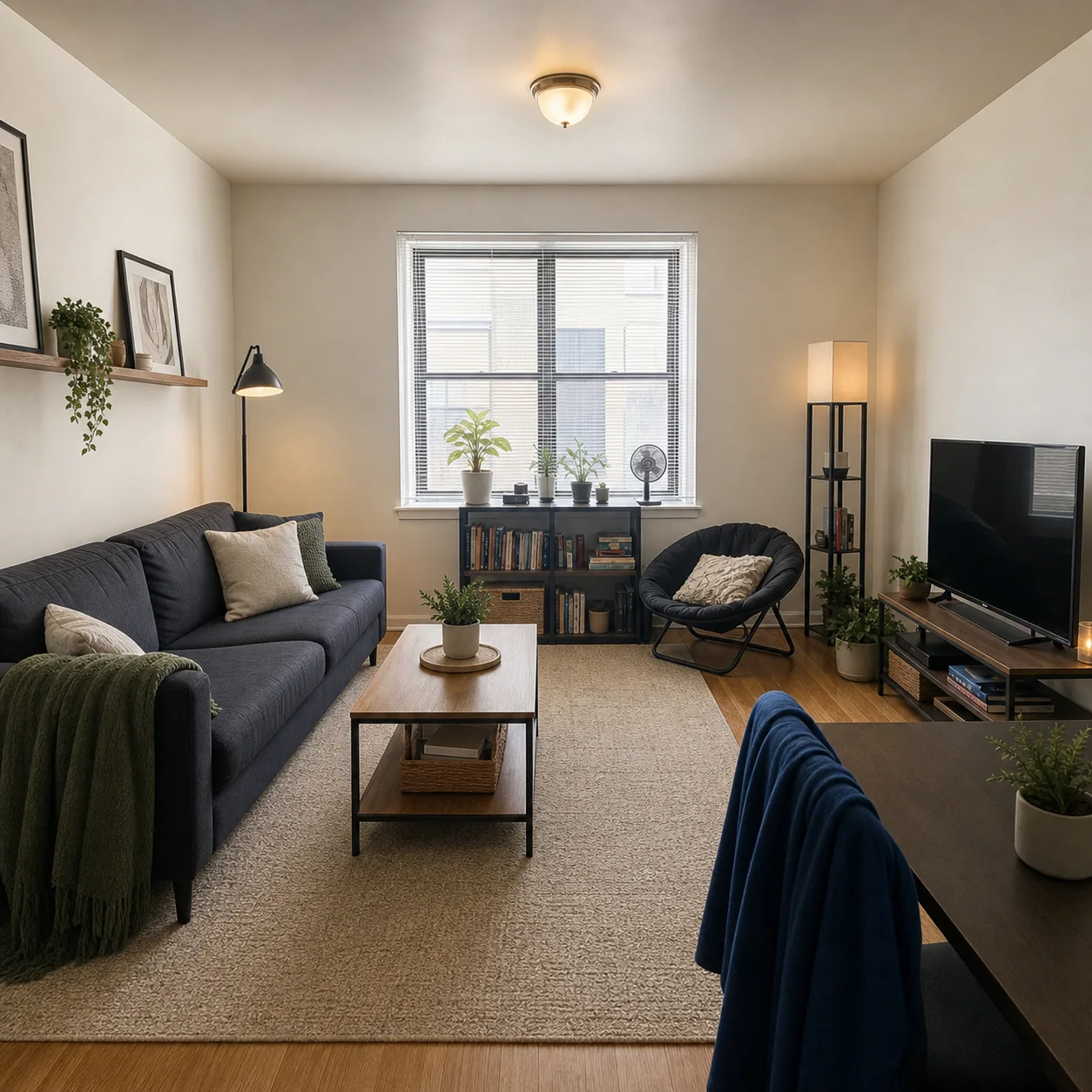
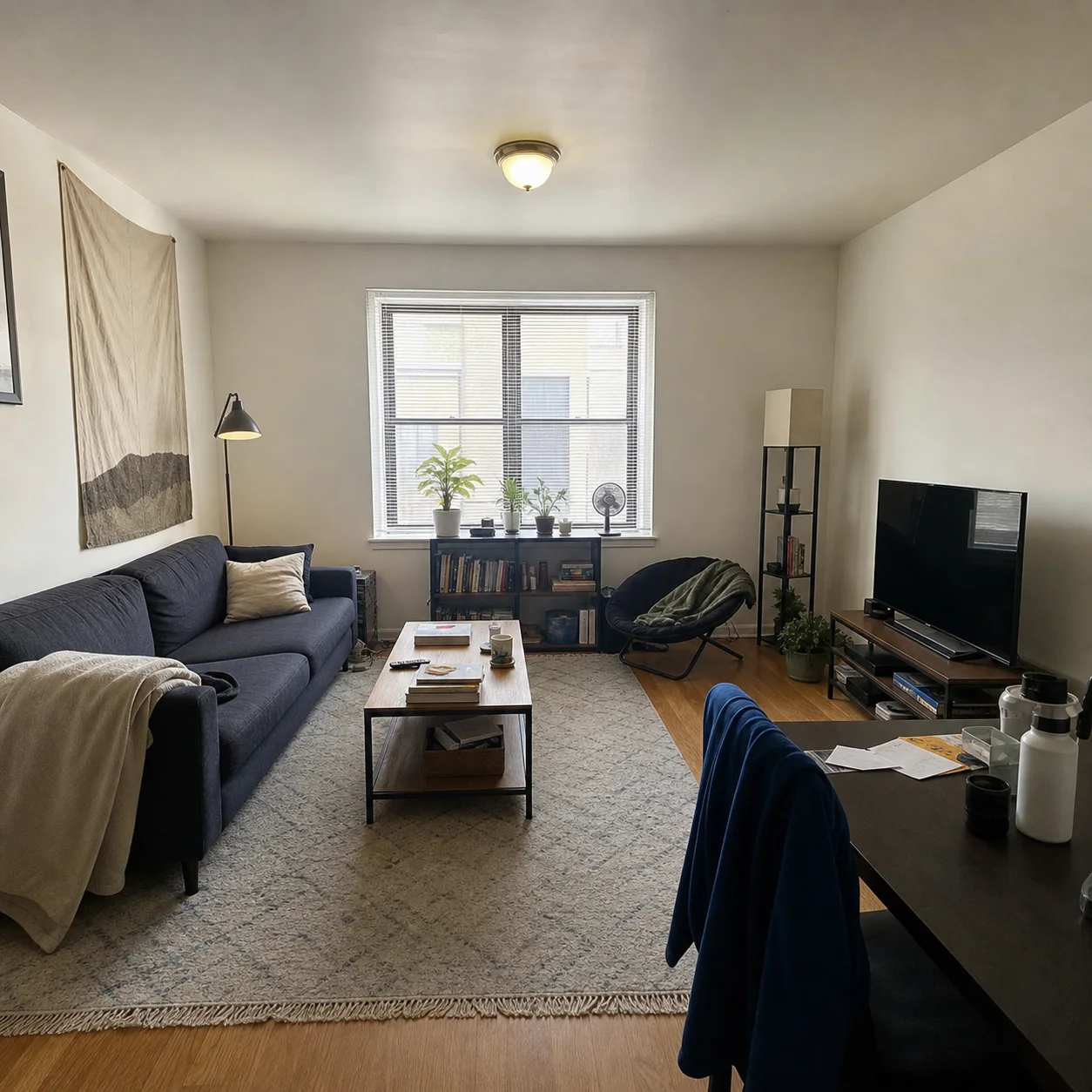
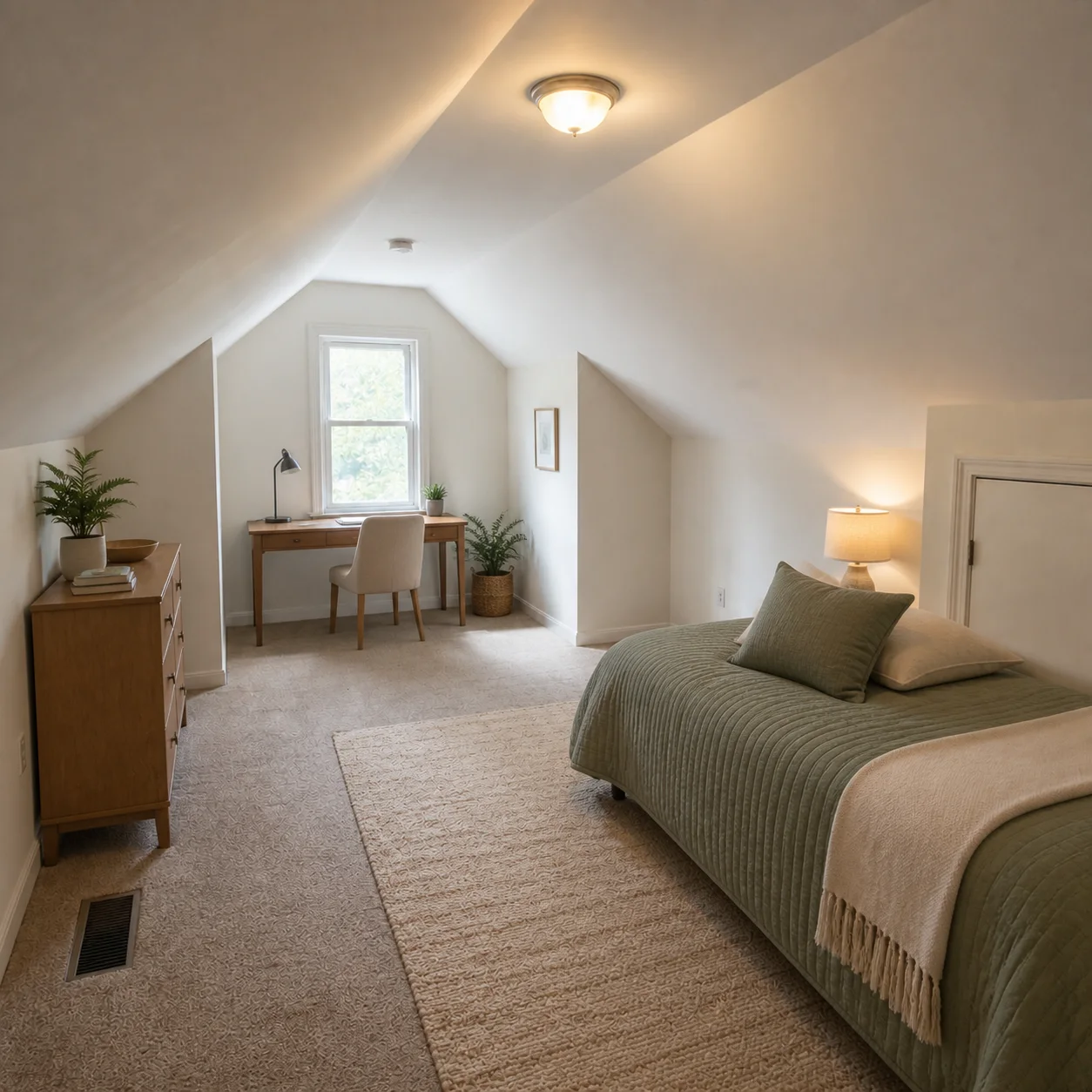
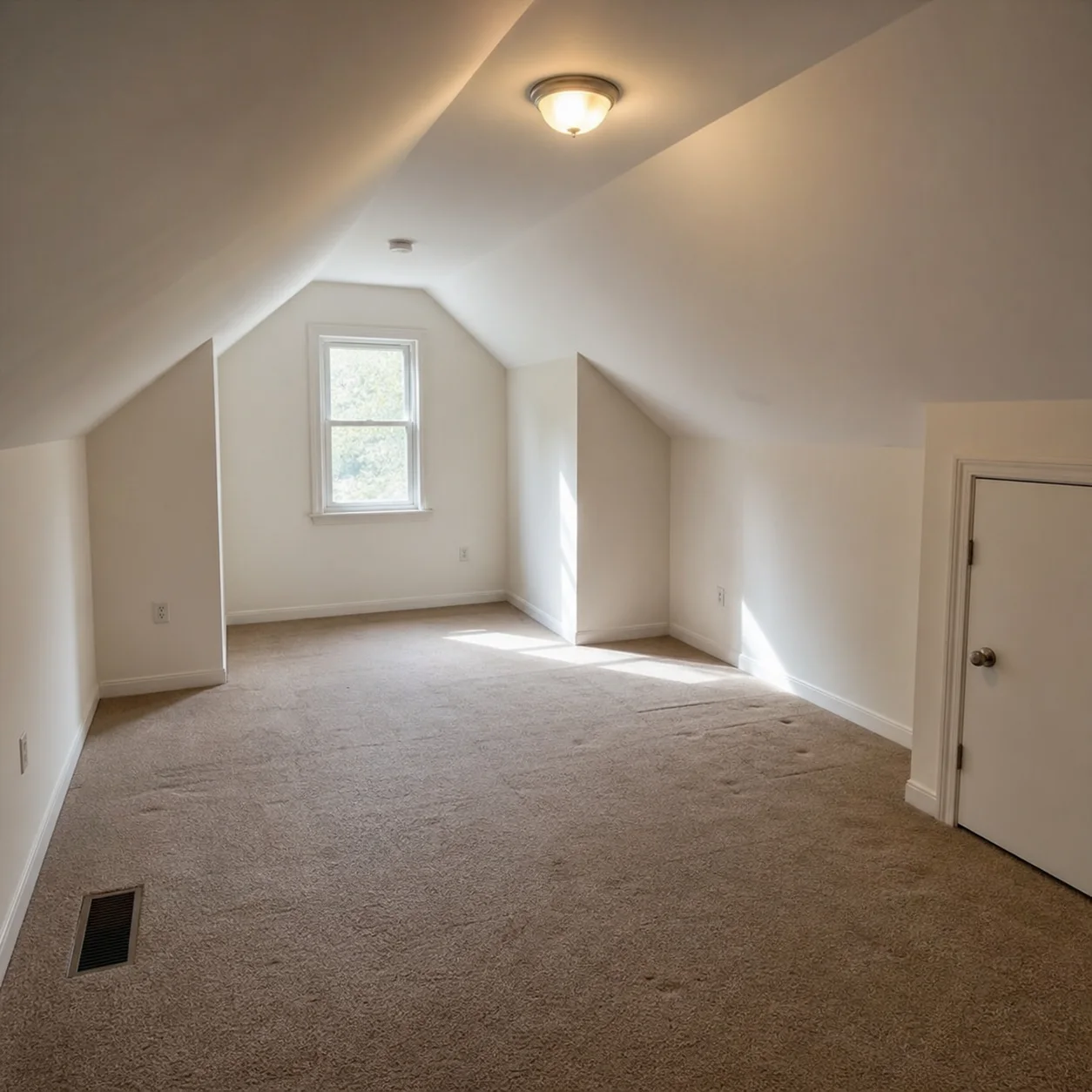
How to design your room
- 1
Upload a photo of your room
- 2
Describe the look you want in everyday words
- 3
Generate ideas and save what you like
Easy starting styles
Perfect if you want to
- 01Get quick ideas without hiring a designer
- 02Compare a few looks before shopping
- 03Share options with family or roommates
Helpful tips
- Write like you talk: “brighter and less cluttered” works
- Include room type if it is not obvious
- Start simple, then refine colors or furniture
Design My Room AI FAQ
Upload a photo of your room and describe the feeling or look you want in plain words, for example cozy and warm or clean and modern. The AI generates a photorealistic version of your room that matches your description.
Not at all. Describe how you want the room to feel, such as bright and airy, dark and moody, or warm and rustic. No design vocabulary is required. The AI translates everyday language into design decisions.
A clear photo taken during the day with normal lighting. Make sure the room is reasonably tidy so the AI can see the floor, walls, and furniture. JPG, PNG, and WEBP formats are all supported.
The AI redesigns furniture, colors, materials, decor, and lighting to match your description. The room structure including walls, windows, and doors stays the same unless you specifically ask to modify them.
Yes. Mention the items you want to keep in your description. For example, keep my brown leather sofa and add modern decor around it. The AI will design around your existing pieces.
As many as you like. Each generation produces a new design in 10-30 seconds. Try different descriptions to explore styles you would not have considered on your own.
Any indoor room works: living rooms, bedrooms, kitchens, bathrooms, home offices, kids rooms, and dining rooms. Outdoor spaces and garages are better suited to other specialized tools.
Yes. Your uploaded photo and generated designs are stored in your private account. You control your history and can delete anything at any time from your account settings.
Related tools
Explore the full AI Apartment Design
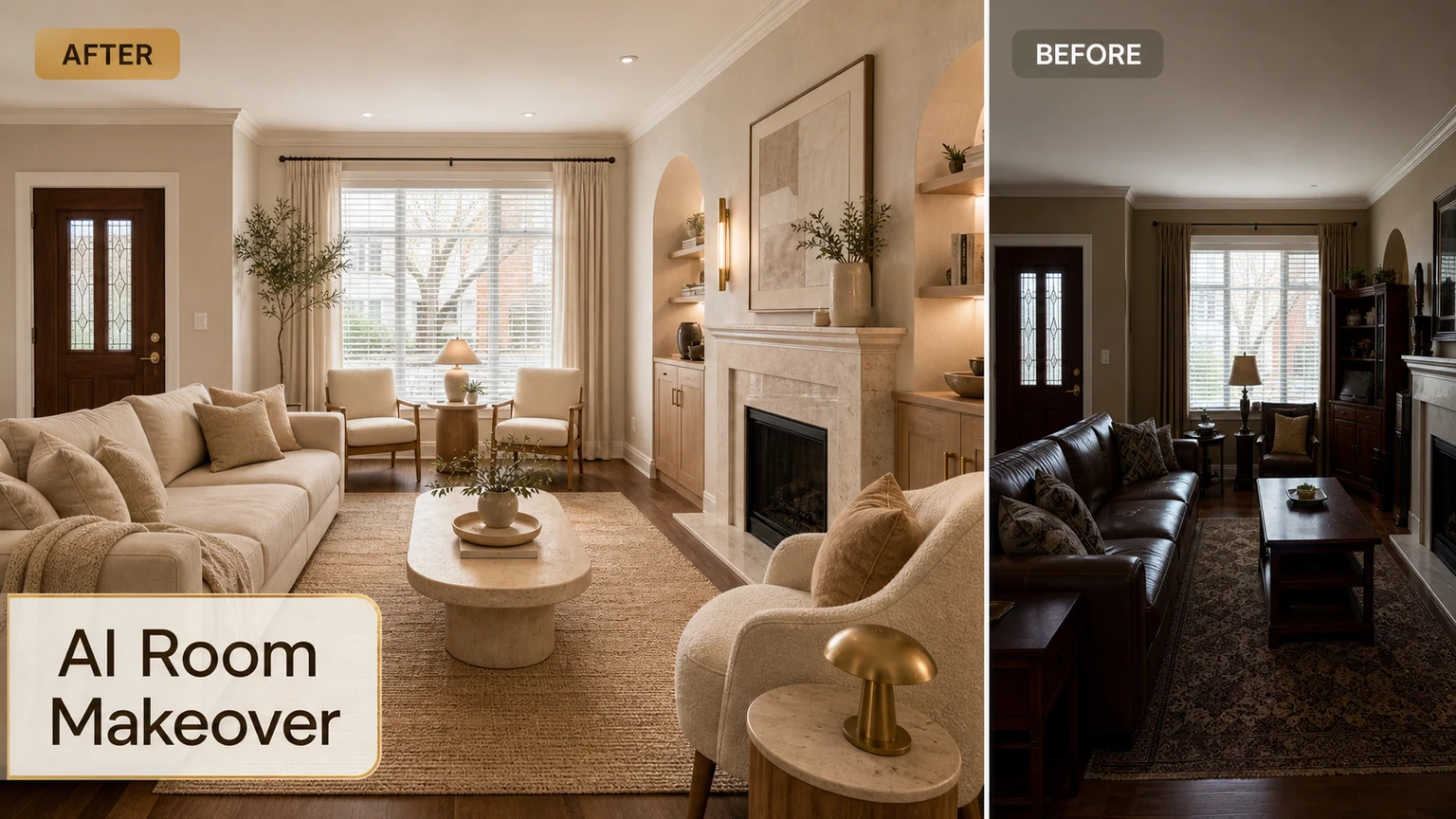
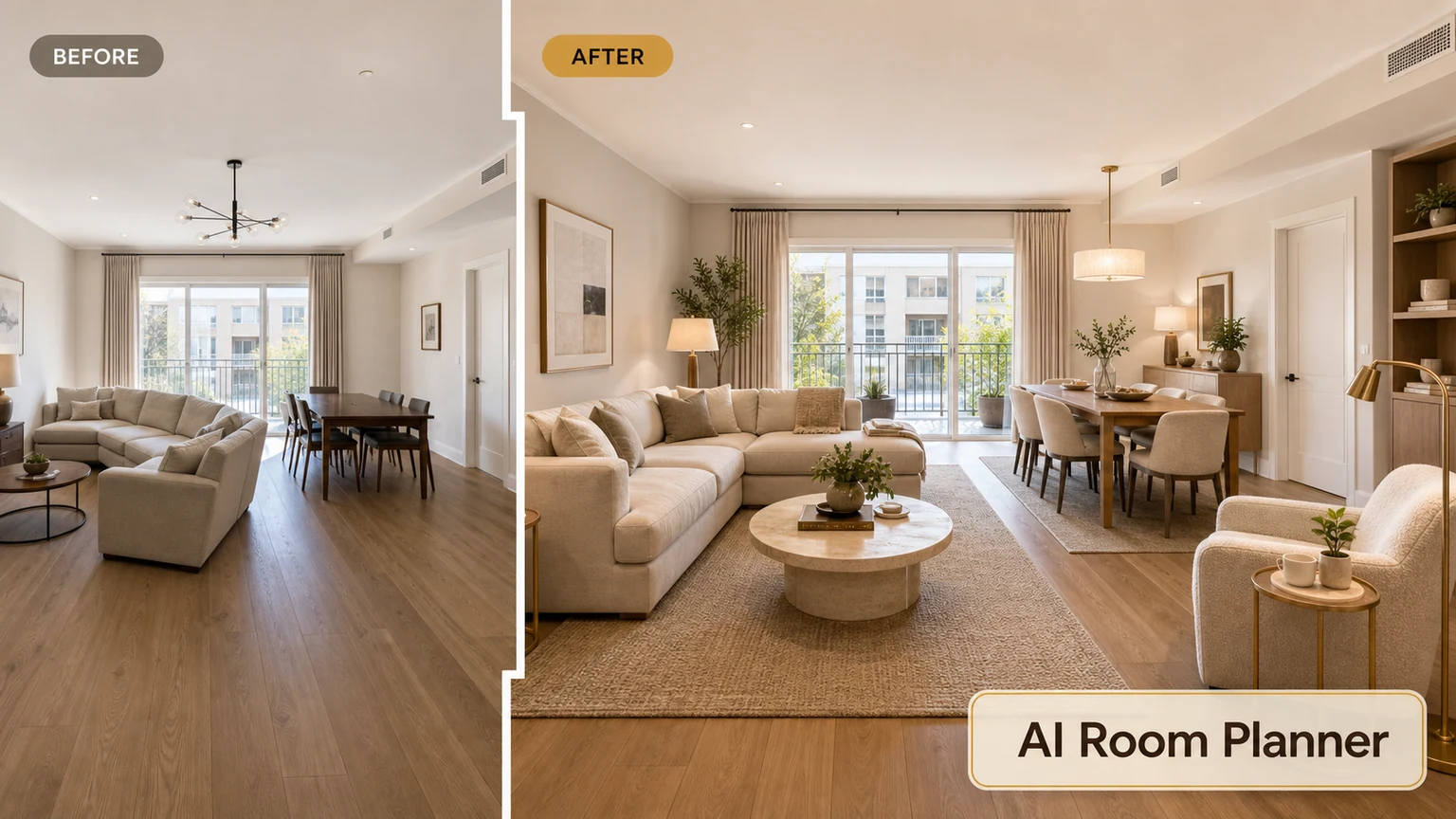
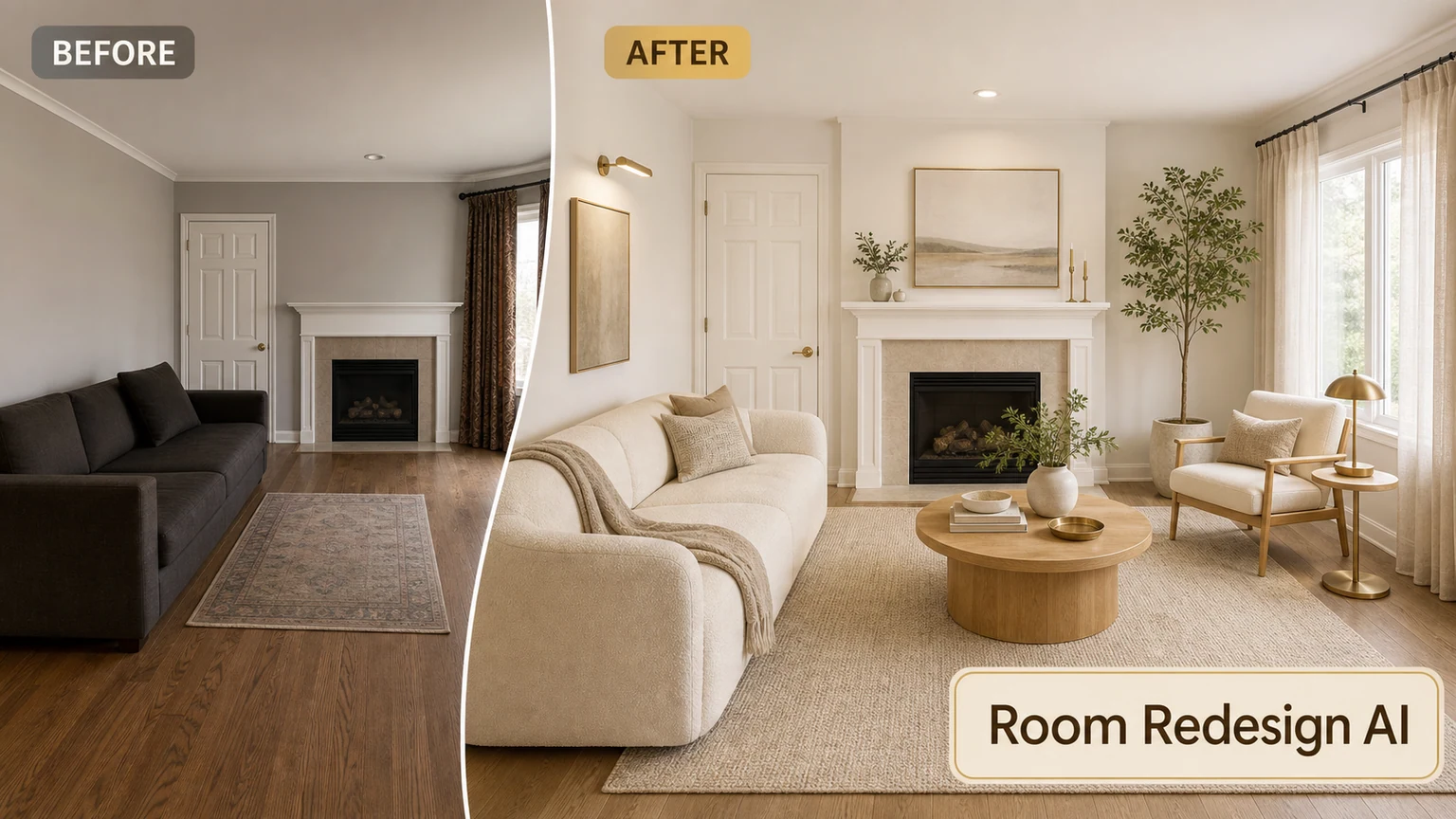
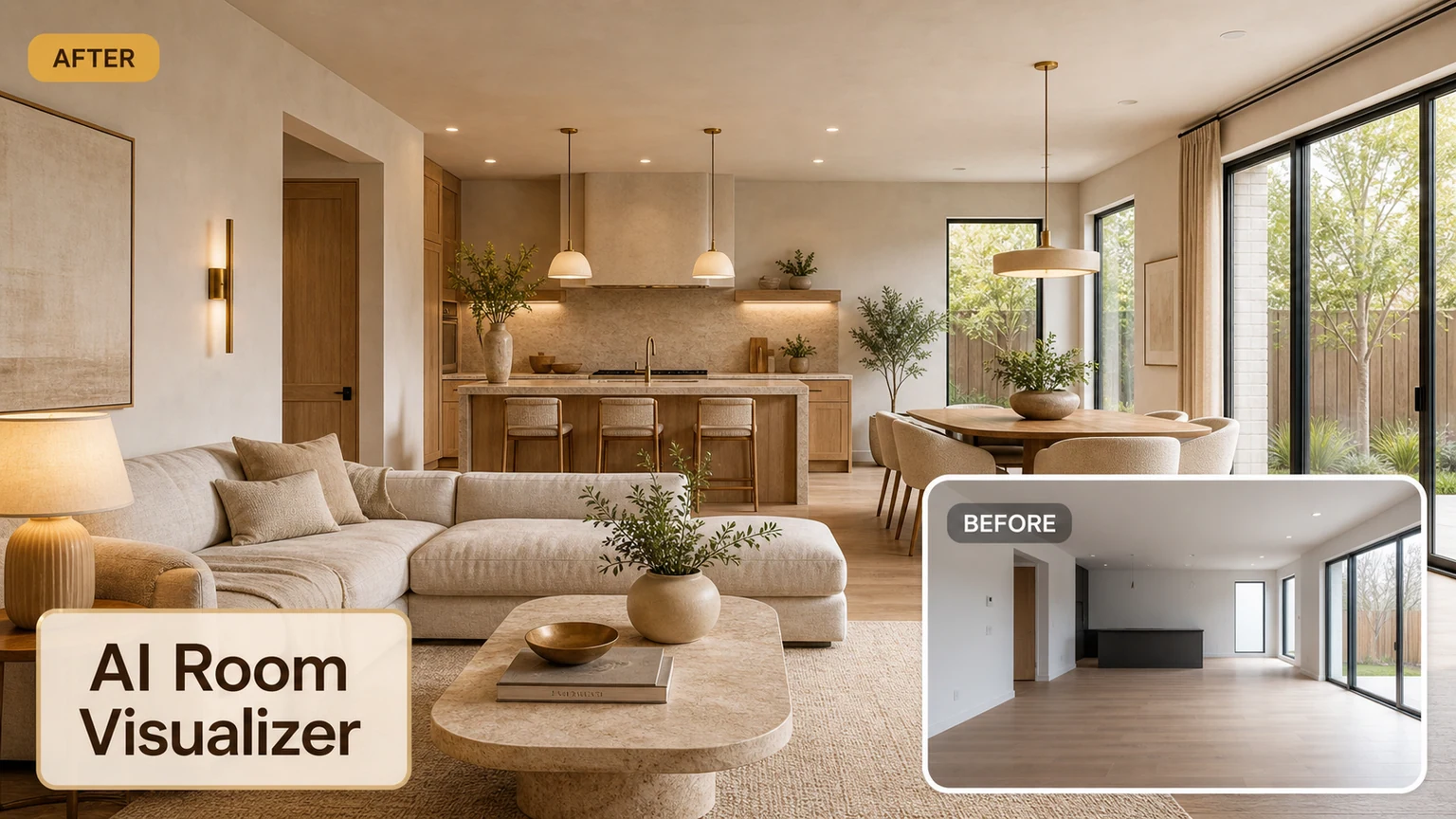
Design your room now
Upload a photo and start with a simple style direction.