AI Room Visualizer
Describe the options you want to visualize
Upload Assets
Upload a photo of the space you want to design or edit. Browse Files
Supported Formats: JPG, PNG, WEBP • 10MB
Upload Assets
Upload a reference for style, colors and materials. Browse Files
Supported Formats: JPG, PNG, WEBP • 10MB
Choose comparison directions
AI Room Visualizer
Visualization examples
Upload reference images to guide the AI. The model will use these as visual context for generation.
Preview before you commit
AI Room Visualizer
Preview design options for a real room—colors, furniture styles, and layout ideas—so you can decide before buying or remodeling.
See options before you spend
A room visualizer is for comparison and confidence. Upload a photo, try different directions, and choose a direction that fits your space and budget.
- Preview style and color options from a photo
- Compare layout ideas side by side over multiple runs
- Reduce uncertainty before shopping for furniture
- Useful for remodels and rental refresh planning
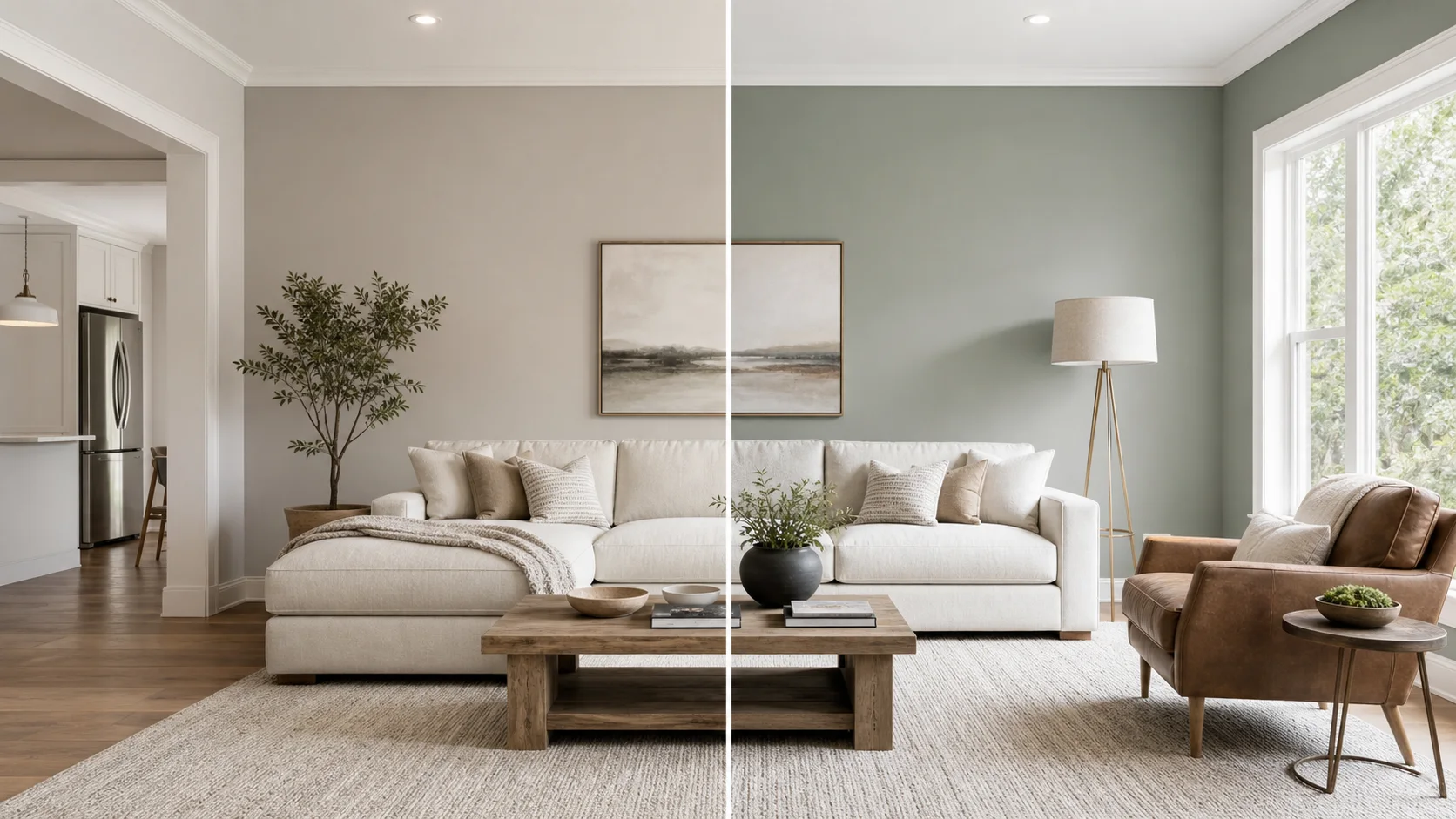
Visualization examples
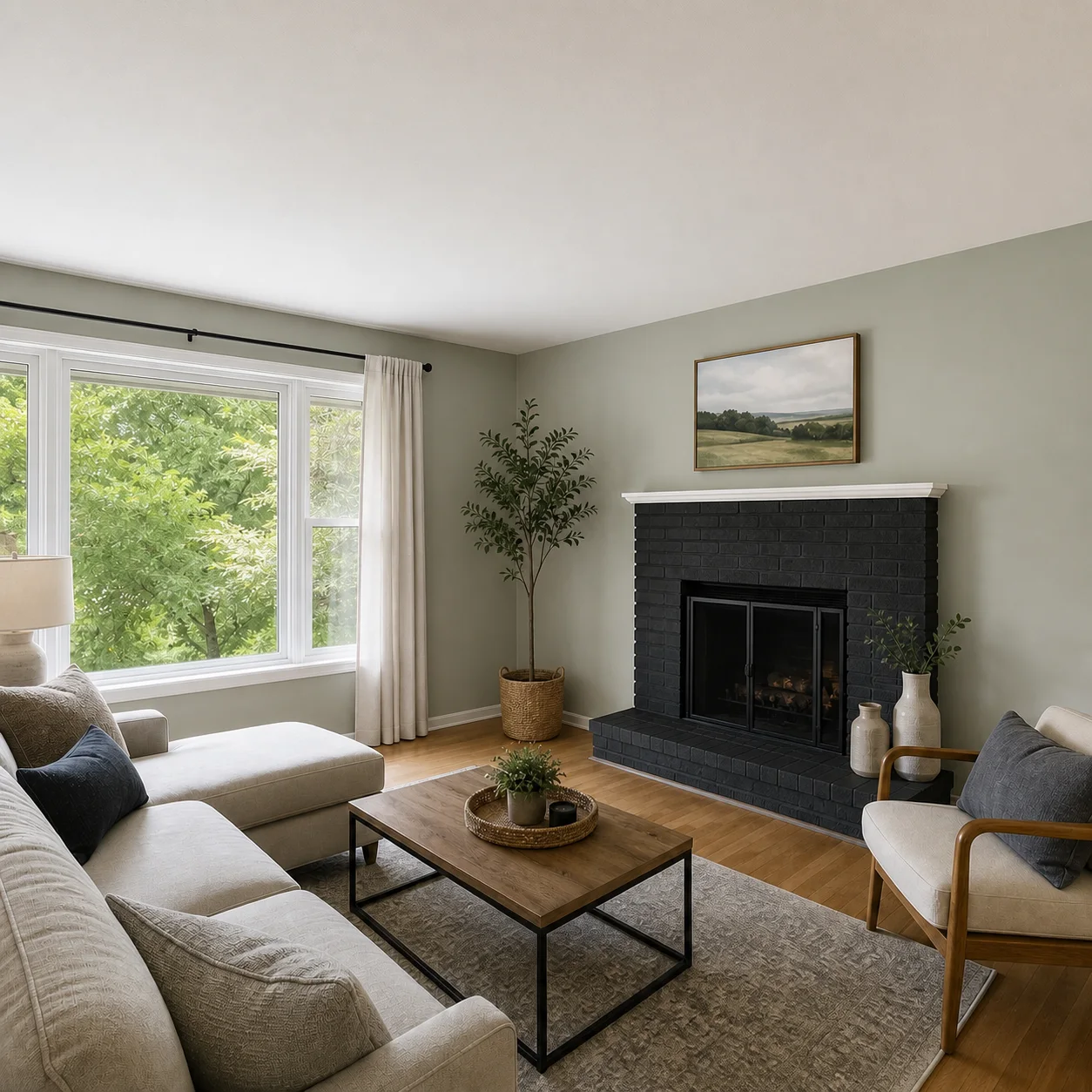
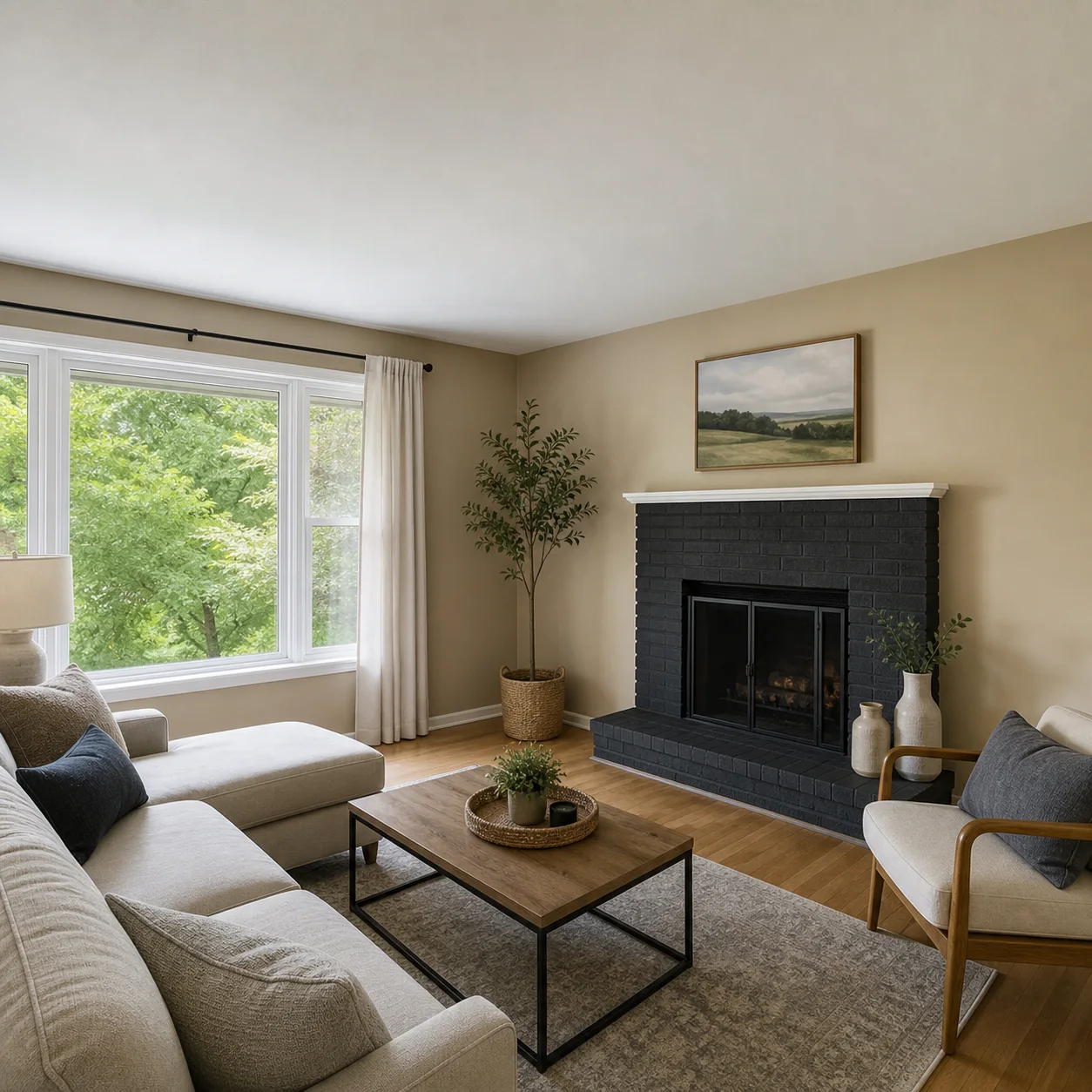
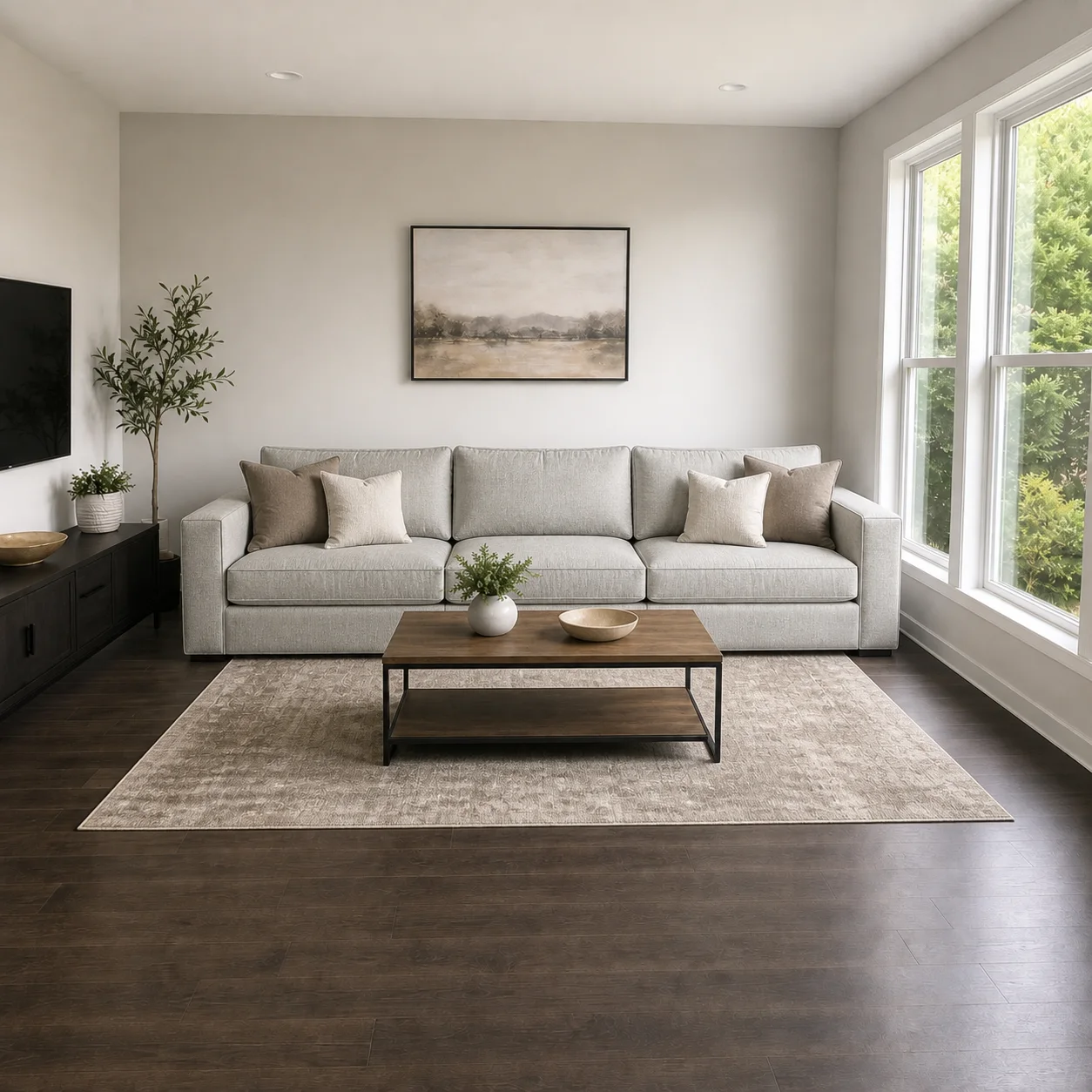
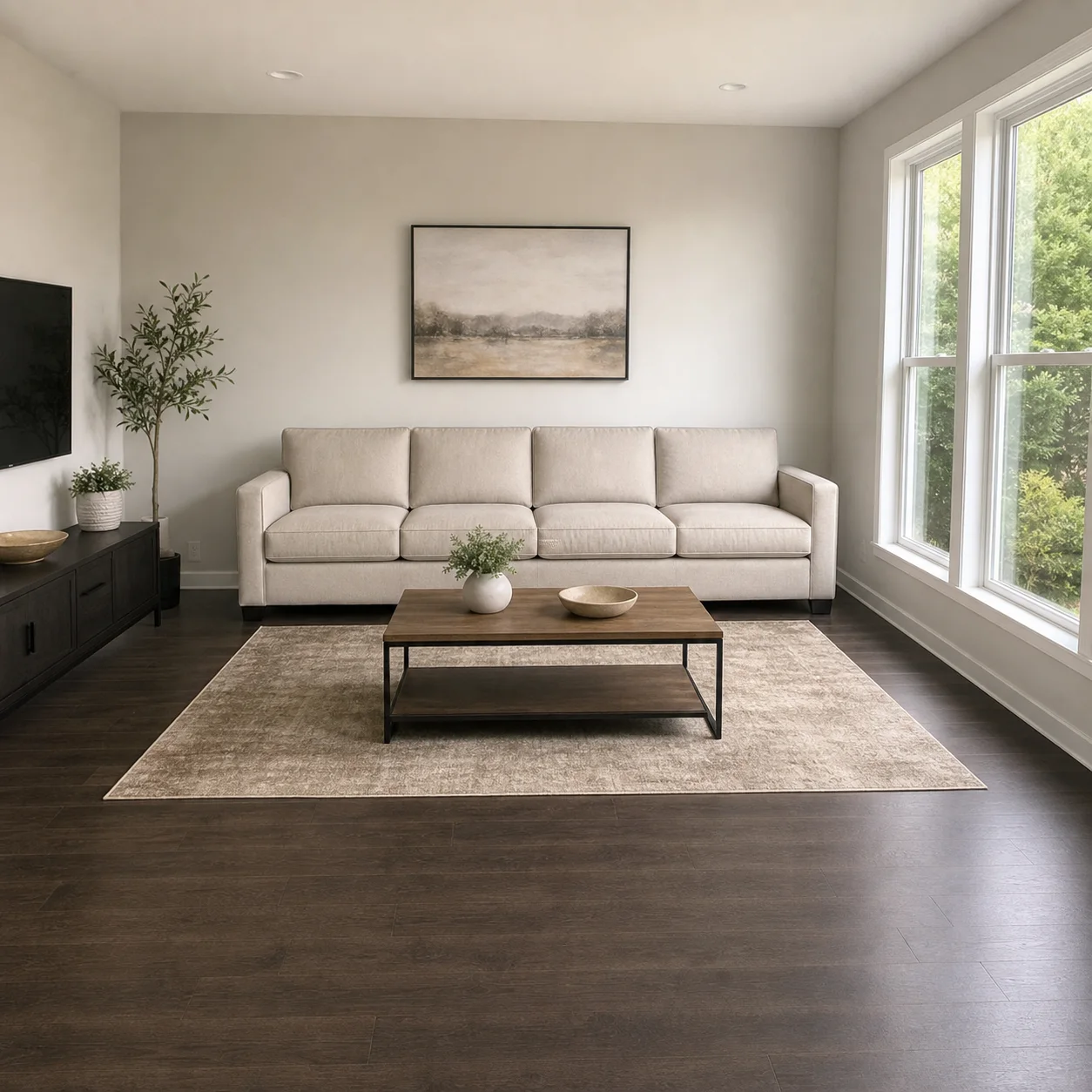
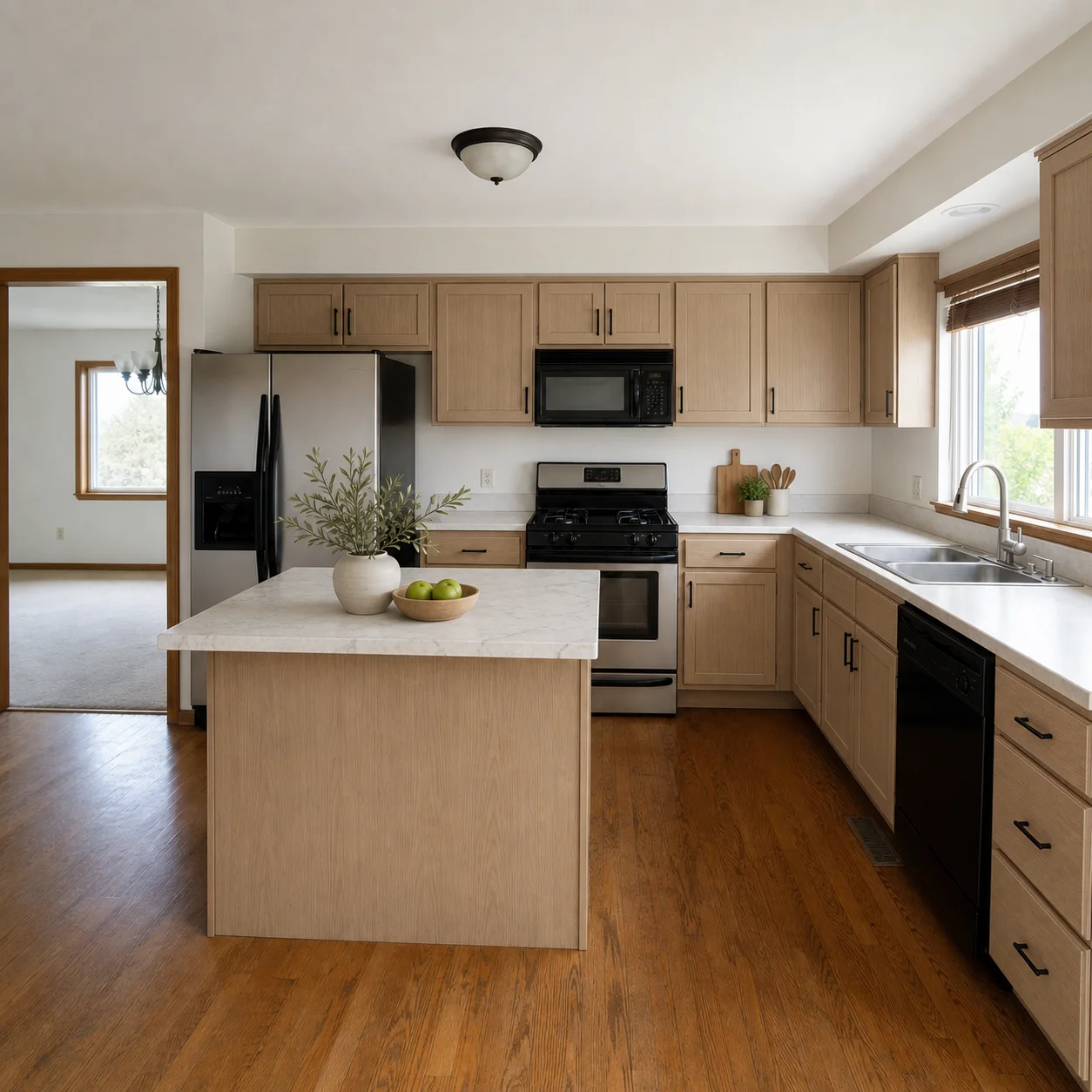
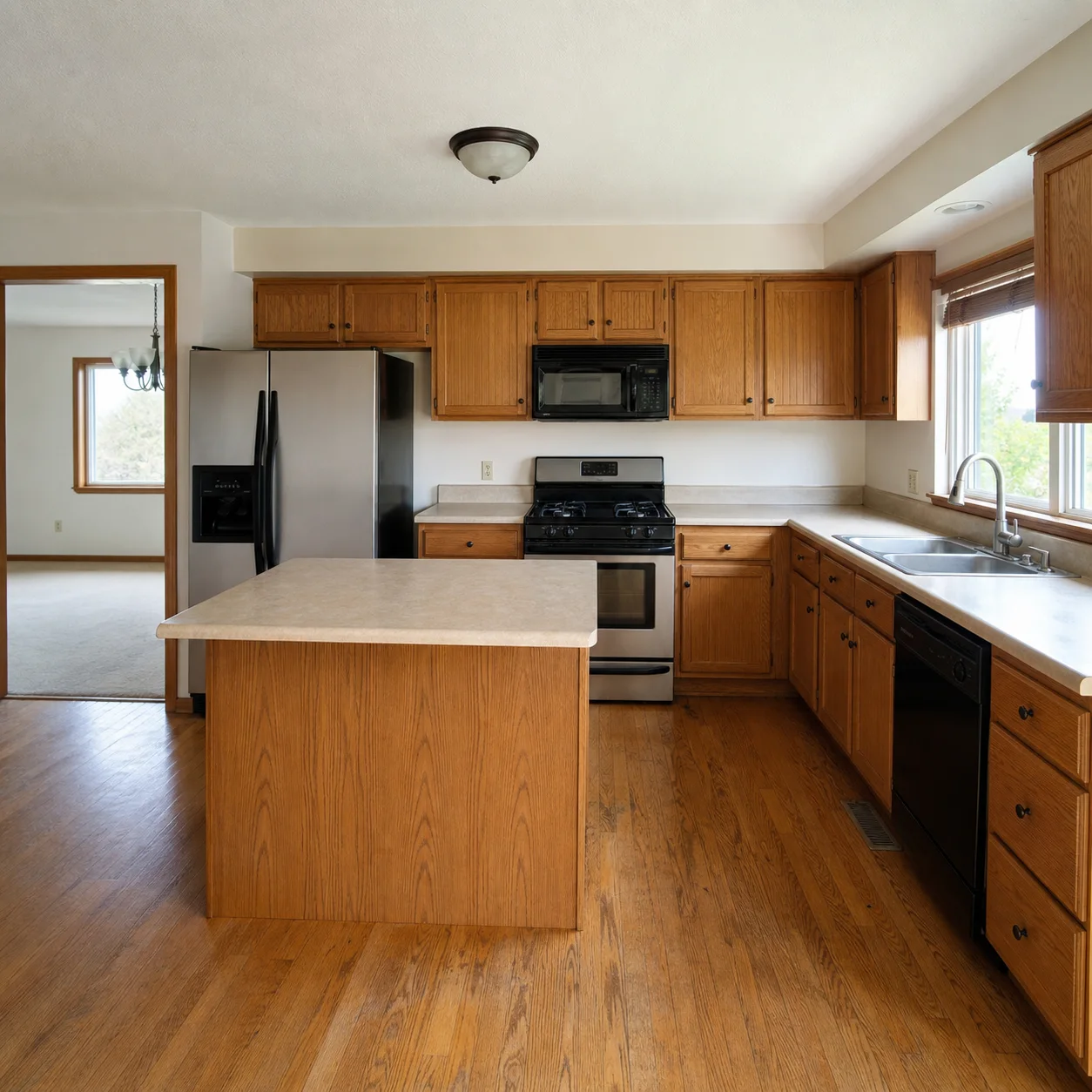
How visualization works
- 1
Upload a clear room photo
- 2
Ask for two or three style directions in separate runs
- 3
Pick the concept that fits best and refine it
What people visualize
Best for
- 01Furniture shopping decisions
- 02Paint and material previews
- 03Client concept presentations
- 04Small remodel planning
Visualization tips
- Use daylight photos with the full room in frame
- Name budget constraints if you want realistic options
- Generate multiple variants for comparison
AI Room Visualizer FAQ
It generates photorealistic previews of your room in different styles, colors, and furniture arrangements so you can compare options before buying paint, furniture, or remodeling. Think of it as a try-before-you-buy tool for interior design.
A clear, well-lit photo taken from a stable angle. The visualizer works best when the photo shows the full room without extreme distortion. Avoid photos with heavy filters or artificial lighting that mask the true room colors.
Yes. Generate several versions of the same room with different prompts, then download them all. You can flip between the original photo and each generated version to compare colors, furniture styles, and layouts.
The AI produces photorealistic renders that closely represent how the room would look with the described changes. Since the AI preserves the room structure and lighting context from your photo, the results are grounded in your real space.
Yes. Ask the AI to keep all furniture and only change the wall color, flooring material, or lighting. The visualizer handles single-change requests and full redesigns equally well.
No. It is a photo-based AI visualizer. It does not produce 3D models, dimensioned floor plans, or architectural drawings. If you need those outputs, look for dedicated CAD or 3D modeling software.
As many as your credits allow. Each visualization takes 10-30 seconds, so you can quickly iterate through color palettes, furniture styles, and decor themes to find the look you want.
Yes, that is its primary use case. Describe the furniture style you are considering, and the AI will show how it would look in your actual room. This helps you decide whether a piece fits before you spend money.
Related tools
Continue exploring with the AI Apartment Design
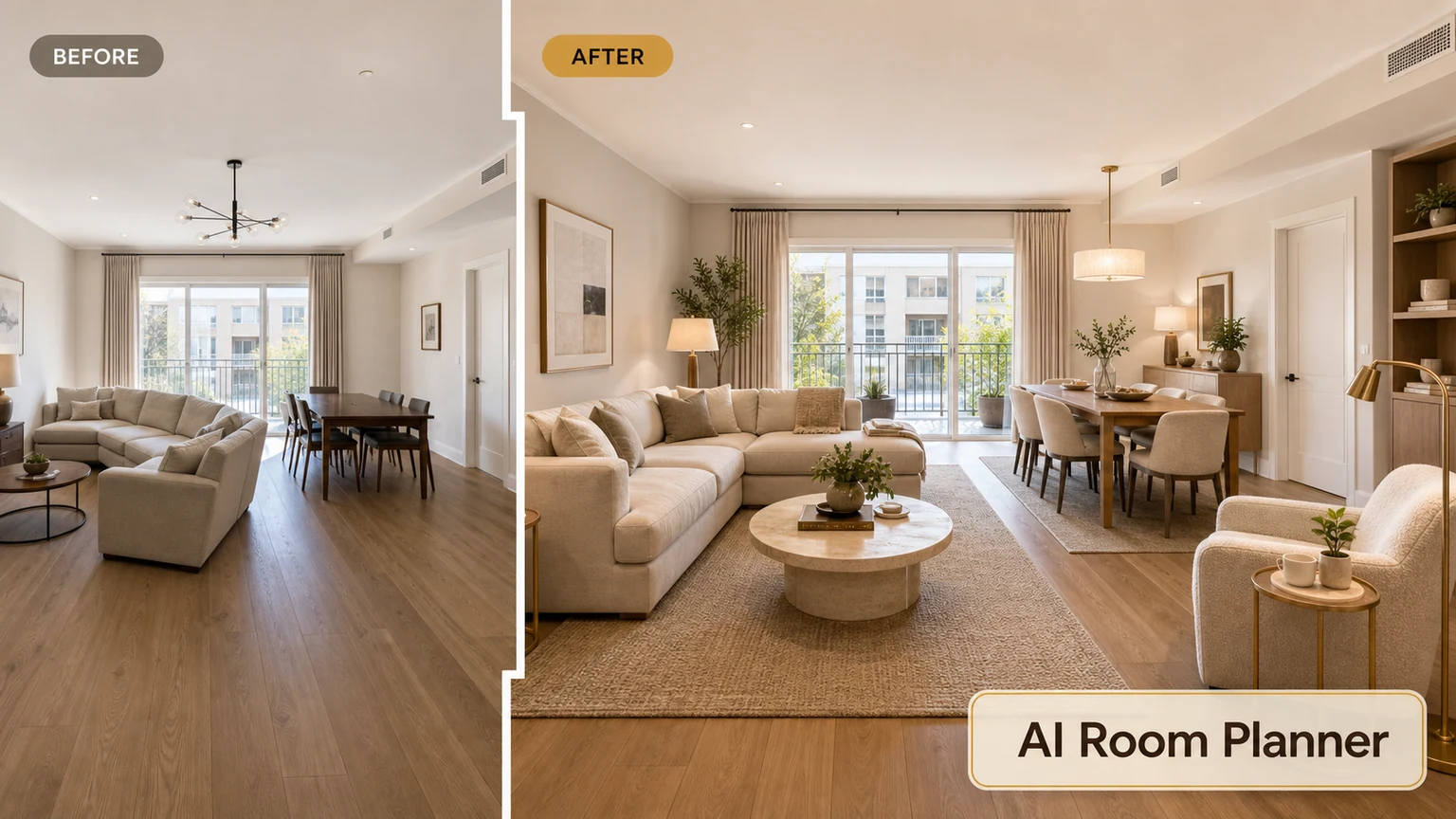
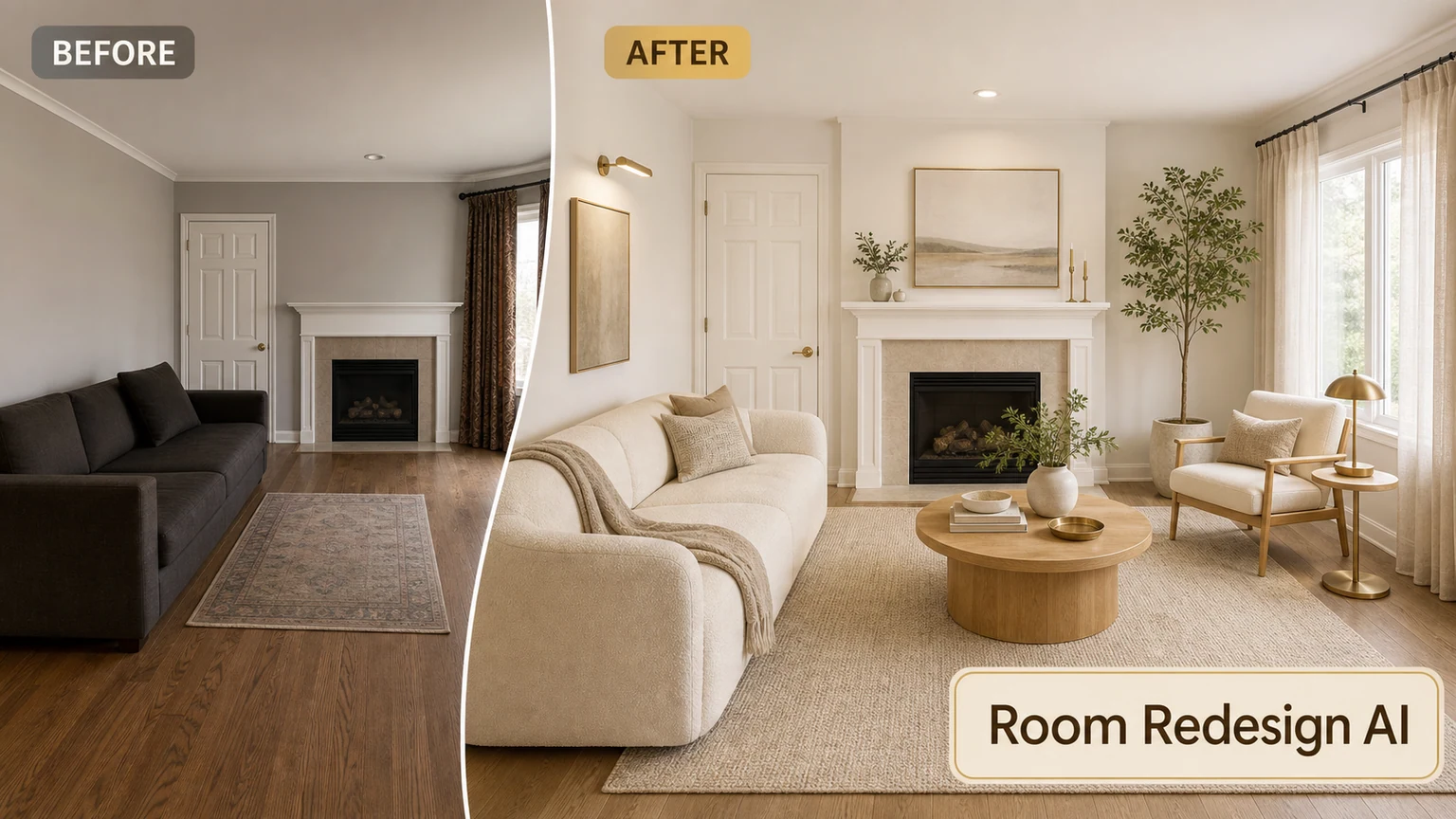
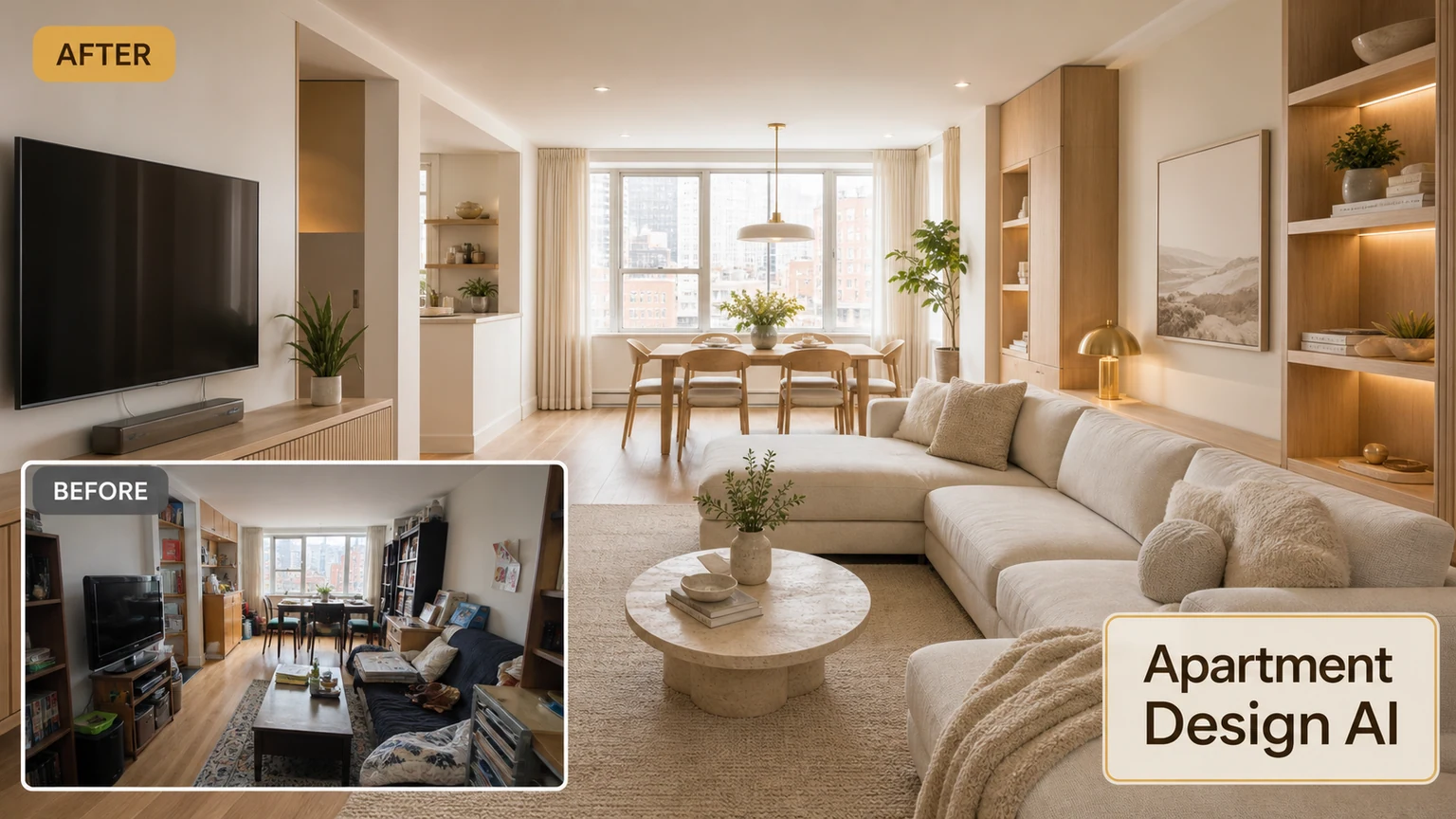
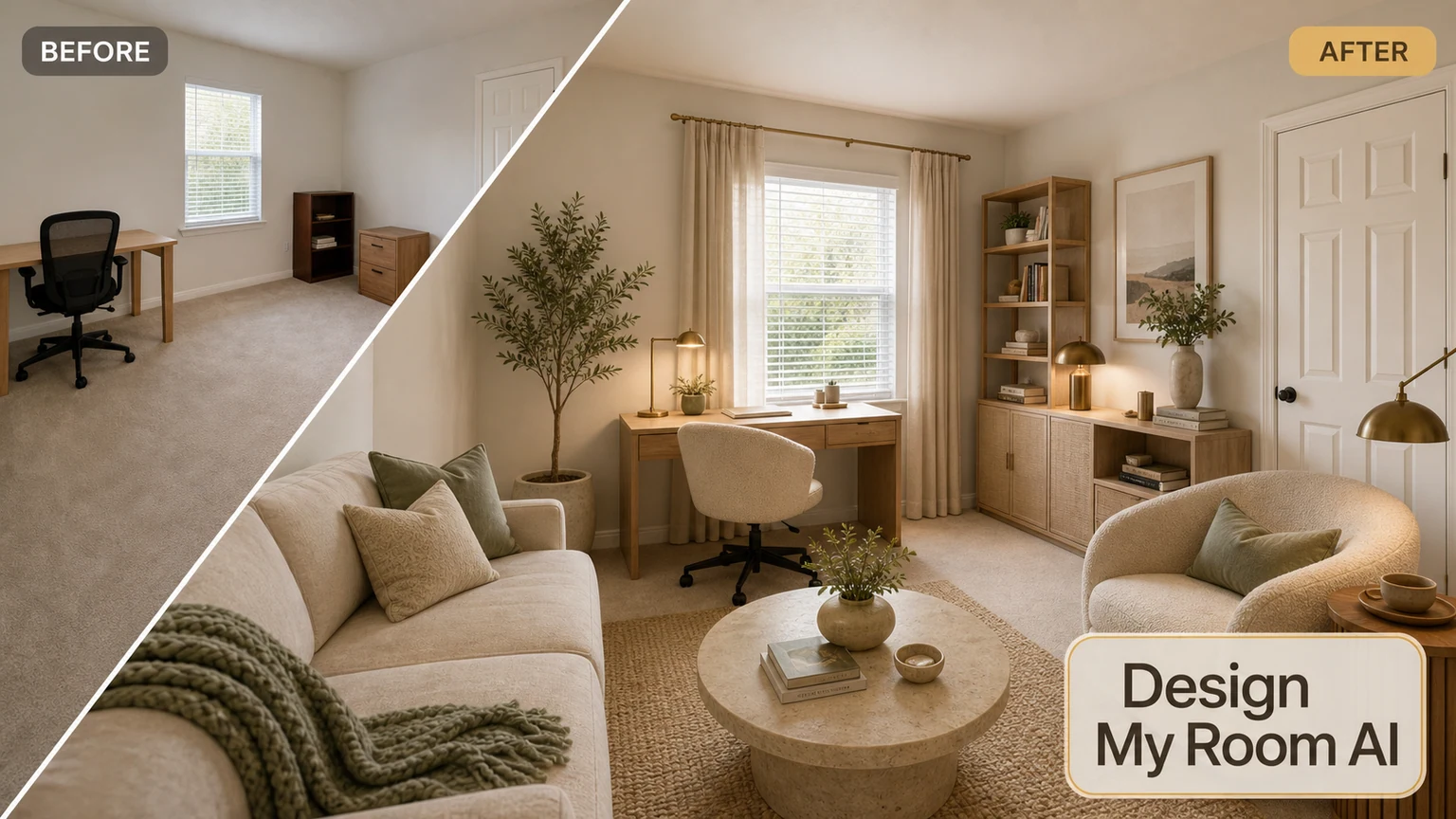
Visualize your next room look
Upload a photo and preview design options before you buy.