AI Room Makeover
Describe the makeover style and mood you want
Upload Assets
Upload a photo of the space you want to design or edit. Browse Files
Supported Formats: JPG, PNG, WEBP • 10MB
Upload Assets
Upload a reference for style, colors and materials. Browse Files
Supported Formats: JPG, PNG, WEBP • 10MB
Choose what to refresh
AI Room Makeover
Design inspiration
Upload reference images to guide the AI. The model will use these as visual context for generation.
Visual room refresh
AI Room Makeover
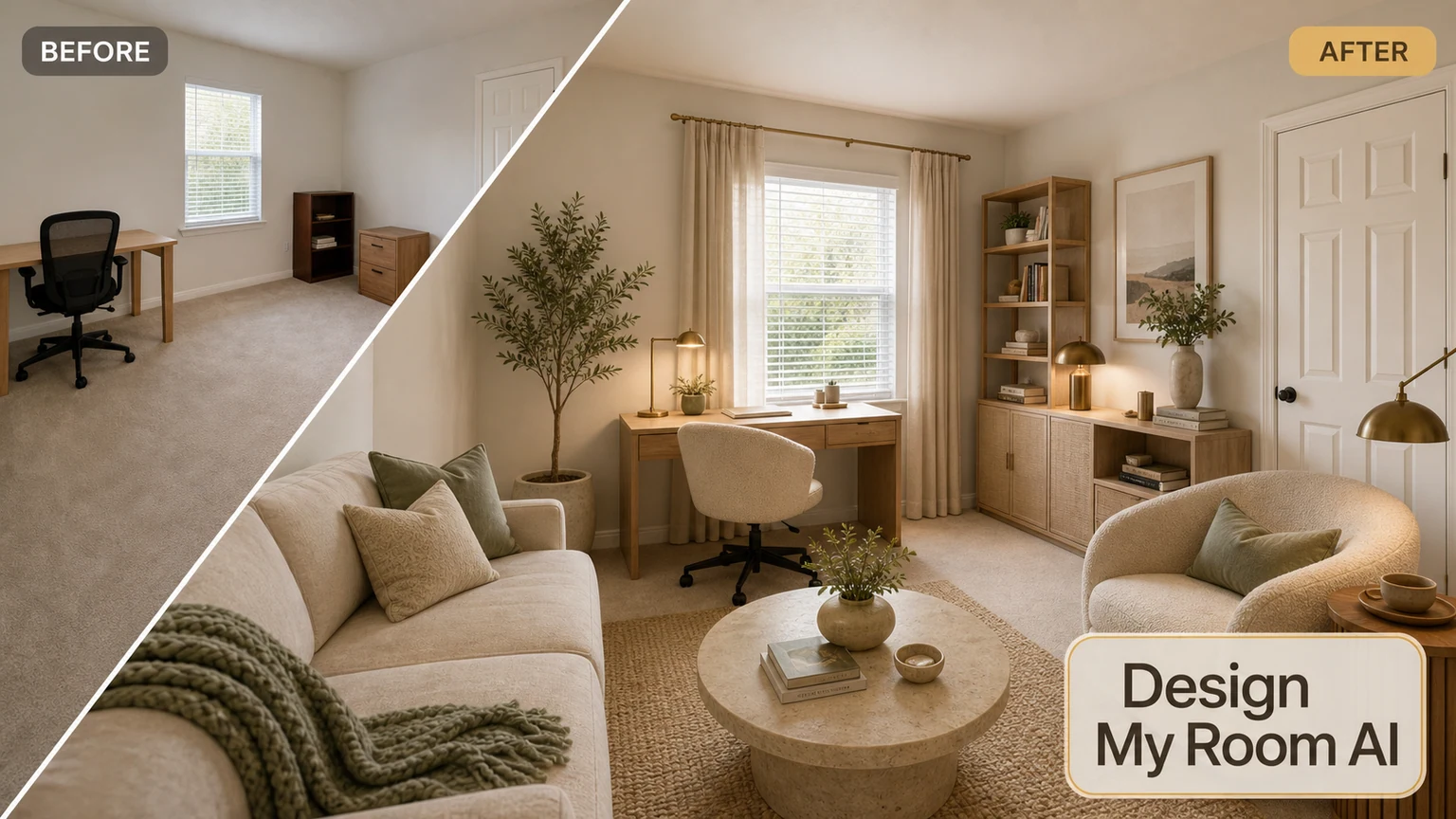
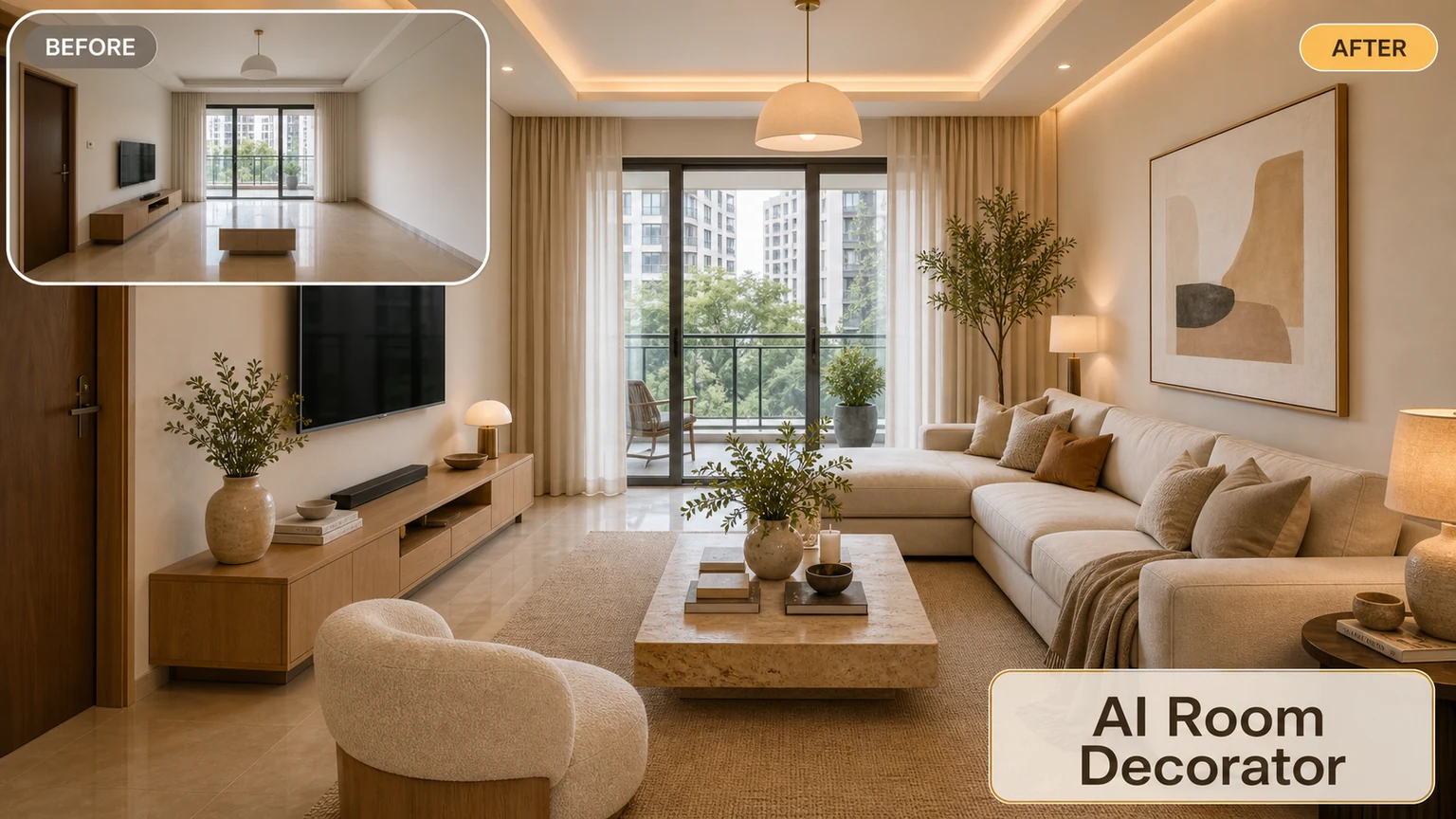
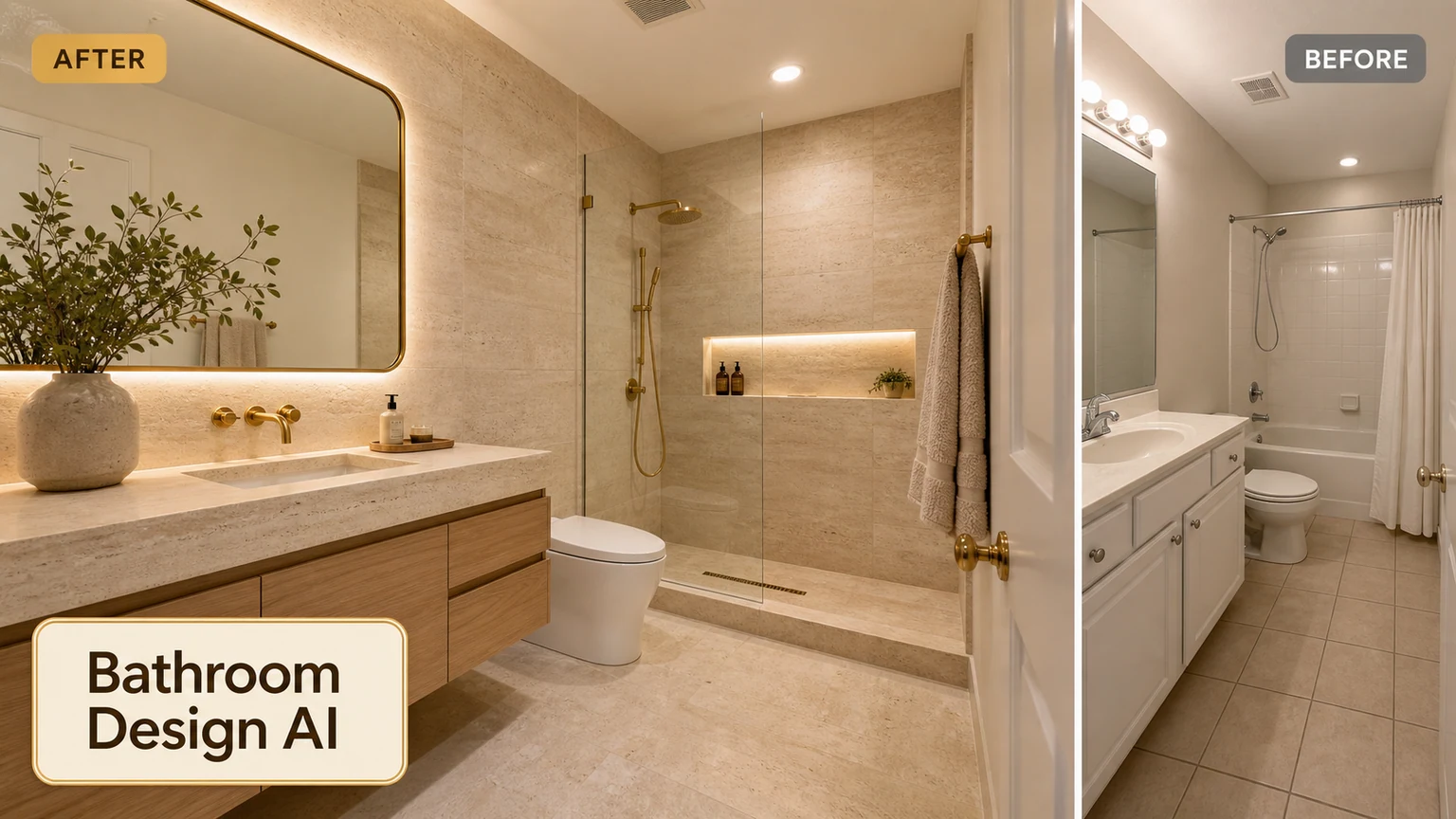
Give any room a fresh look with AI makeover ideas for furniture, wall colors, decor, and lighting—without rewriting the whole structure.
A makeover focused on style and beauty
Room makeover is about visual refresh: color, decor, textiles, and atmosphere. Use redesign when you need a deeper remodel; use makeover when you want a new look quickly.
- Style and color refresh from a photo
- Decor and lighting ideas
- Quick before-and-after makeover concepts
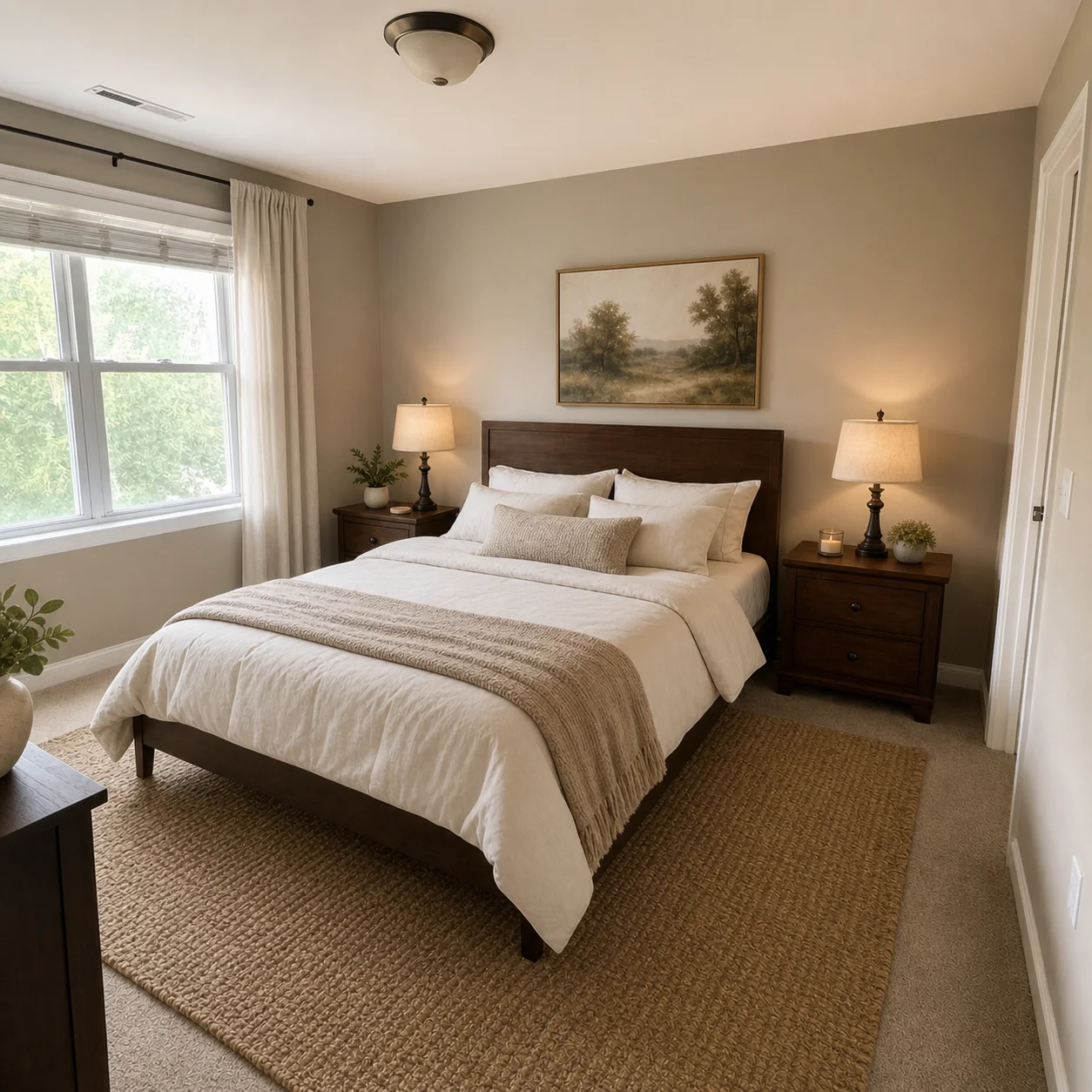
- Great for bedrooms, living rooms, and rentals
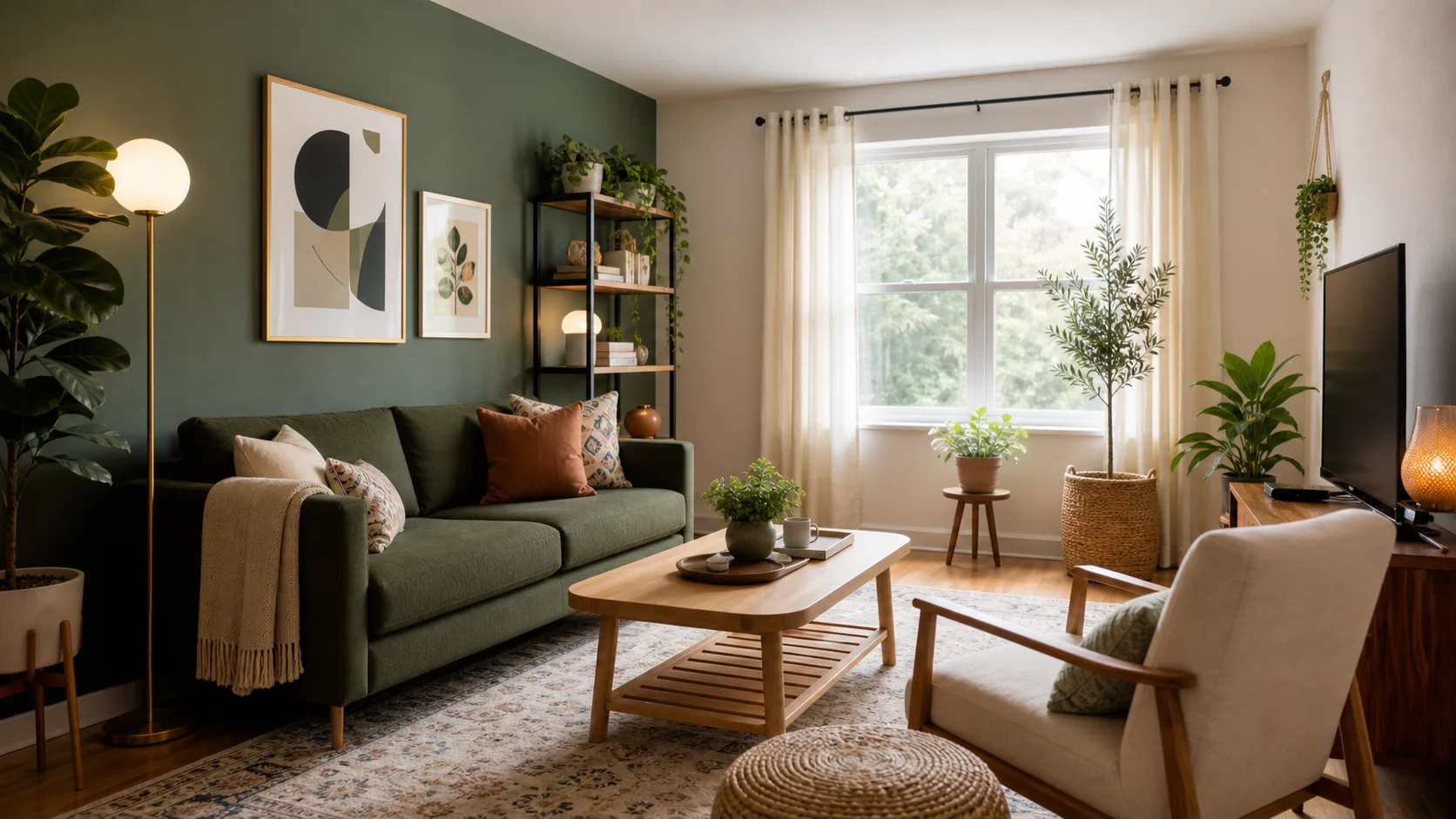
Design inspiration
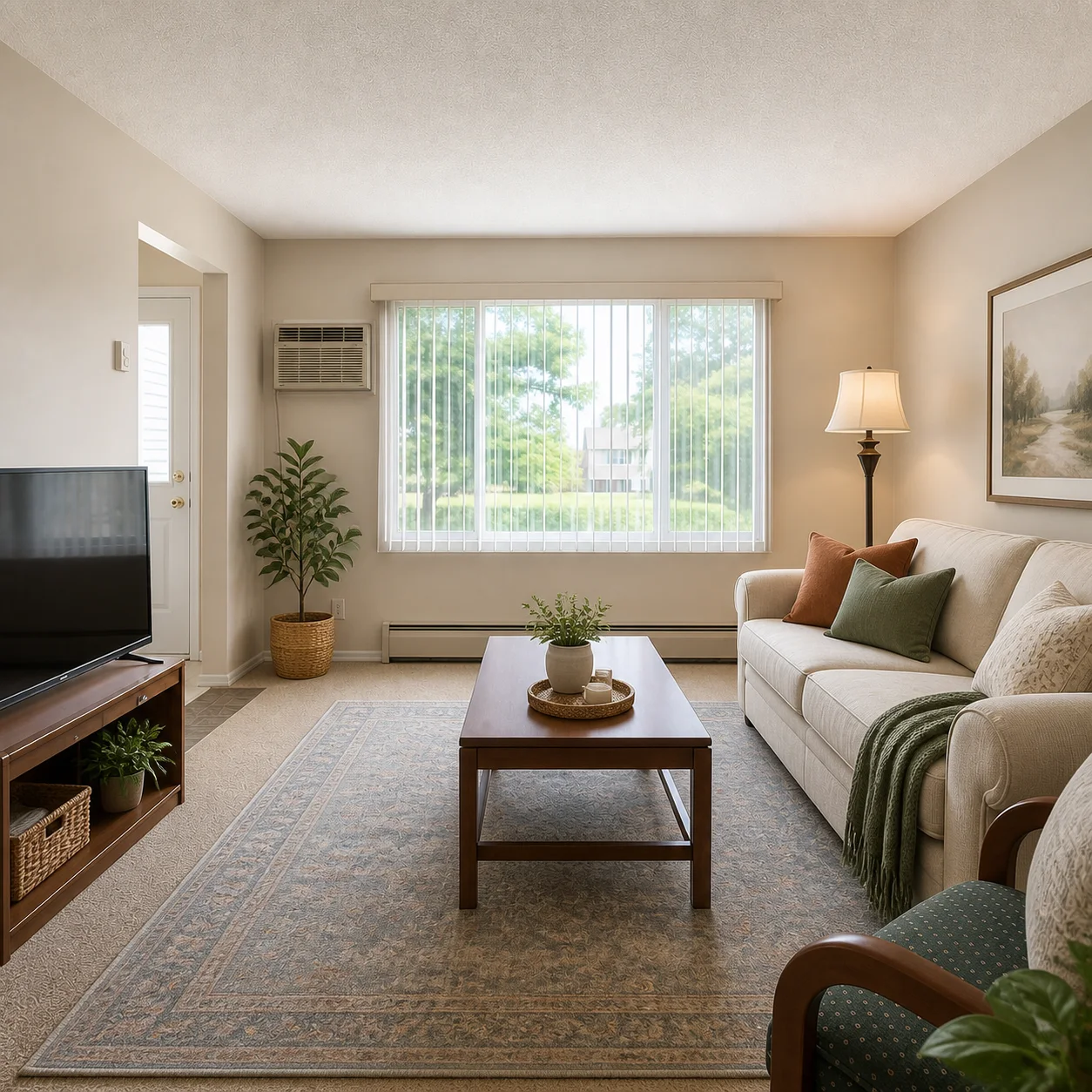
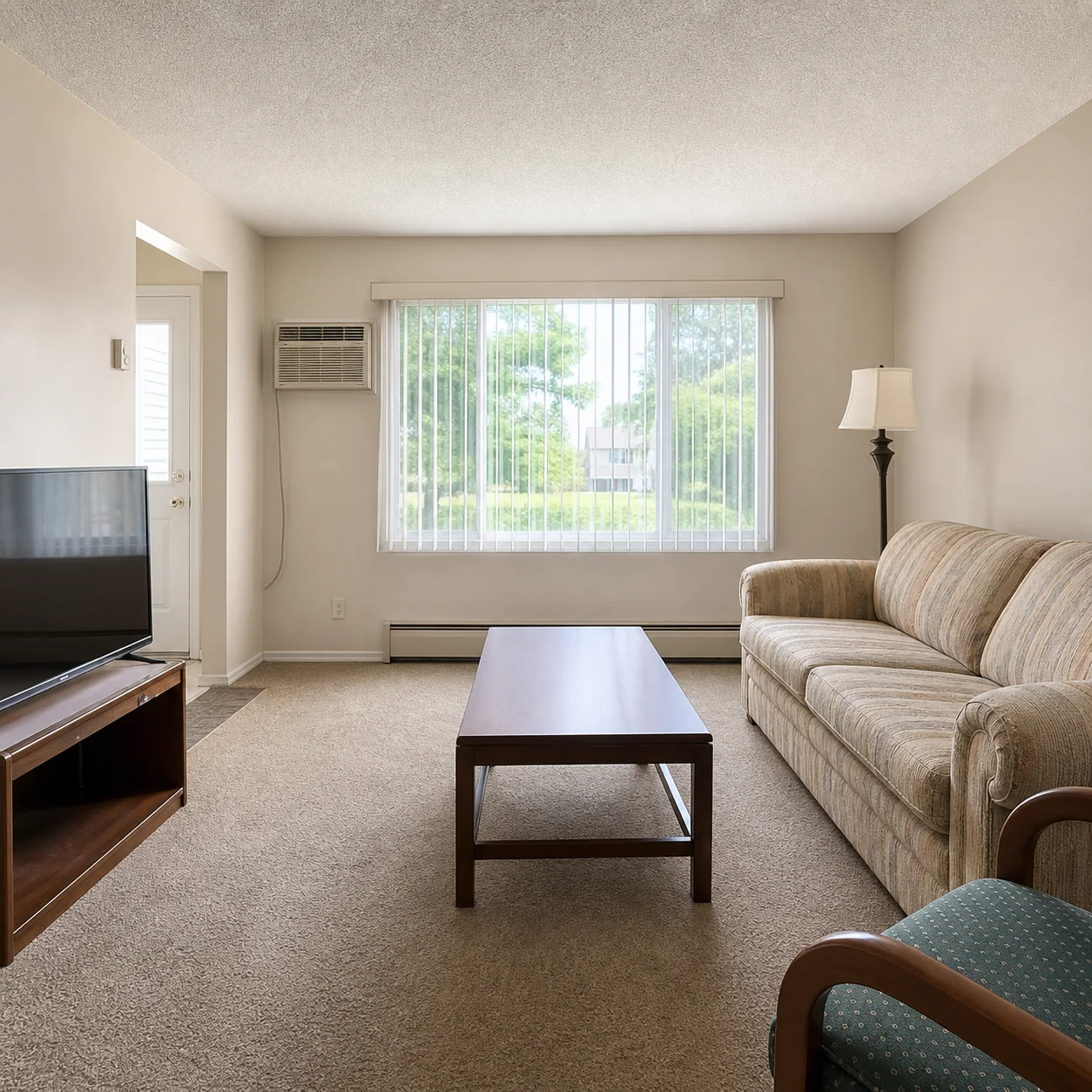
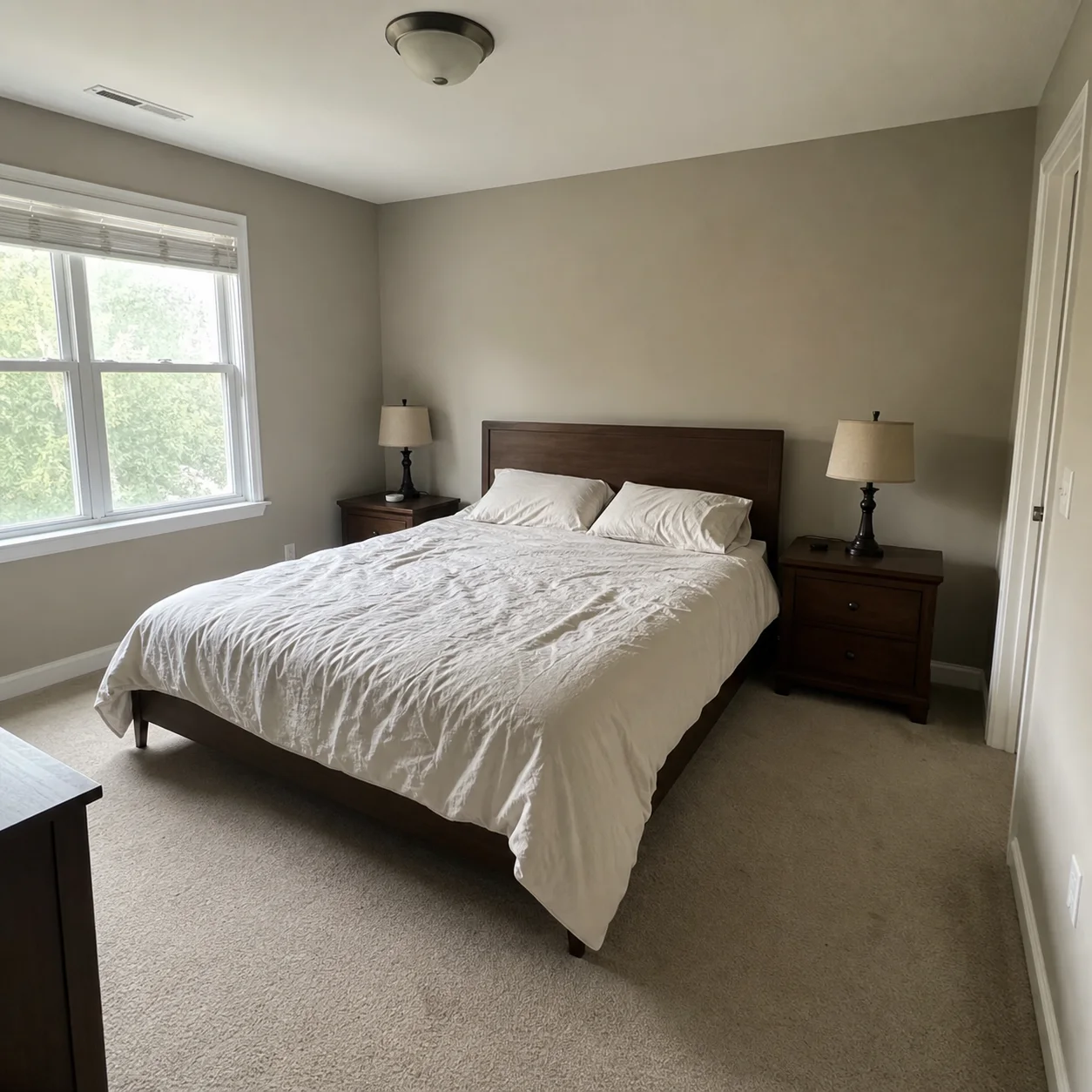
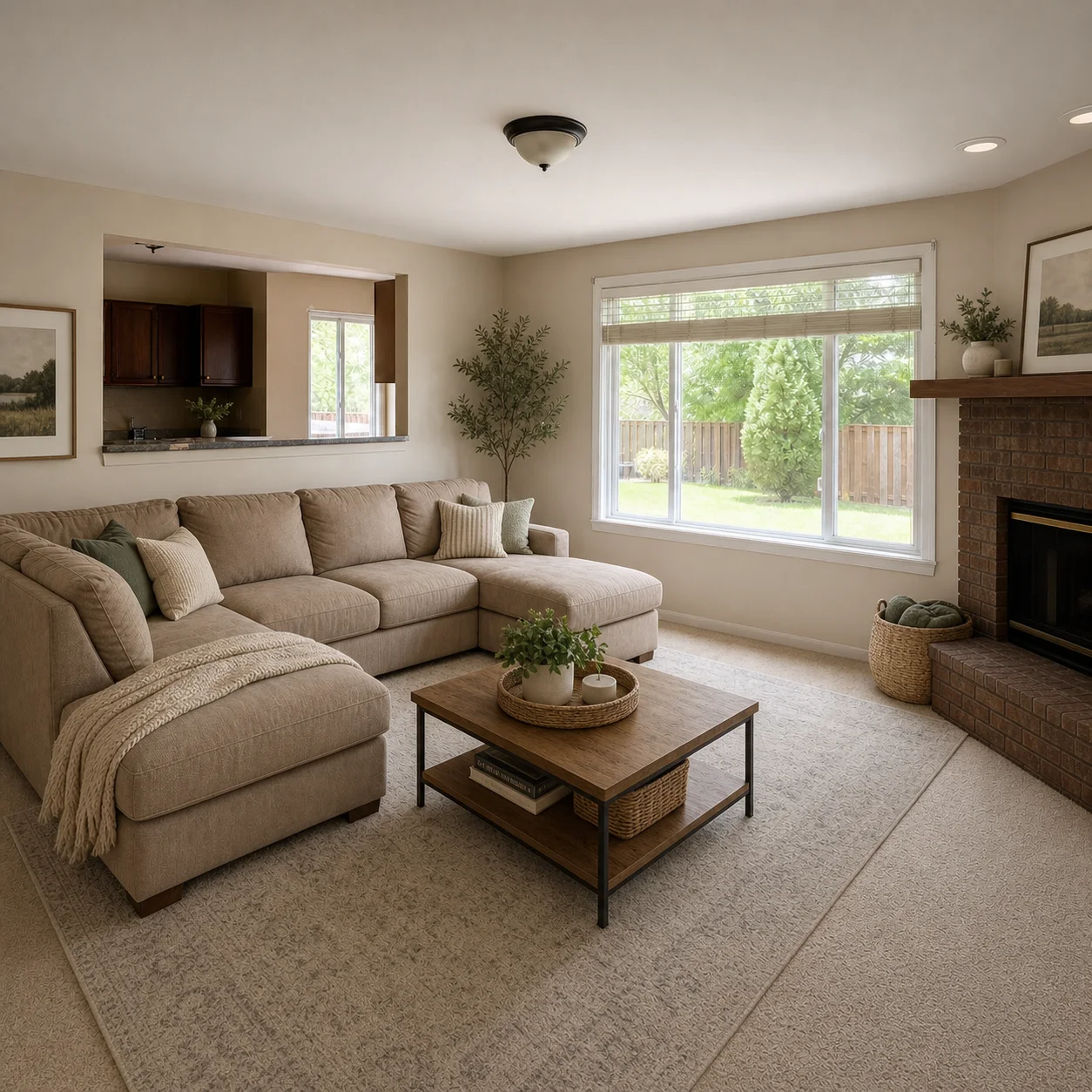
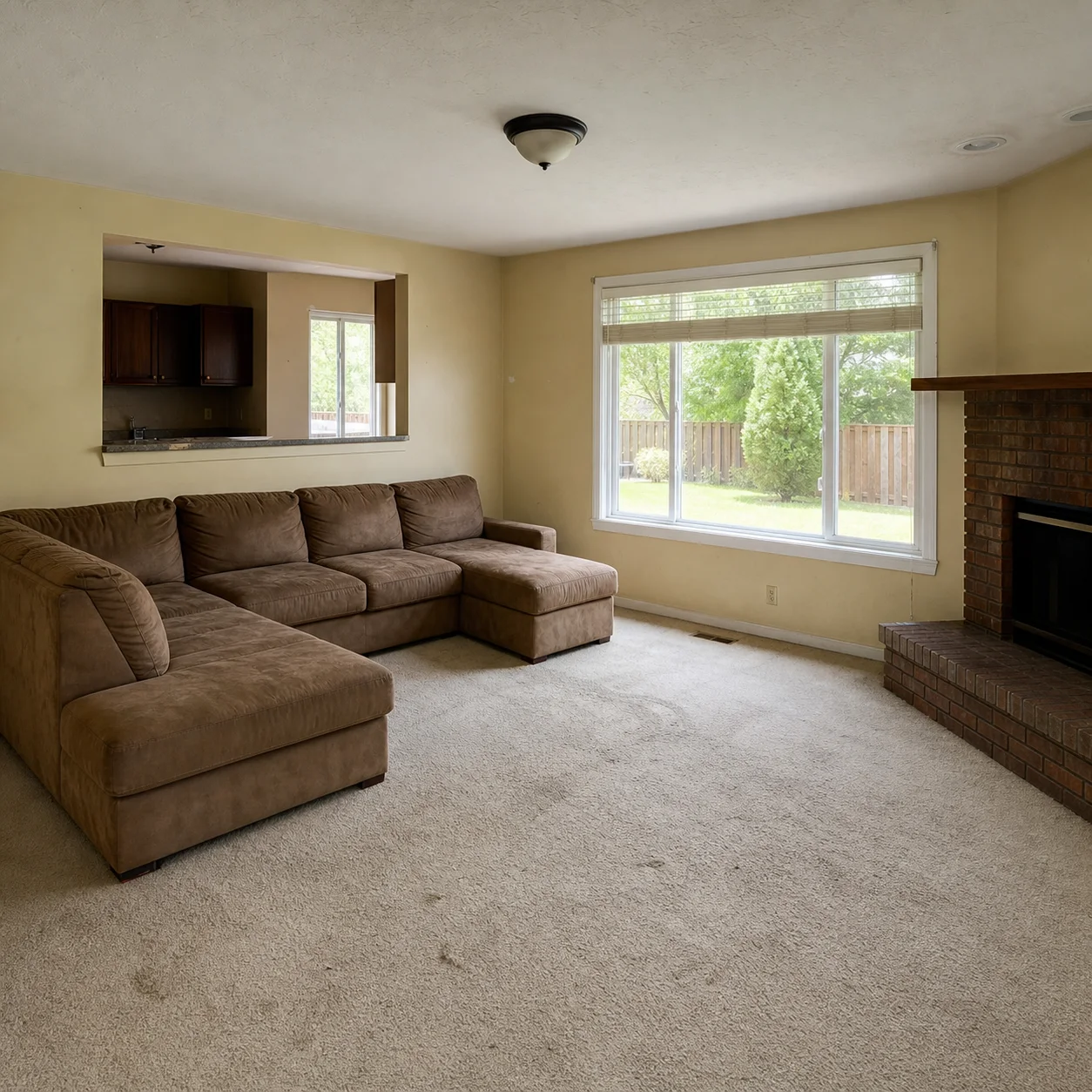
How to run a room makeover
- 1
Upload your room photo
- 2
Pick a mood: bright, cozy, modern, or soft luxury
- 3
Generate makeover options and refine details
Makeover moods
Best for
- 01Weekend room refresh ideas
- 02Renter-friendly style changes
- 03Color and decor inspiration
- 04Social content and mood boards
Makeover tips
- Mention colors you like and dislike
- Keep large furniture if budget is limited
- Ask for lighting changes to shift mood
AI Room Makeover FAQ
A clear, well-lit photo that shows the room from a corner or doorway so the AI can see the full space. Avoid heavy shadows and clutter for the most accurate style suggestions.
The AI updates the visual style: wall colors, furniture finishes, decor pieces, lighting fixtures, and textiles such as curtains and rugs. The overall layout and room structure stay the same.
Unlike a full redesign, the room layout, wall positions, window and door placements, and major furniture footprint typically remain unchanged. A makeover is a style refresh, not a reconstruction.
A redesign can change the layout, reconfigure visual walls, and completely reimagine the space. A makeover keeps the existing arrangement and applies a fresh style layer. Choose a makeover when your layout works but the look feels dated.
Yes. Tell the AI which pieces to keep in your text prompt. It will style the room around your existing sofa, table, or bed by coordinating new colors and decor with what you already own.
Yes. Generate multiple versions with different style prompts such as modern, boho, minimal, coastal, or any style you describe. Each generation uses one credit and takes 10-30 seconds.
Living rooms, bedrooms, dining rooms, home offices, and rental apartments are ideal. Since a makeover does not change the layout, it works especially well when you cannot or do not want to move walls or plumbing.
New users start with free credits to try the tool. If you want to explore many styles, paid plans offer additional generations at a low monthly rate. No subscription is required to get started.
Related tools
Need a full redesign? Open the AI Apartment Design
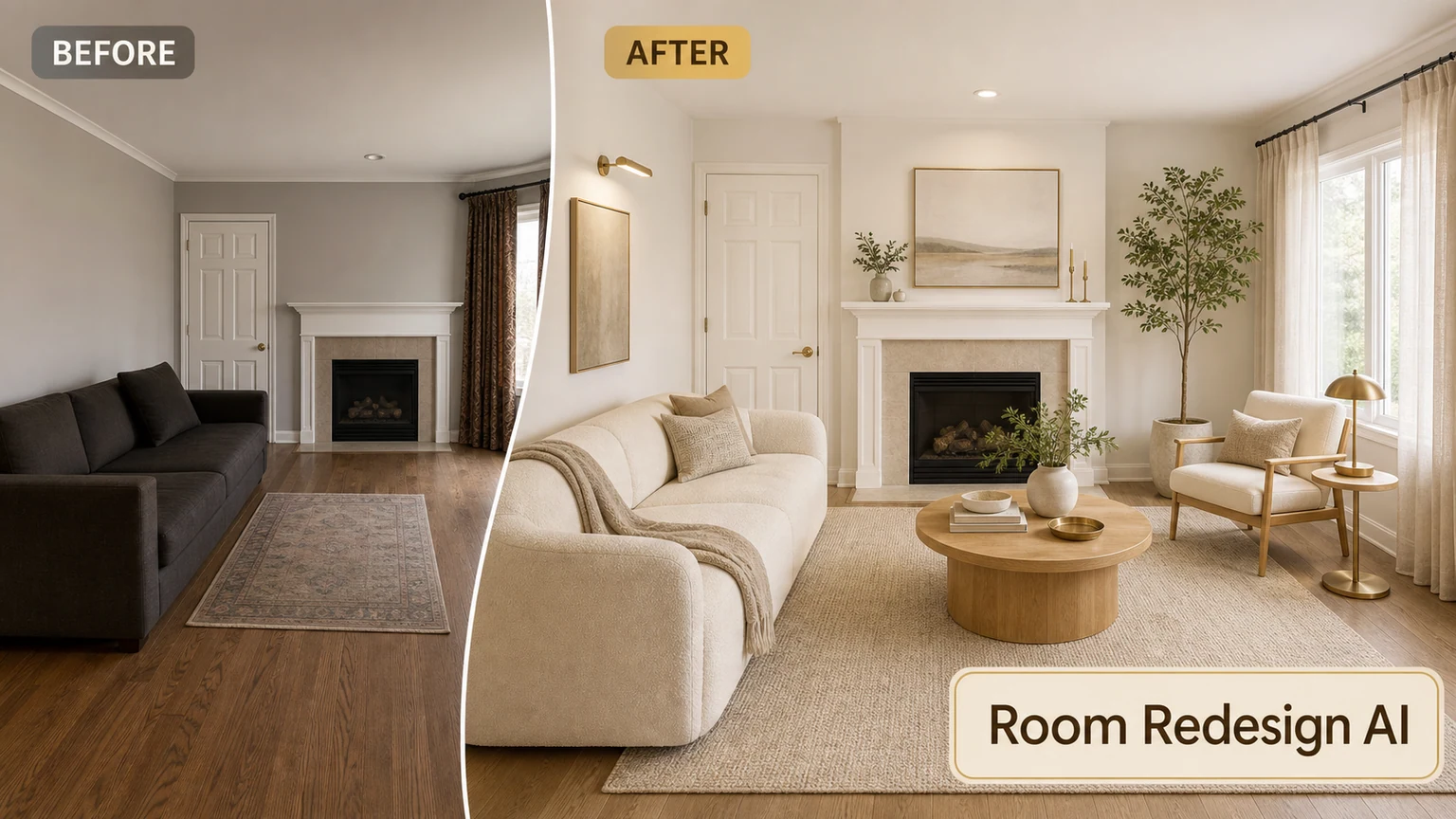
Start your room makeover
Upload a photo and try a new style in seconds.