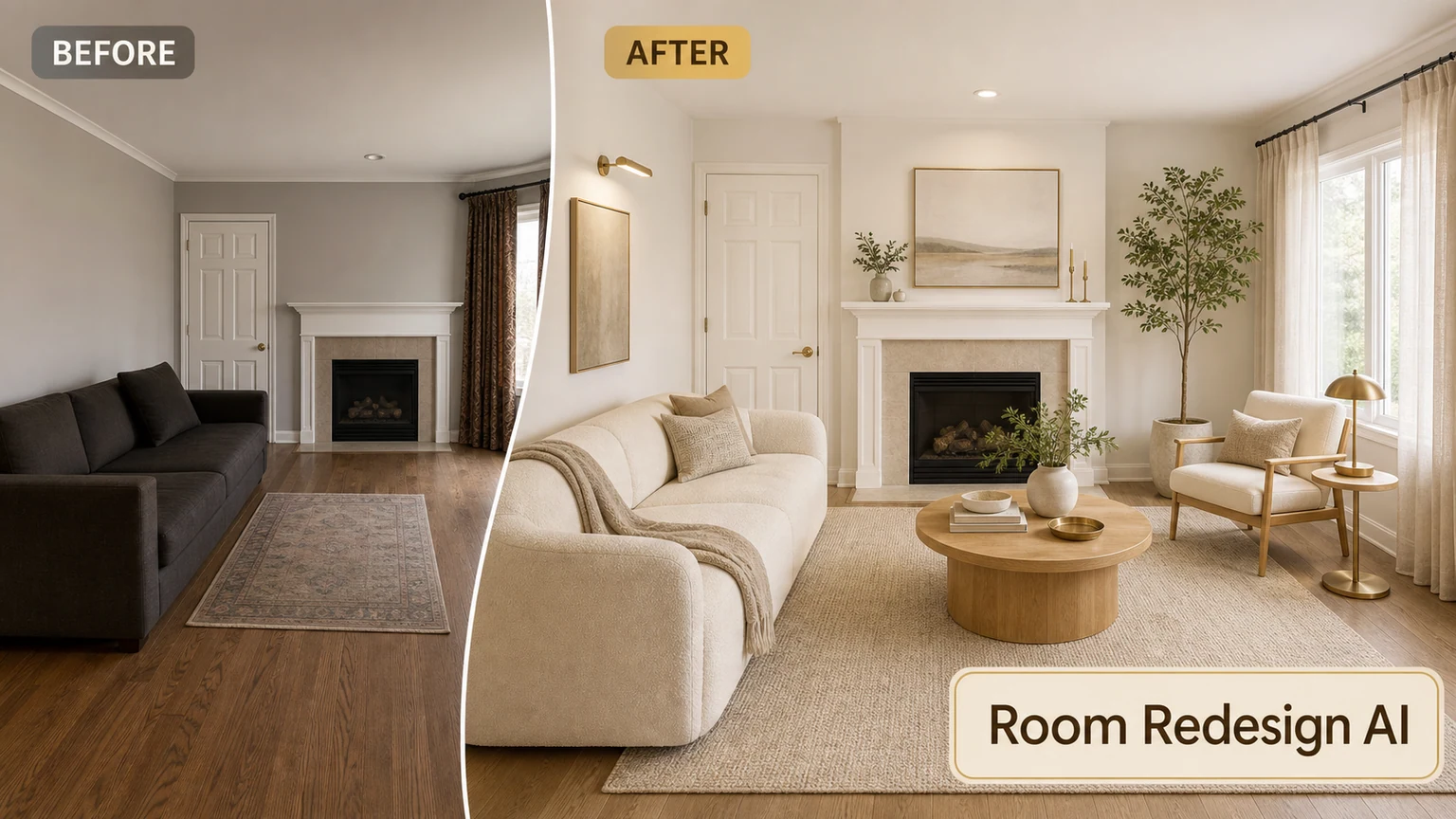
Start with constraints, not style labels
Record room use, circulation, storage, openings, items that must stay and the decisions that are still flexible. Style words become more useful after these practical limits are clear.
Create a polished room video from text or images.
Create a polished room video from text or images.
AI Room Tour Video Generator
Start with a finished room design image and direct a restrained camera path through the space. The source frame defines the furniture and finishes; your motion prompt controls pace, viewpoint and subtle environmental movement.
Interior image-to-video works best with restrained motion. Slow dolly, pan or push-in instructions usually preserve walls and furniture better than rapid tours, object transformations or multiple cuts.
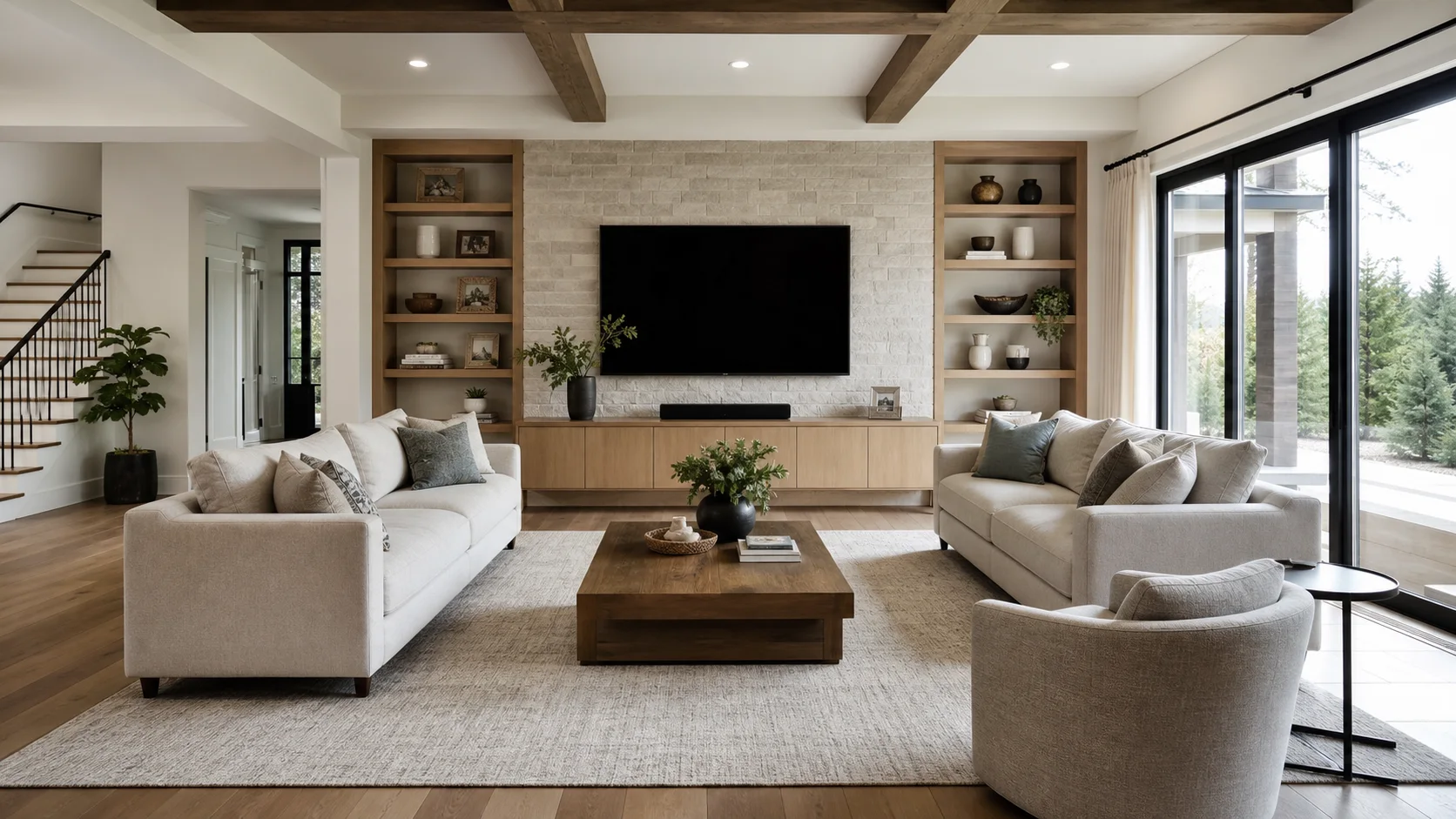
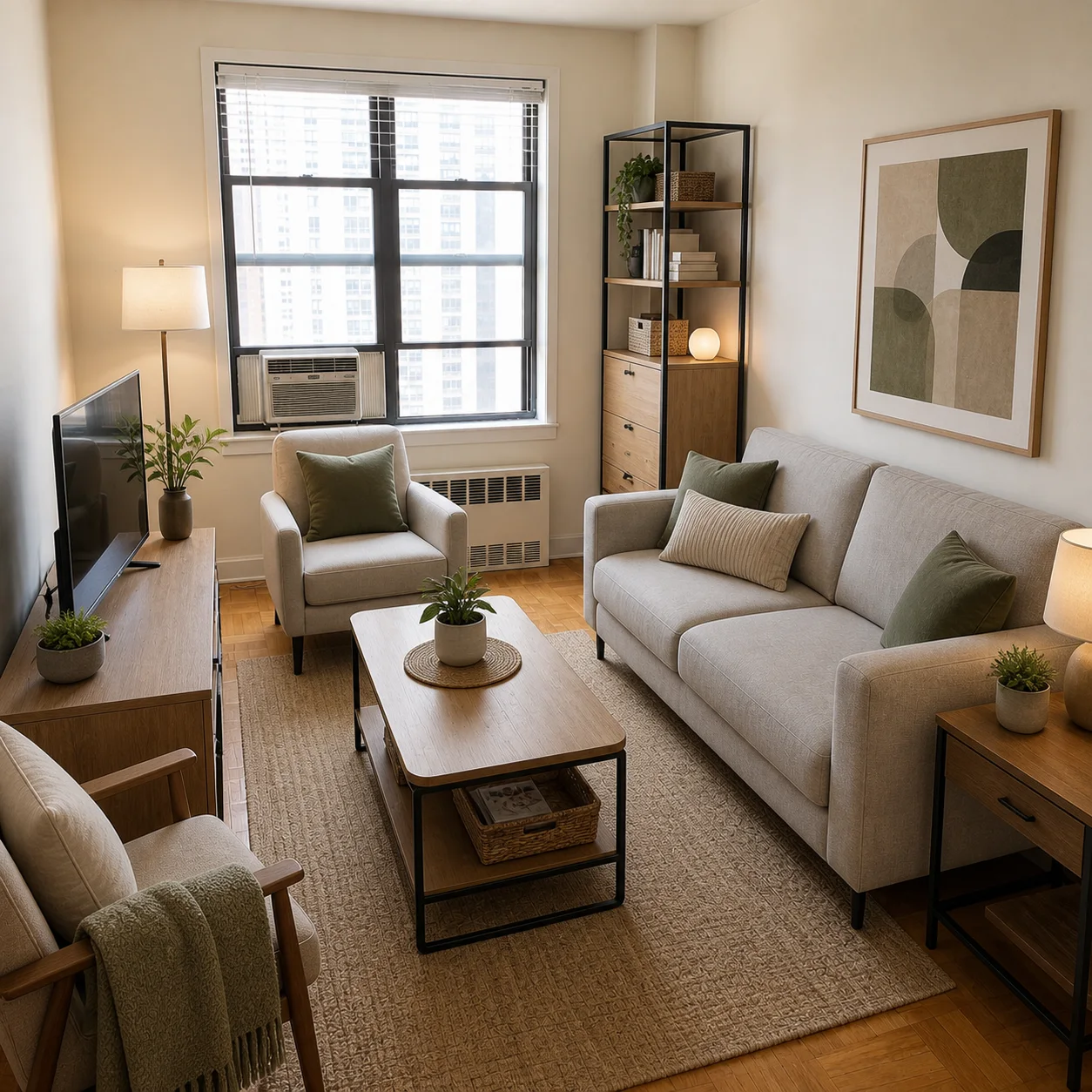
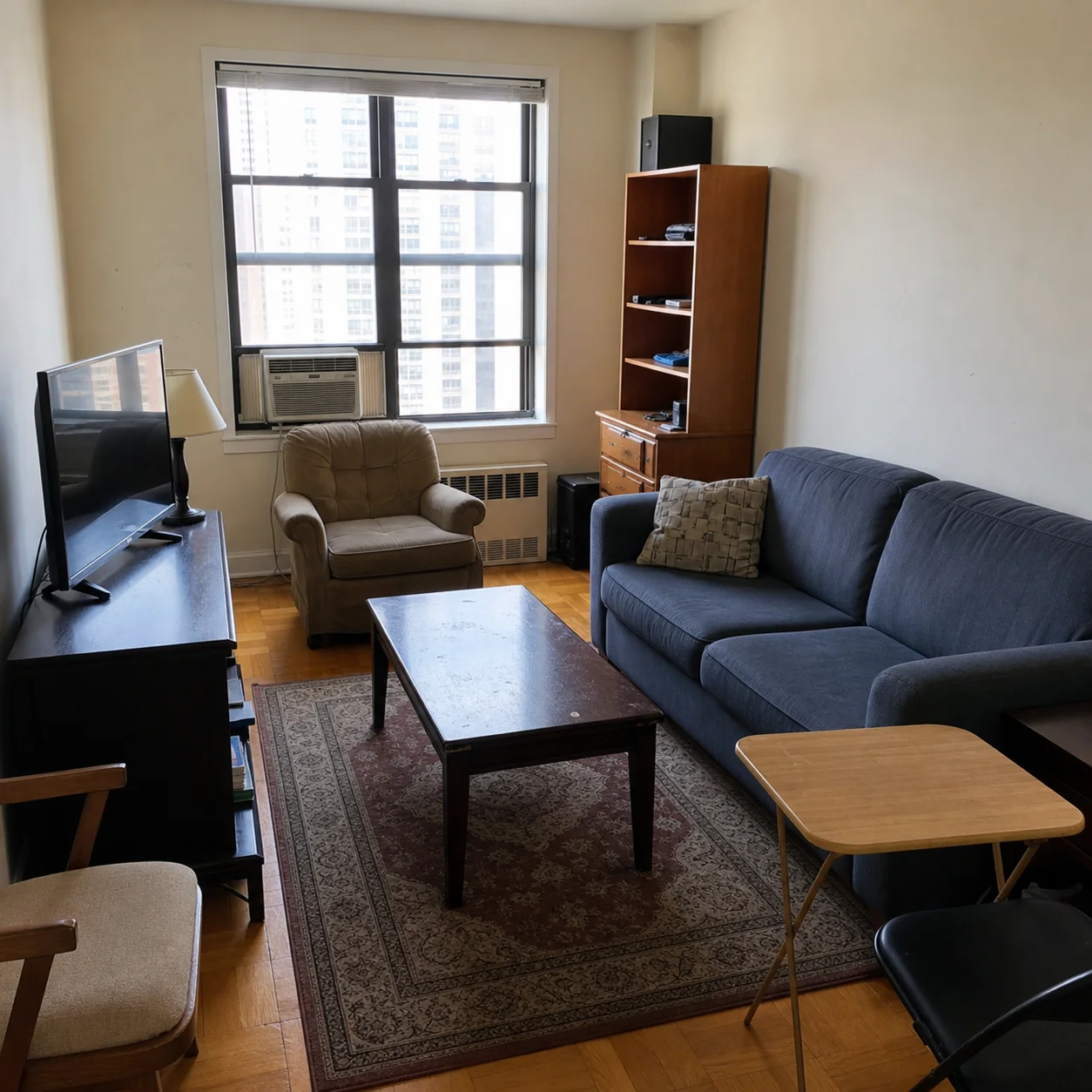
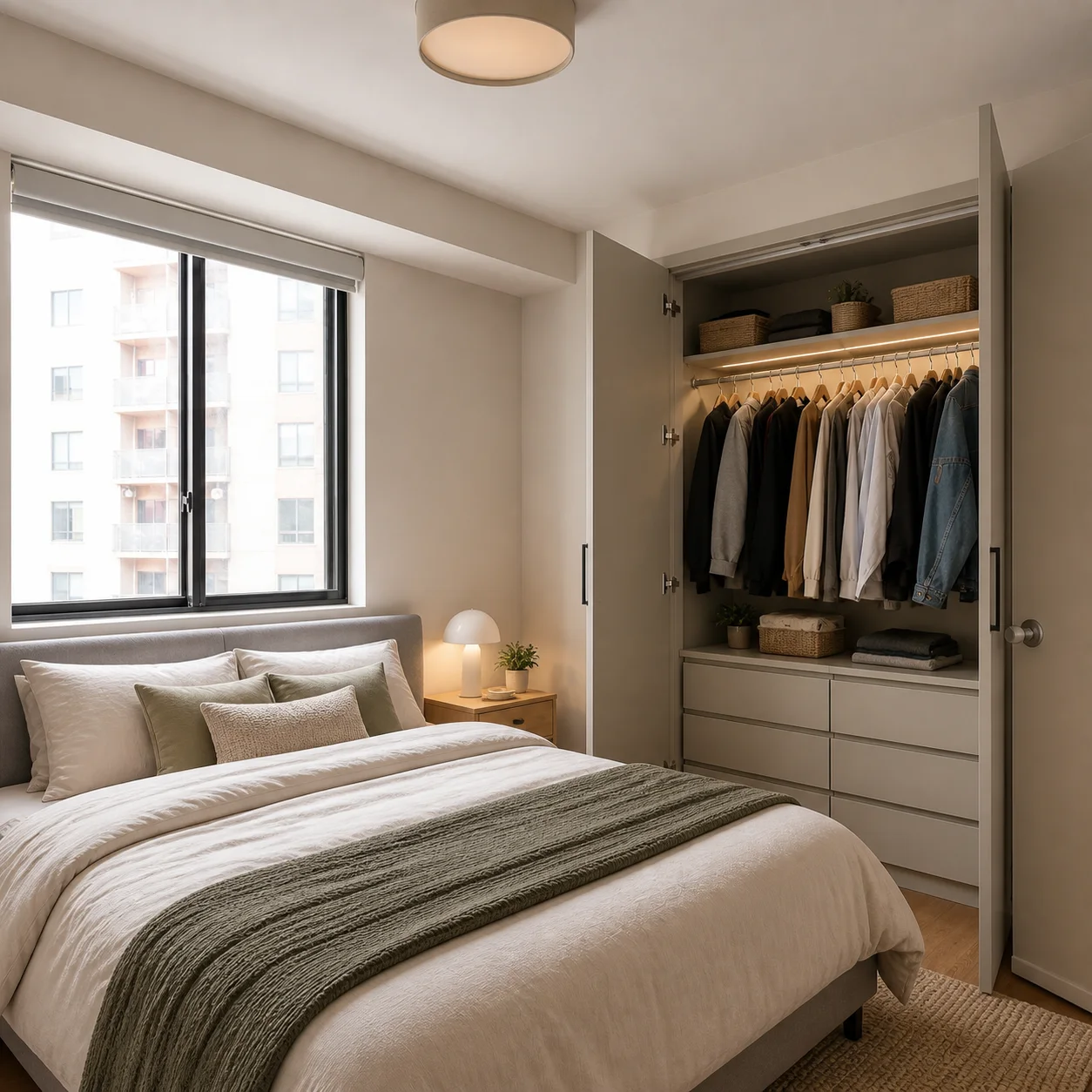
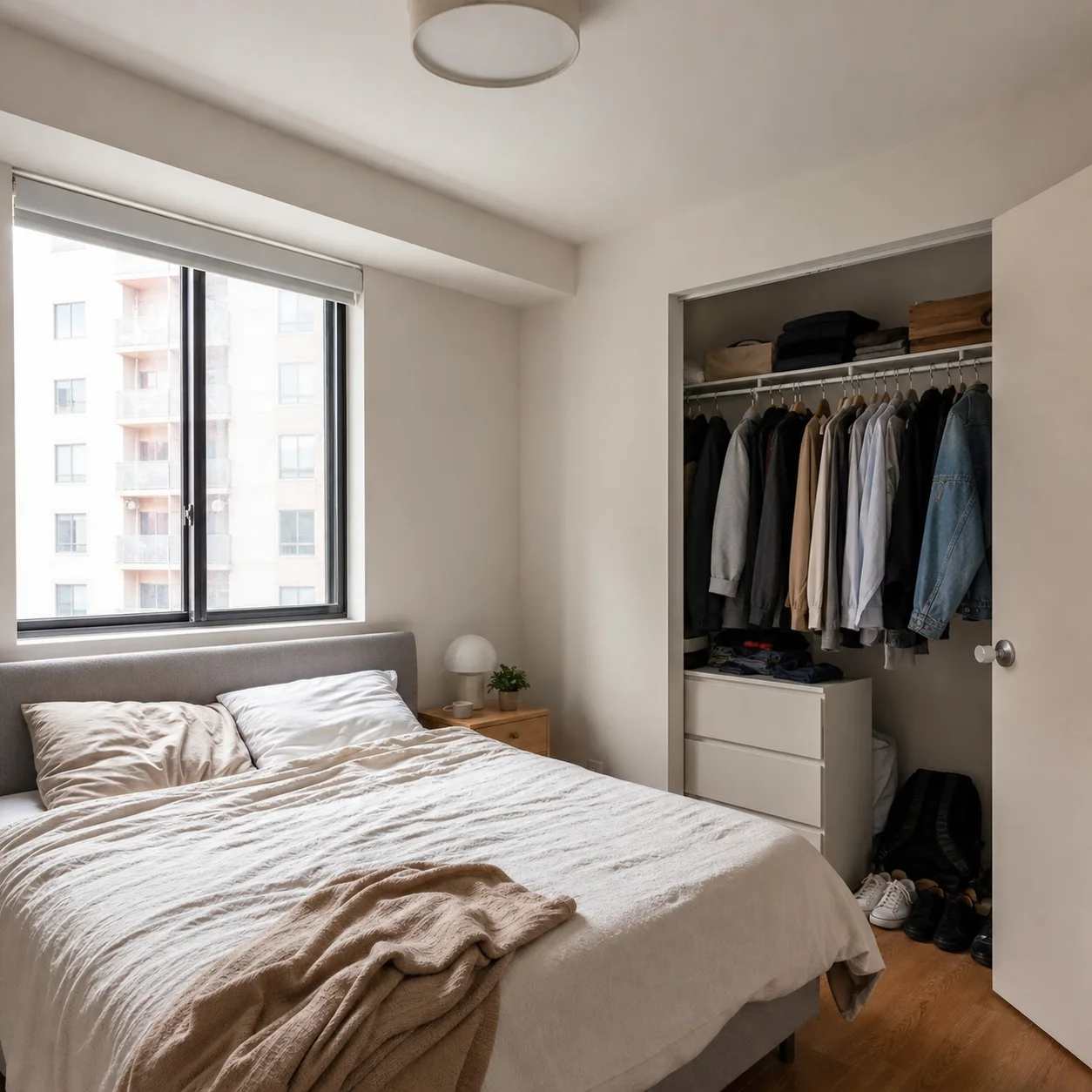
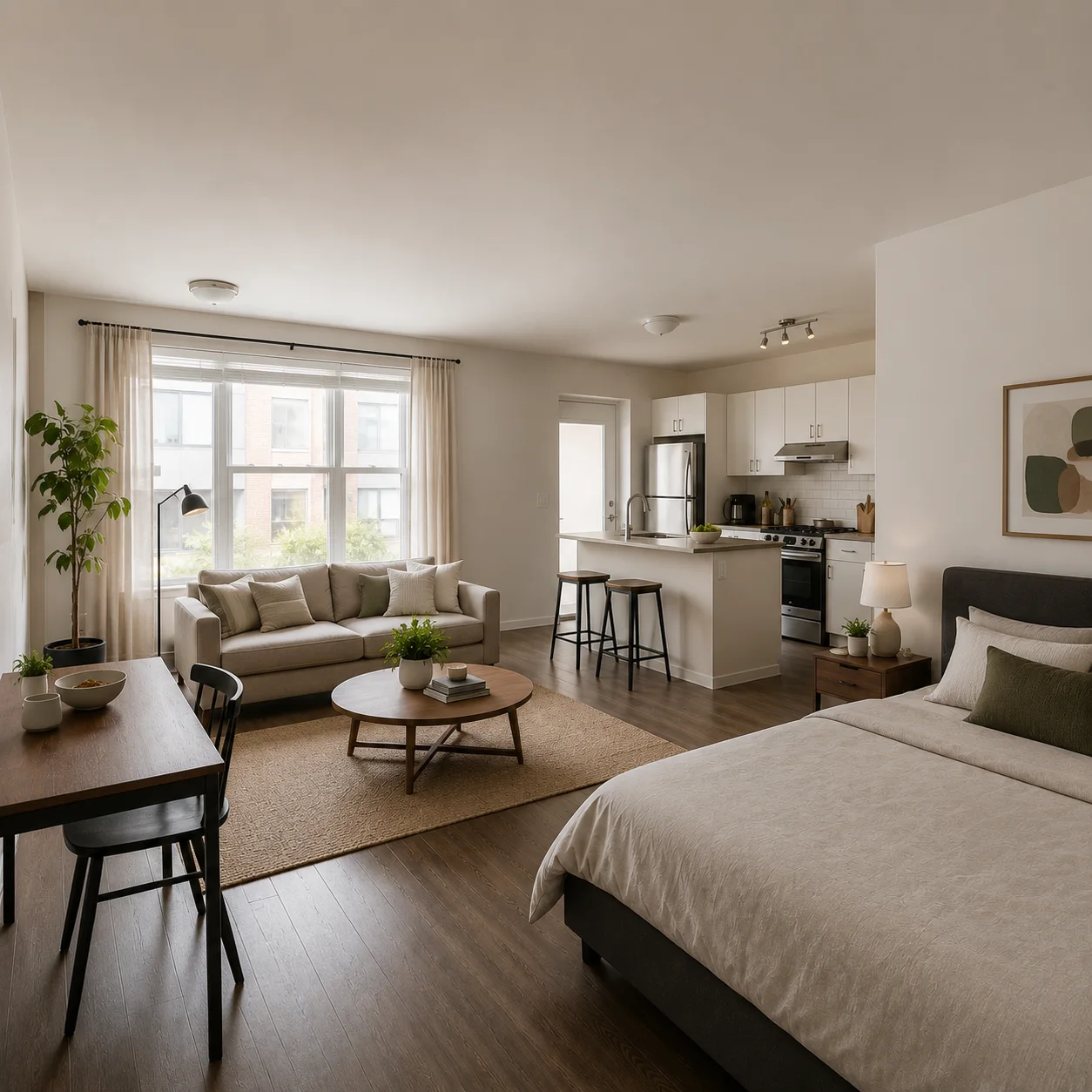
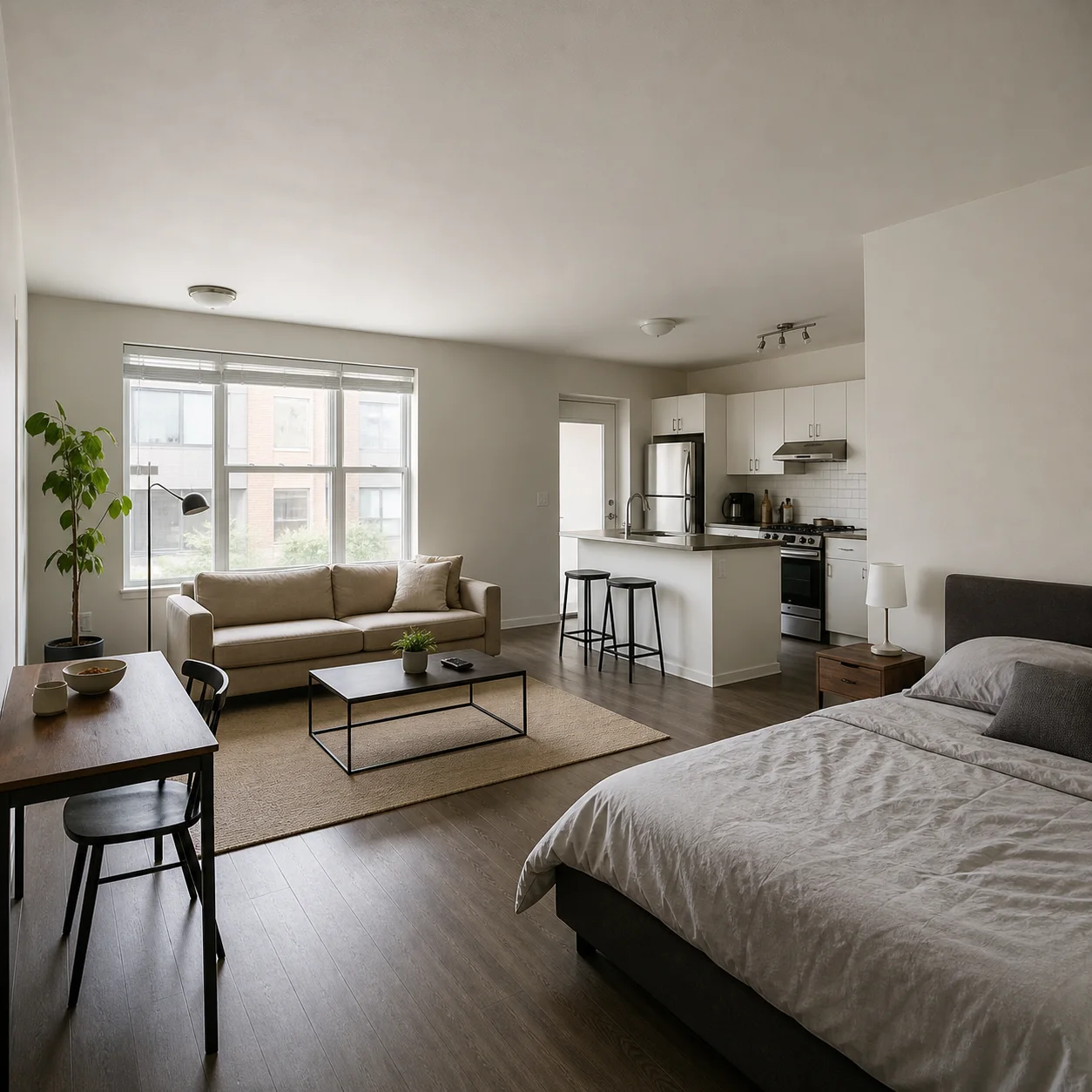
Choose Make video under a generated design or upload a still image
Describe one camera path and any subtle light or fabric movement
Select the model and duration, review the credit cost, then generate
Design decisions
A convincing render is only the beginning. Review the output against the real purpose of the room, the source constraints and the next person who must act on it.
Record room use, circulation, storage, openings, items that must stay and the decisions that are still flexible. Style words become more useful after these practical limits are clear.
Keep the input and camera position consistent when comparing alternatives. Judge furniture scale, walking routes, daylight, material transitions and whether the proposal still solves the original need.
Generated media communicates direction; it does not confirm dimensions, structure, services, cost, product availability or code compliance. Measure the room and ask the appropriate professional to verify the selected concept before purchase or construction.
Write the request as if a designer or photographer will receive it without further explanation. Separate fixed facts from preferences, rank the must-haves, name the room’s main activity, and describe one viewpoint. Record the exact input so a promising result can be reproduced or revised instead of being lost after random prompt changes.
Zoom into the result before choosing it. Check whether chairs can be pulled out, doors can open, walkways remain continuous, task lighting reaches work surfaces and large furniture is plausible for the room. Look for repeated objects, bent lines, floating fixtures, impossible reflections and material joints that would be difficult to build.
Save the strongest version together with its prompt, model, aspect ratio and the reasons it was chosen. Note which details are approved and which remain uncertain. This simple record helps a homeowner, designer, agent or contractor discuss the same proposal and prevents later edits from quietly changing important decisions.
Large camera rotations force the model to invent unseen parts of the room. Use a short push-in or gentle pan, keep the duration modest and avoid asking for a full 360-degree tour from one image.
No. It reuses the image only. You write a fresh prompt describing camera movement, pacing and subtle environmental motion so image composition and video direction stay separate.
The page uses the current administrator settings and the selected video model, duration, resolution, sound and other supported options. The calculated cost is shown before you submit the task.
Use a sharp image with clear room boundaries, believable perspective and no heavy motion blur. Highly distorted wide-angle views and fine repeated patterns are more likely to shimmer.
AI Room Tour Video Generator: Start with the room’s purpose, the number of people using it, furniture that must stay, storage needs, circulation problems and the approximate budget level. Then choose one style direction and identify two or three material cues. A focused brief makes alternatives easier to compare and reduces attractive but impractical results.
AI Room Tour Video Generator: Treat the image as a visual shortlist. Check real measurements, door and window clearances, electrical points, product dimensions, material samples and local requirements separately. For structural work, plumbing, electrical changes or permit questions, ask an appropriately qualified professional to turn the selected direction into verified drawings and specifications.
Need a stronger still image first? Return to AI Apartment Design
Start from one strong image and direct a simple, deliberate camera move.